REQUIREMENTS
Implement is configured, see page 42
Tractor is configured, see page 47
Job is started, see page 64
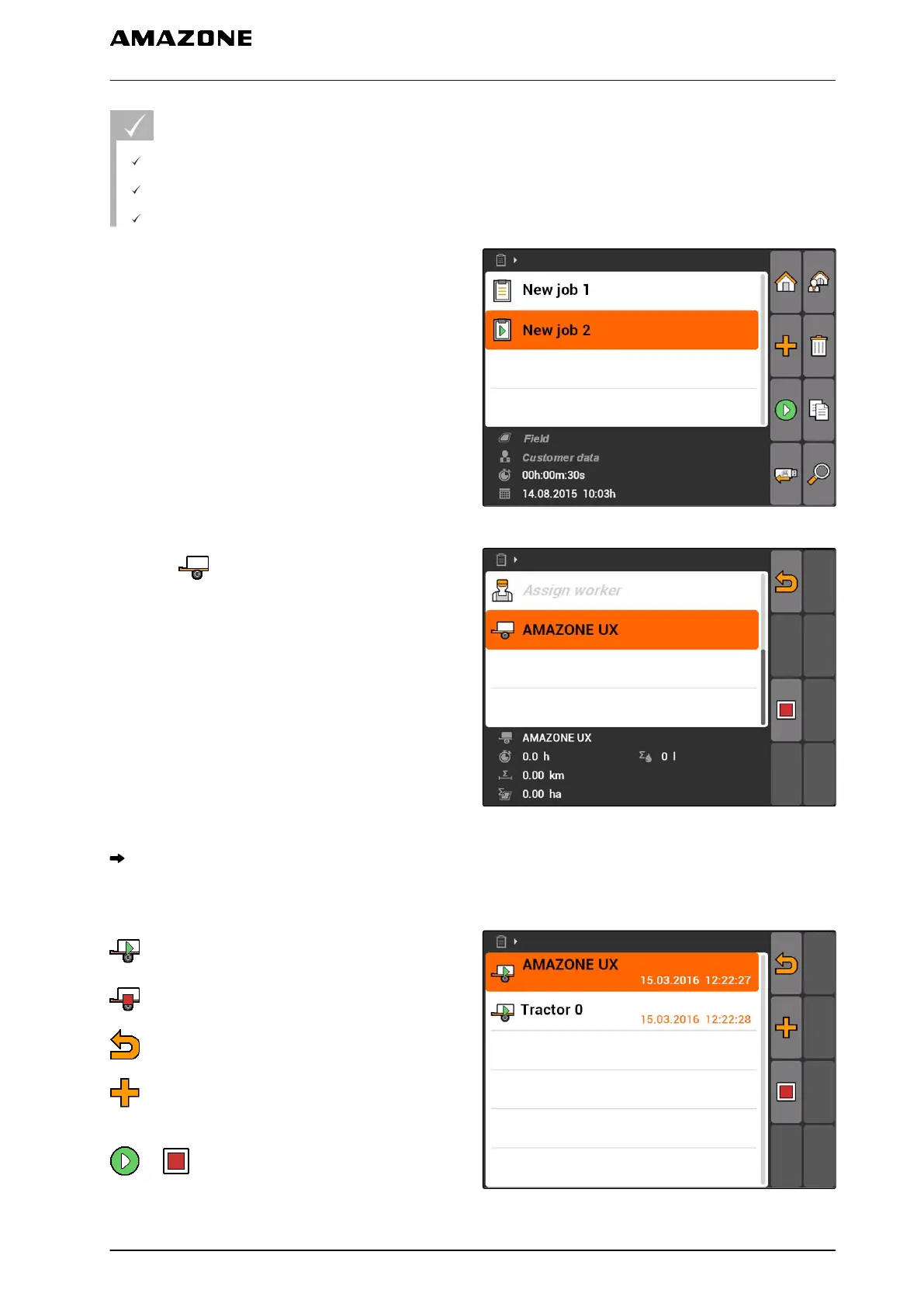
1. Select "Jobs" > Started job.
CMS-I-002082
2. select .
CMS-I-002324
The "Implement assignment" menu will be
opened. The already assigned implements and
tractors will be shown.
: Working time recording started
: Working time recording stopped
: Opens the selected job
: Opens the menu with the selectable implements
and tractors
or : Start or stop the working time recording
for the selected implement or the selected tractor
CMS-I-001613
10 | Using the job management
Editing jobs
MG5560-EN-II | E.1 | 21.04.2020
61



 To Next Page