REQUIREMENTS
For AMABUS implements and manual
implements:
The AMABUS implement or manual implement
is configured, see page 42
For ISOBUS implements:
The ISOBUS implement is connected
AMABUS and ISOBUS implements
The recording of the worked areas starts when the
part-width sections are manually switched on, and
stops when the part-width sections are manually
switched off.
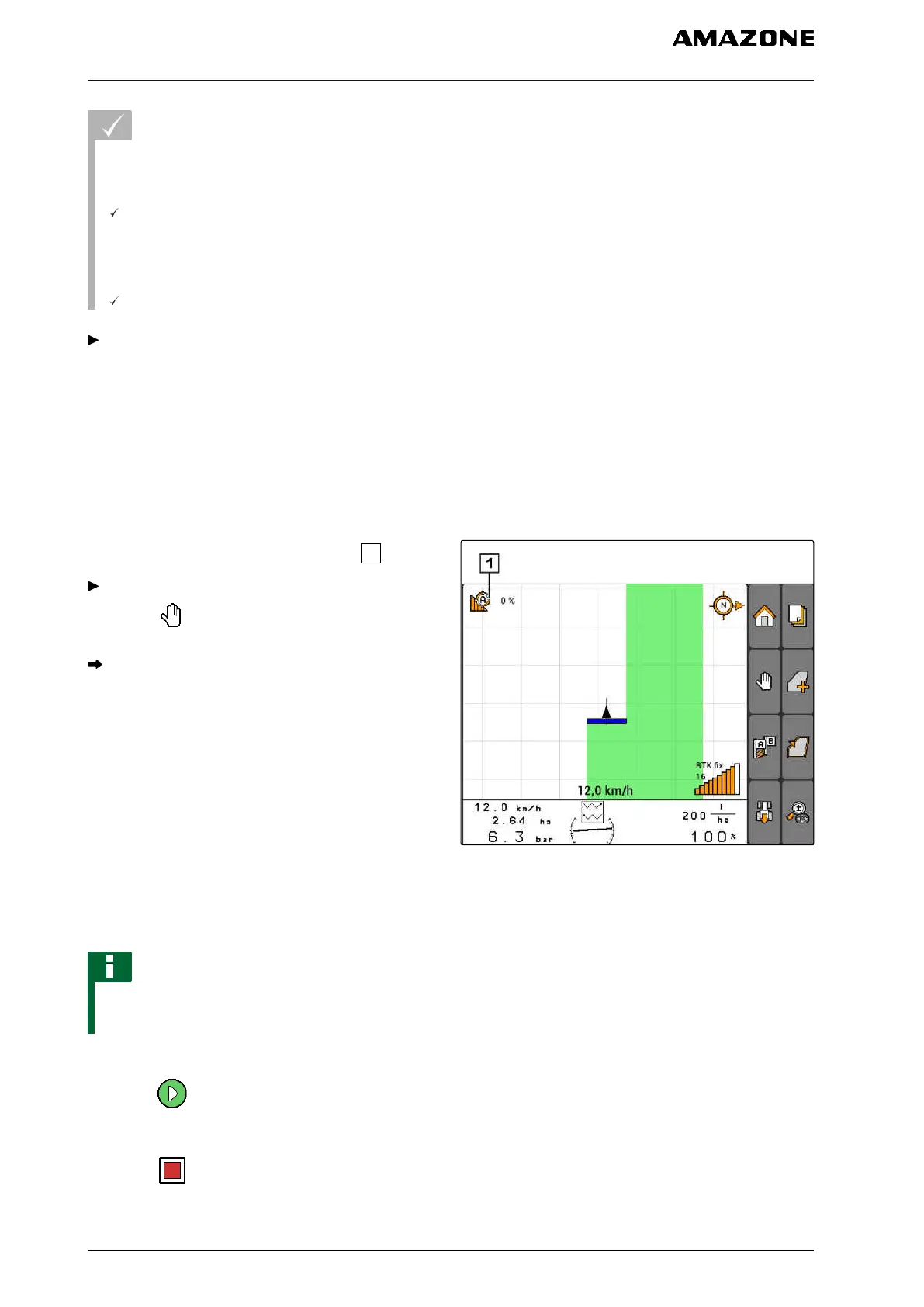
The activated mode is shown on the map
.
If automatic mode is activated,
select in the GPS switch menu.
Manual mode is enabled. The part-width sections
must be switched manually.
CMS-I-002000
Manual implements
NOTE
For manual implement, the recording must also
be manually started and stopped.
1. To start the recording,
select in the GPS switch menu
2. To stop the recording,
select in the GPS switch menu.
CMS-T-005666-A.1
CMS-T-005671-A.1
11 | Using the GPS switch
Using part-width section control
MG5560-EN-II | E.1 | 21.04.2020
110



 To Next Page