REQUIREMENTS
AMABUS implement is connected
The AMATRON 3 is started in AMABUS mode,
see page 15
AMABUS implement is selected in the
implement menu, see page 45
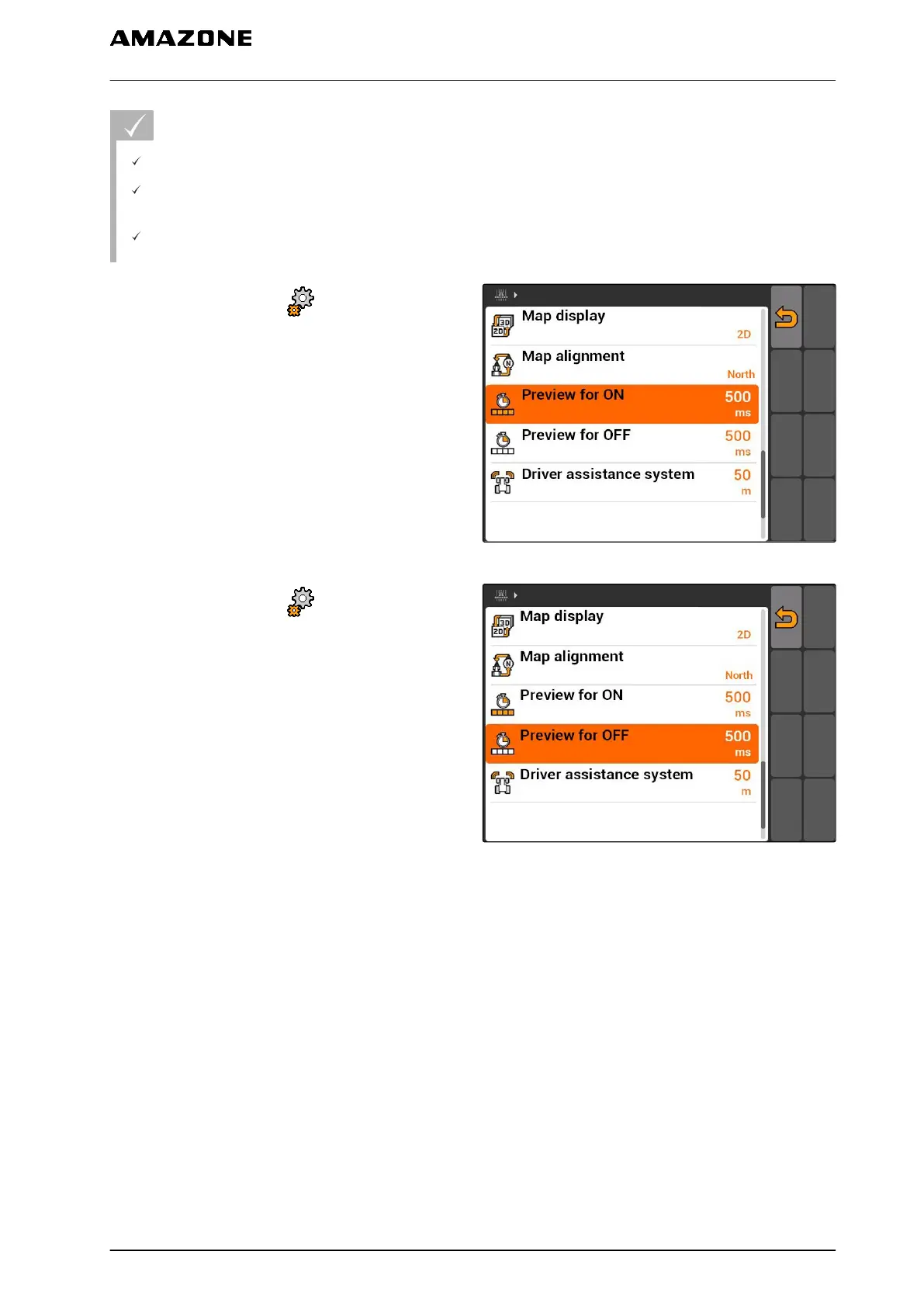
1. Select "GPS switch" > > "On/off point delay
for ON".
2. Enter the determined on/off point delay.
CMS-I-002233
3. Select "GPS switch" > > "On/off point delay
for OFF".
4. Enter the determined on/off point delay.
CMS-I-002237
11 | Using the GPS switch
Entering the basic settings for GPS switch
MG5560-EN-II | E.1 | 21.04.2020
89



 To Next Page