6.1 Setting and Checking Instrument Data
6-5
6
Setting Operating Environment
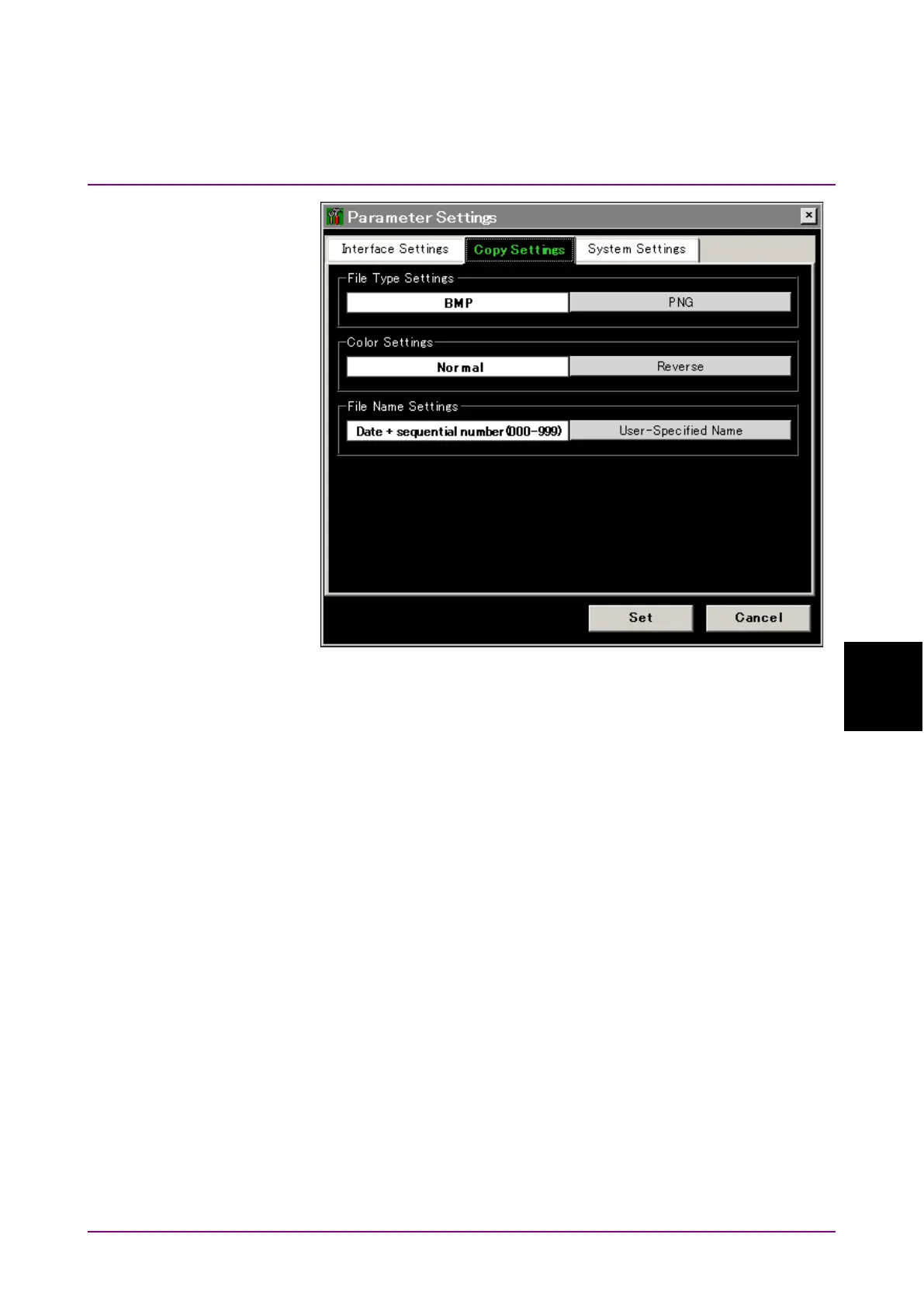
Figure 6.1.1-2 Copy Setting Dialog Box
To set and check the operation sounds:
1. Press
f3 System Settings
.
The dialog box shown in Figure 6.1.1-3 is displayed.
Beep Sound Settings:
This sets the operation sounds on and off using arrow keys.
On:
Operation sound at message display
Off:
No operation sound at message display
2. Press
f7 Set
to change the operation sounds.














 To Next Page