Chapter 6 Setting Operating Environment
6-14.
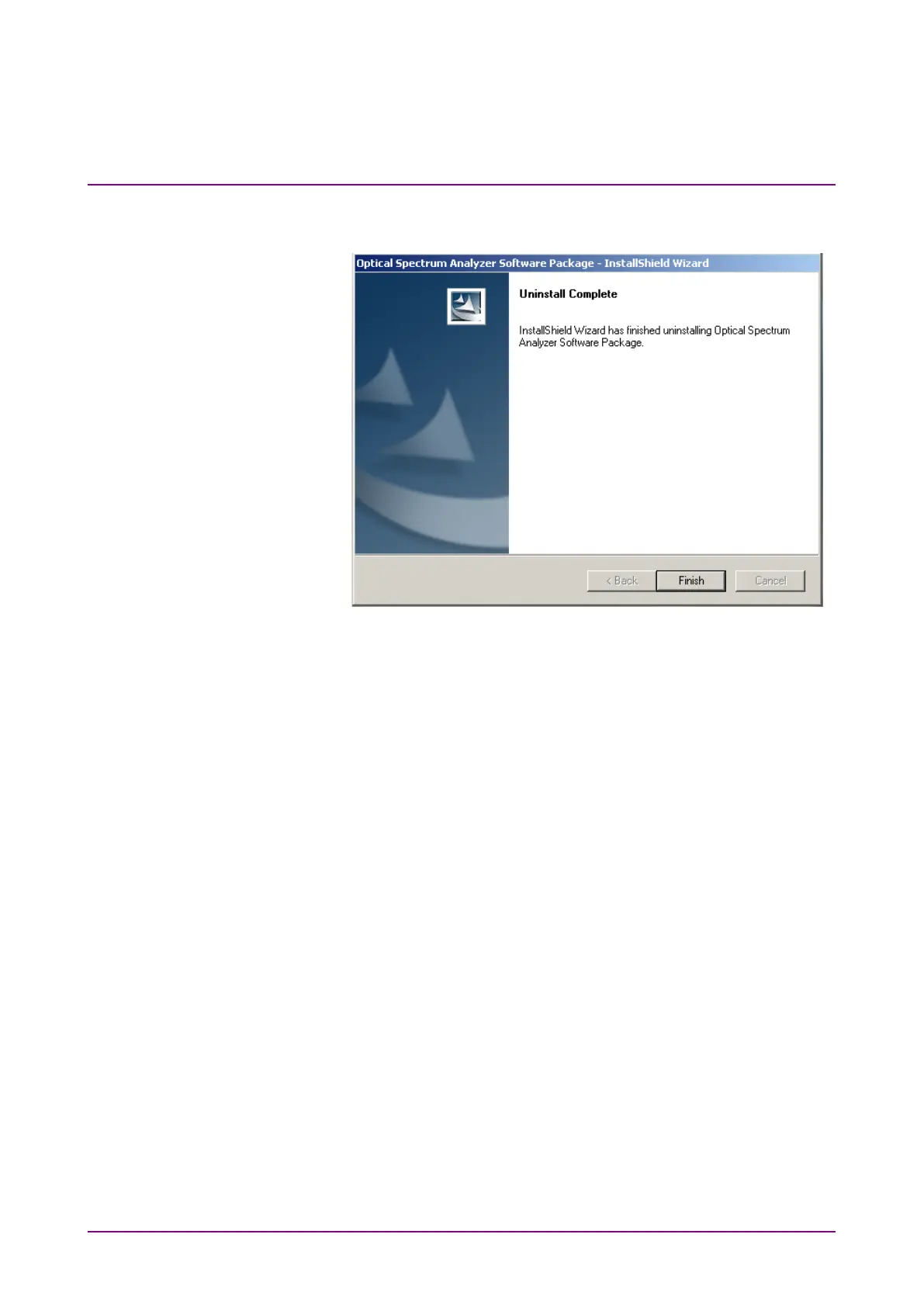
4. The message is displayed after uninstallation is completed.
Select Finish and press
Enter
.
5. Display the USB memory folder (E:\Anritsu
Corporation\Optical Spectrum Analyzer\Install).
6. Double-clicking Setup.exe starts installation.
7. After installation is complete, the power is turned off
automatically.
8. Turn on the power again.














 To Next Page