6.3 Updating Software
6-13
6
Setting Operating Environment
Note:
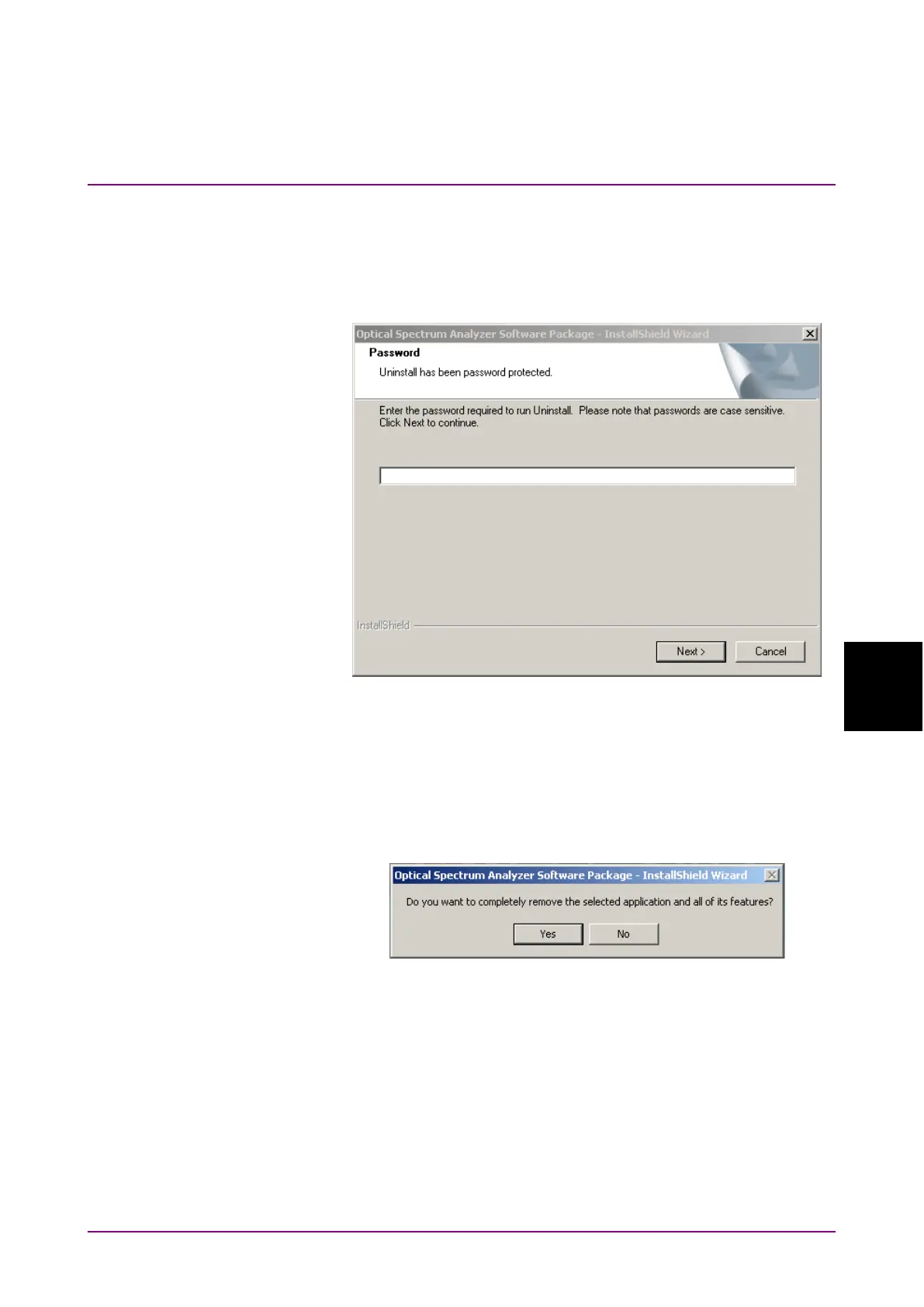
1. When the software version saved in the USB memory for
installation is the same as the currently installed software
version, pressing
f1 Install
displays the password inputting
window.
2. When installation is continued, enter “ms9740a_osa” using the
key board. Select
Next using the key board or mouse and press
Enter
.
When terminating installation, select
Cancel and press
Enter
.
3. The confirmation window for software uninstallation is
displayed. Select
Yes and press
Enter
.














 To Next Page