7.4 Optical Connector/Optical Adapter Cleaning
7-11
7
Performance Test and Maintenance
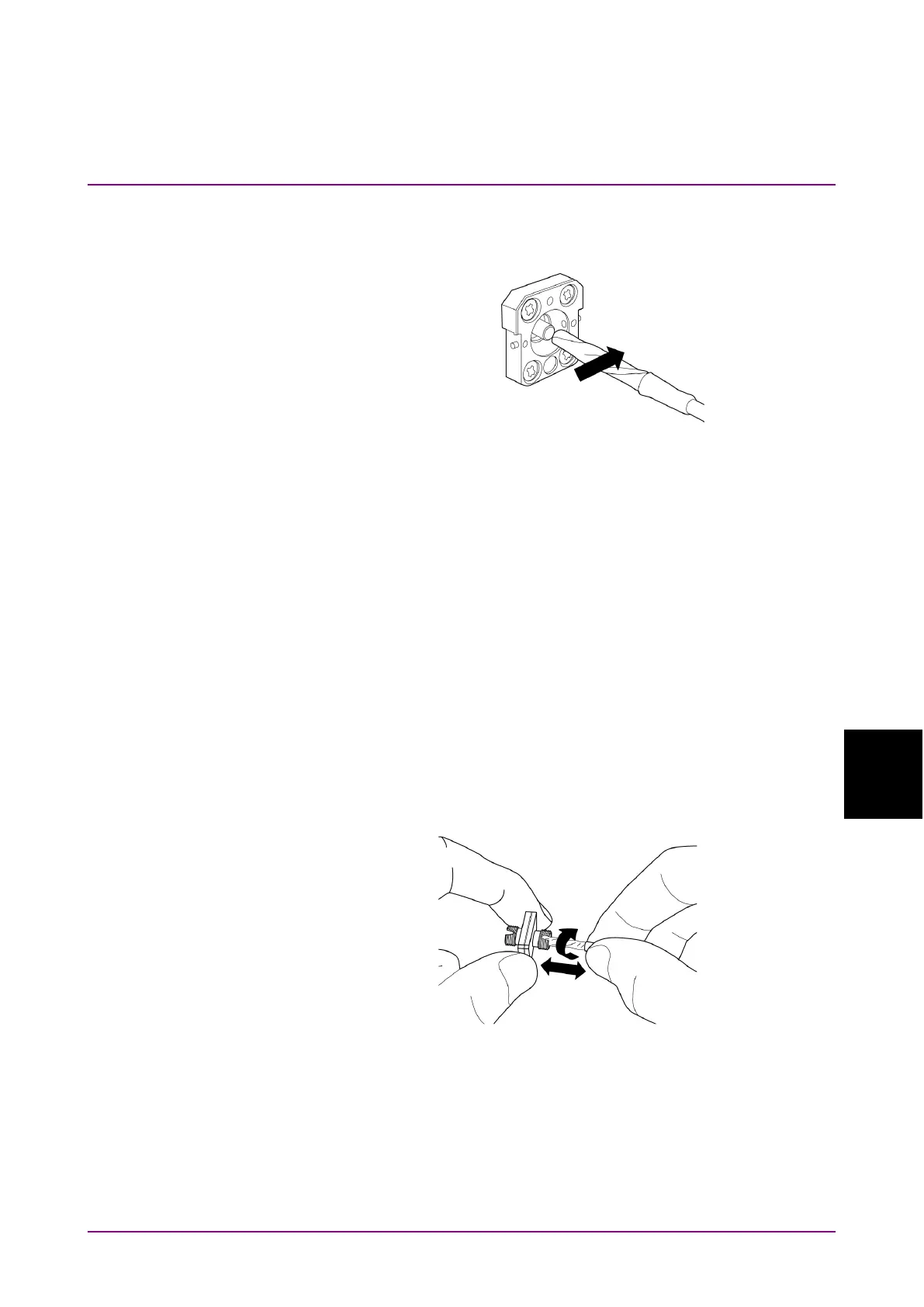
3. Press the tip of a new (dry) adapter cleaner into the ferrule end
surface and then wipe in one direction 2 or 3 times to dry the surface.
Figure 7.4-3 Cleaning the Ferrule End Surface 3
4. Clean the adapter interior with adapter cleaner.
(Refer to “Cleaning the Optical Adapter” below.)
5. Attach the adapter in the reverse order. Be careful not to scratch the
ferrule end surface.
Cleaning the Optical Adapter
Use an approved adapter cleaner to clean the optical adapter for
connecting to the optical fiber fable. Although the following procedures
use the FC connector and adapter as an example, use the same methods
when cleaning other connector and adapter types.
Insert adapter cleaner into the split sleeve of the optical adapter. Rotate
the adapter cleaner in one direction while moving it back and forth.
Figure 7.4-4 Cleaning the Ferrule End Surface 4
Note:
Check the ferrule diameter and use a cleaner only for the 1.25 mm
or 2.5 mm adapter.














 To Next Page