360 Part III Distribution and Backup
When you choose a theme, the Book Layout Editor provides a professionally designed
set of master pages that determine how you mix text and images on the page. For
example, you can choose among master pages that create a cover page, pages of text
in columns of various sizes, pages of images in different arrangements, and pages with
different combinations of images and text. You’ll find master pages provide a fast and
convenient method for quickly laying out a book.
When you first create a book album in the Projects panel, Aperture automatically
creates a default set of pages for you. You then use the Book Layout Editor to format
your pages and create any additional pages you need.
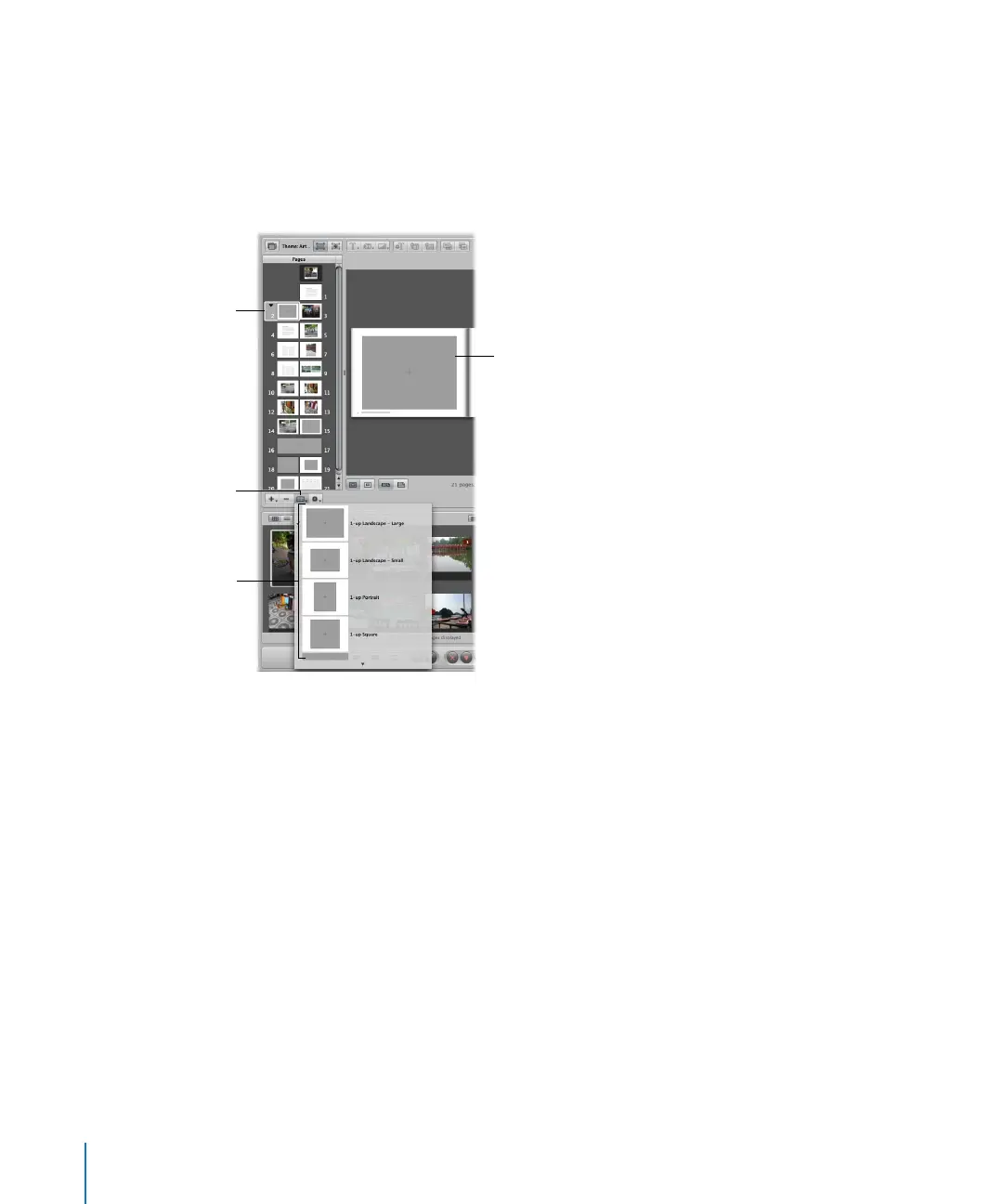
Selected page
Choose a master
page design from the
Set Master Page
pop-up menu.
Choose the master page
design you want here.
The new page format
appears here. You can drag
images into the gray photo
boxes that appear on pages.





 To Next Page