Activating AttitudeControl in flight
60. Just don't go too high from the beginning as this can cause a very hard and abrupt
reaction of the system, maybe harder than your helicopter likes!
The LED display on the MICROBEAST PLUS shows whether AttitudeControl is active
and how high the gain is. When the switch channel is moved into the OFF direction the
Menu-LED A will light up and flash. In this case AttitudeControl is deactivated. Here it
doesn‘t matter how big the deflection of the channel is as only the sign of the deflection
determines whether AttitudeControl is on or off. When activating AttitudeControl and
the throw of the channel is 100%, the LED N will light up. Adjust the deflection of this
channel, i.e. by reducing the servo throw in the transmitter, so that the Menu-LEDs lights
up next to point G lights up (usually at 50% as described above).
Menu-
LED
A (flashing) B C D E F G H I J K L M N
Atti-
tude-
Con-
trol
gain
- 8% 16% 24% 32% 40% 48% 56% 64% 72% 80% 88% 96% 100%
Aux-
iliary
chan-
nel
-100 -96 -88 -80 -72 -64 -56 -48 -40 -32 -24 -16 -8 0 8 16 24 32 40 48 56 64 72 80 88 96 100
Atti-
tude-
Con-
trol
Status
off on
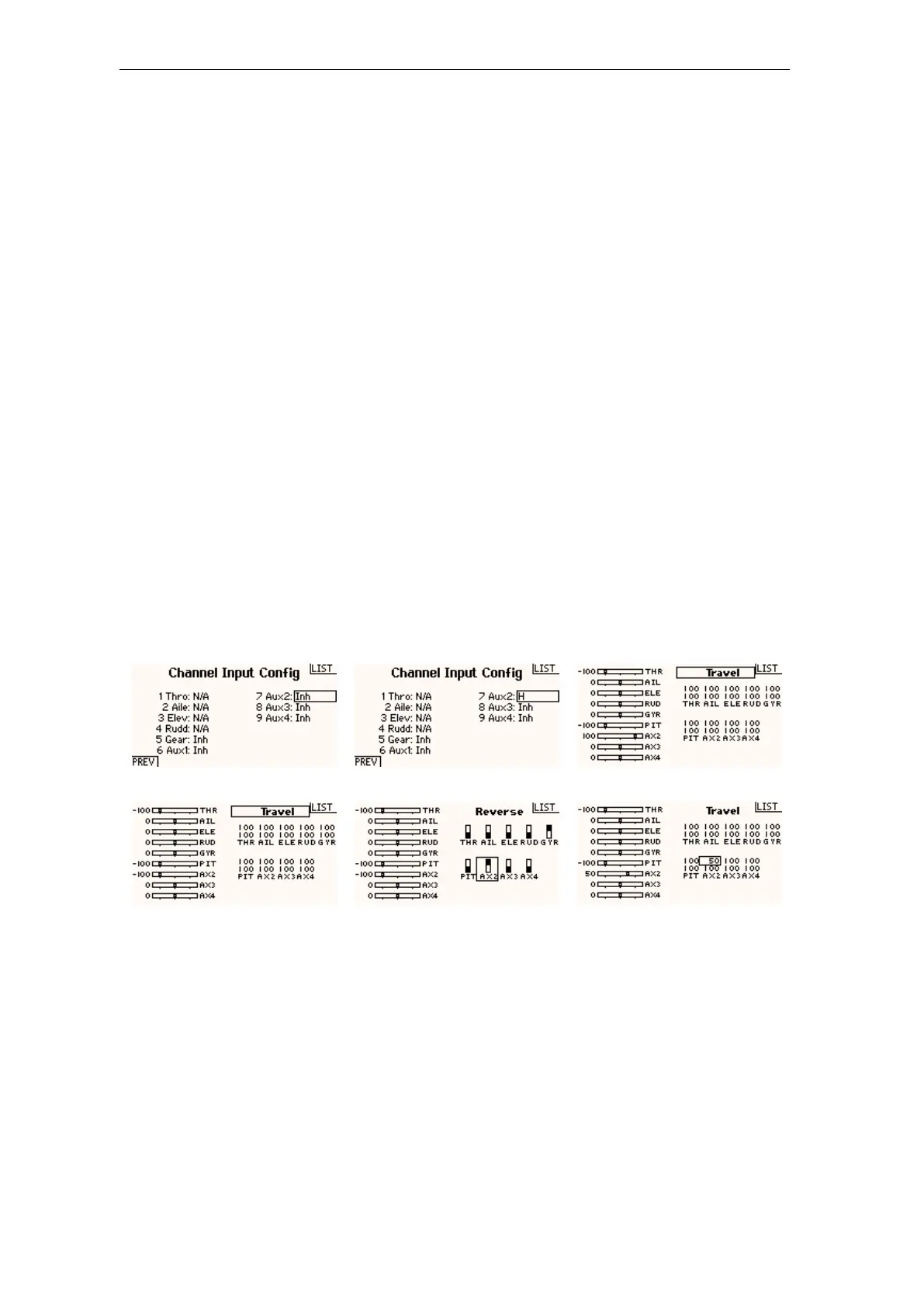
Programming example Spektrum radio
Figure 129 Figure 130 Figure 131
Assign a switch to the AttitudeControl channel... ... here we use switch H assigned to Aux2 (channel 7) In the servo monitor you can see how the switch changes the output
of gyro channel. +100% = AttitudeControl on
Figure 132 Figure 133
Figure 134
-100% = AttitudeControl off If you like to inverse the switch direction just reverse the Attitude-
Control channel in your transmitter
For the beginning reduce the output of the AttitudeControl channel
to apprx. 50% in the direction where AttitudeControl is activated.
This will set attitude gain to 50%.
265



 To Next Page