Decorative Stitches
104
> To alter the length of the stitch pattern tips, tap «Minus» in the lower right area of the display or «Plus».
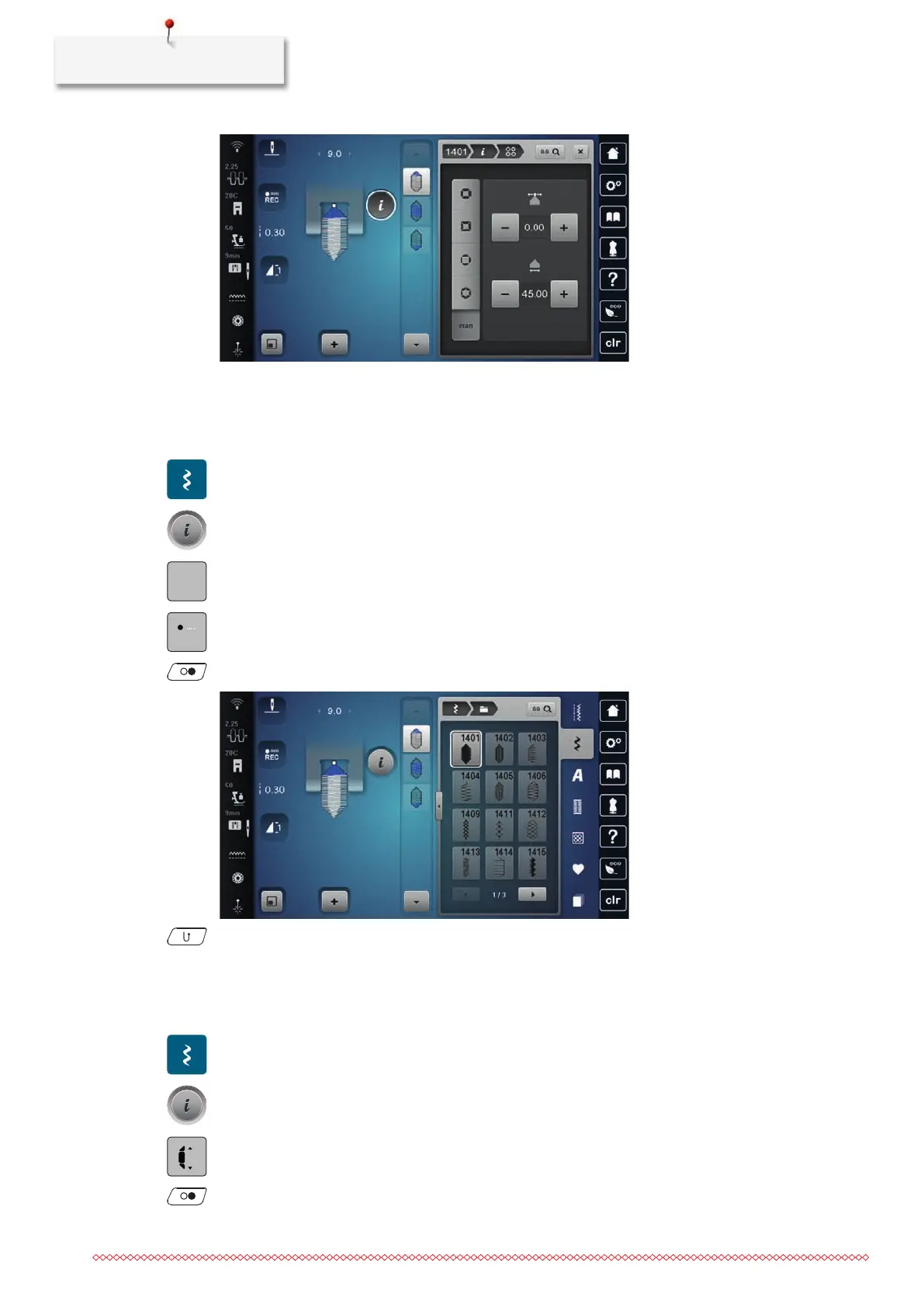
Sewing Tapering
Alterations to the selected stitch pattern are saved automatically. In Manual Mode, the alterations are
discarded after the stitch pattern is selected again.
> Tap «Decorative Stitches».
> Select a stitch pattern of the Category1400.
> Tap «i-Dialog».
> In order to not save alterations to the stitch pattern, tap «Manual Tapering».
> In order to save alterations to the stitch pattern automatically, tap «Programming the Length of Section
2».
> To start sewing, press the button «Start/Stop» or operate the foot control.
> Press the button «Quick Reverse» as soon as the desired length in the center section of the tapering is
reached.
– The machine sews the whole stitch pattern and stops automatically.
Sewing tapering automatically
> Tap «Decorative Stitches».
> Select a stitch pattern of the Category1400.
> Tap «i-Dialog».
> Tap «Adjusting Lengths».
> To adjust the length, turn the «Upper Multi-function Knob» or «Lower Multi-function Knob».
> To start sewing, press the button «Start/Stop» or operate the foot control.
– The machine sews the whole stitch pattern and stops automatically.



 To Next Page