My BERNINA
27
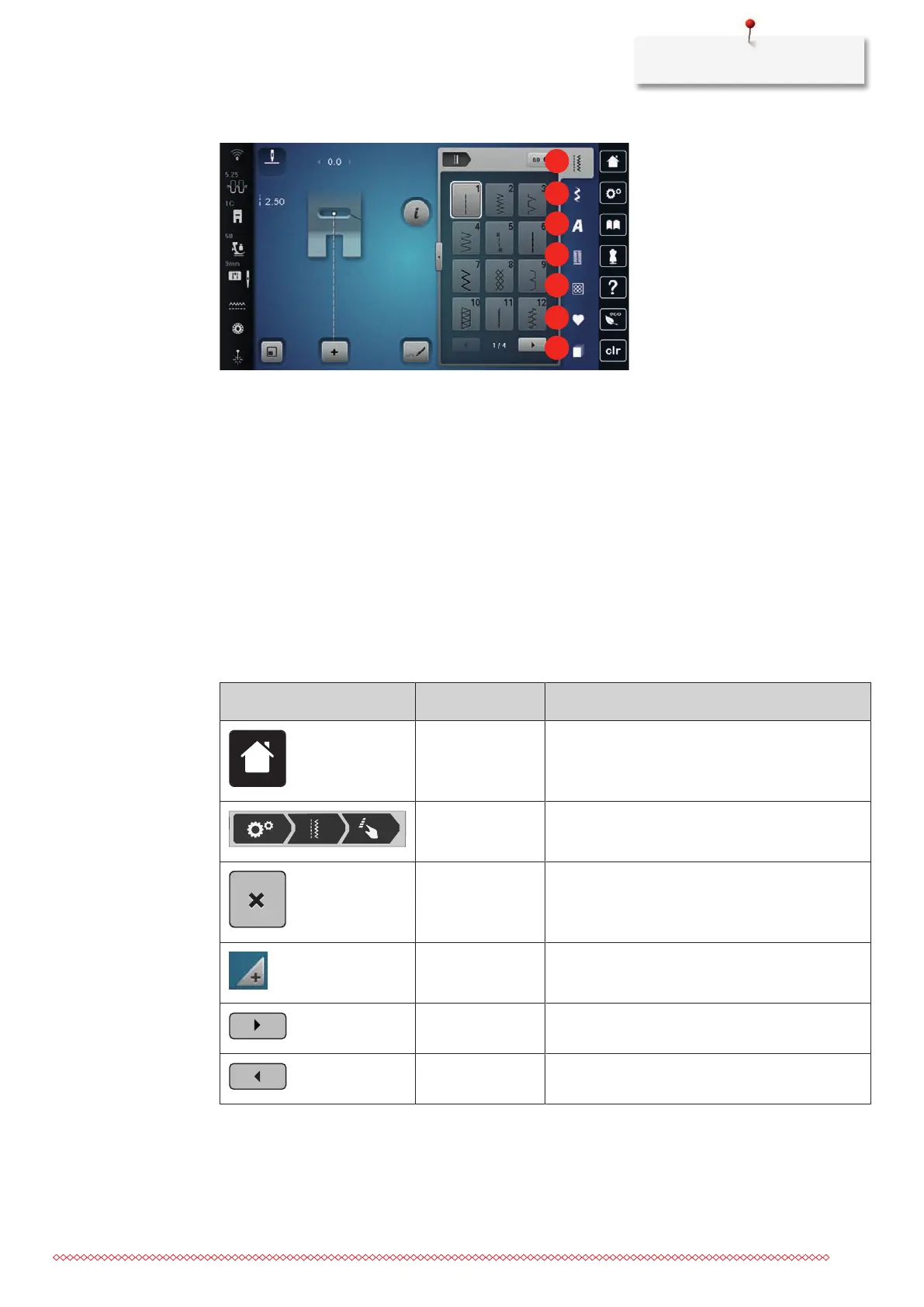
Overview Selection Menu Sewing
1 «Practical Stitches» 5 «Quilt Stitches»
2 «Decorative Stitches» 6 «Personal Memory»
3 «Alphabets» 7 «History»
4 «Buttonholes»
Software Operation
The touch-sensitive display can be operated with the finger or touchpen.
Tap: Short tap of an element.
Swipe: Tap an element and swipe quickly on the display.
Draw: Tap the display and slowly move in one direction, eg. for scrolling up and down.
Navigation
Illustration Name Purpose
«Home» Show Home screen.
Navigation Path Show a previous menu level.
«Close» Close the window.
More Show more features or information.
Continue Scroll to next display.
Back Scroll to previous display.



 To Next Page