BERNINA Stitch Regulator (BSR)
128
> Move the fabric to control the speed of the machine in the BSR Mode.
> To stop the BSR Mode, push the button «Start/Stop» again or release the foot control.
– The BSR Mode stops and the red light at the presser foot goes off.
> To deactivate the BSR Mode and to quilt without automatic stitch lengths, tap «BSR Mode».
11.8 Securing Stitches
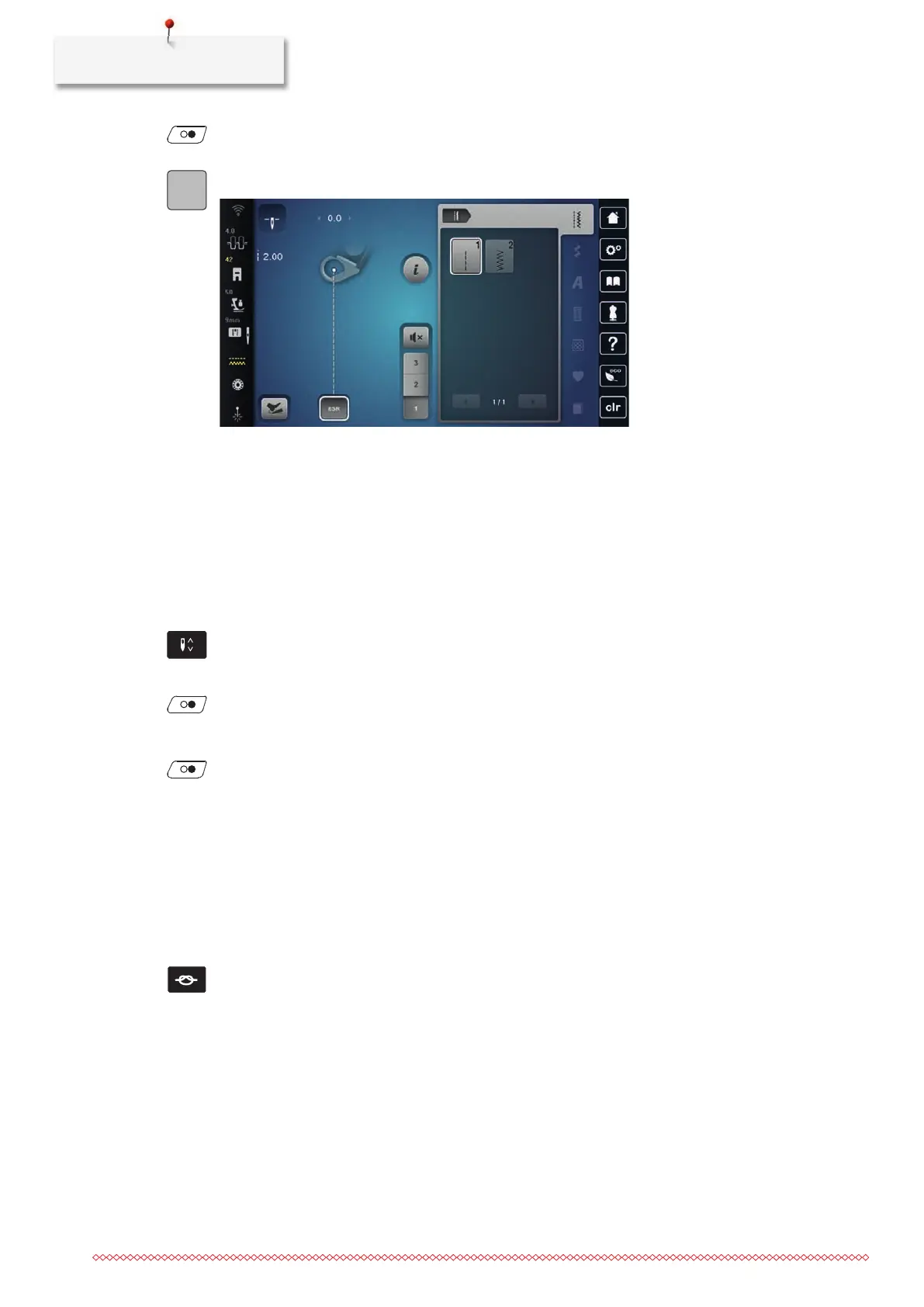
Securing in BSR1 Mode with the Button «Start/Stop»
• The BSR presser foot is fitted and connected to the machine.
• The BSR display opens and a BSR1 Mode is active.
> Lower the feed dog.
> Lower the presser foot.
> Push the button «Needle position Up/Down» 2x.
– The bobbin thread is brought up.
> Hold the upper and the bobbin thread.
> Push the button «Start/Stop».
– Start the BSR Mode.
> Sew 5–6securing stitches.
> Push the button «Start/Stop».
– The BSR Mode stops.
> Cut the thread.
Securing in BSR2 Mode
• The BSR presser foot is fitted and connected to the machine.
• The BSR display opens and a BSR2 Mode is active.
> Lower the presser foot.
> Push the button «Securing Stitches».
> Press the foot control or push the button «Start/Stop».
By moving the fabric some short securing stitches are sewn, then the programmed stitch length is activated
and the securing function is deactivated automatically.
11.9 Using the KickStart Function
The KickStart function enables quilting without keeping the foot control pressed.
• The BSR Presser Foot is fitted and connected to the machine.
• The BSR display opens and a BSR Mode is active.



 To Next Page