Setup Program
51
3 Setup Program
3.1 Sewing Settings
Adjusting the Upper Thread Tension
Changes to the upper thread tension in the Setup Program affect all of the stitch patterns. The setting in the
setup is retained after the machine is switched off.
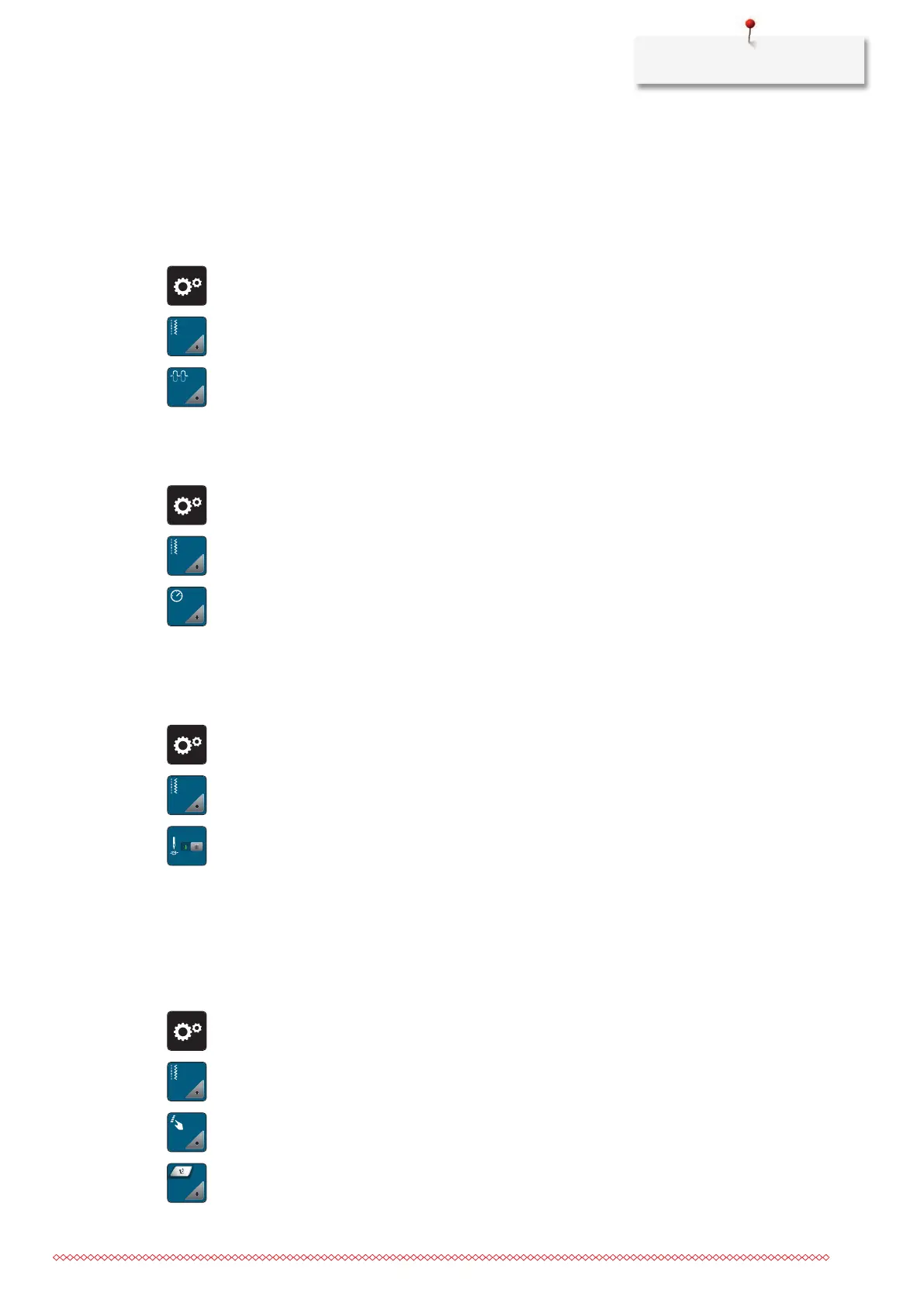
> Tap «Setup Program».
> Tap «Sewing Settings».
> Tap «Adjusting the Upper Thread Tension».
> Adjust the upper thread tension.
Adjusting the Maximum Sewing Speed
The maximum speed can be reduced by this function.
> Tap «Setup Program».
> Tap «Sewing Settings».
> Tap «Maximum Sewing Speed».
> Set the maximum sewing speed.
Programming Securing Stitches
If the function is switched on, 4 securing stitches are automatically sewn at the start of the pattern after the
thread cut.
> Tap «Setup Program».
> Tap «Sewing Settings».
> Switch «Securing Stitches at the Start of the Pattern» on or off.
Adjusting the Hovering Height of the Presser Foot
The hovering height of the presser foot can be adjusted according to the fabric thickness from 0 to maximal
7mm.
Set hovering height = fabric thickness + required clearance between the fabric and the presser foot in the
floating position.
> Tap «Setup Program».
> Tap «Sewing Settings».
> Tap «Programming Buttons and Icons».
> Tap «Programming the Hovering Height of the Presser Foot».
> Adjust the distance between the fabric and the presser foot.



 To Next Page