My BERNINA Embroidery
133
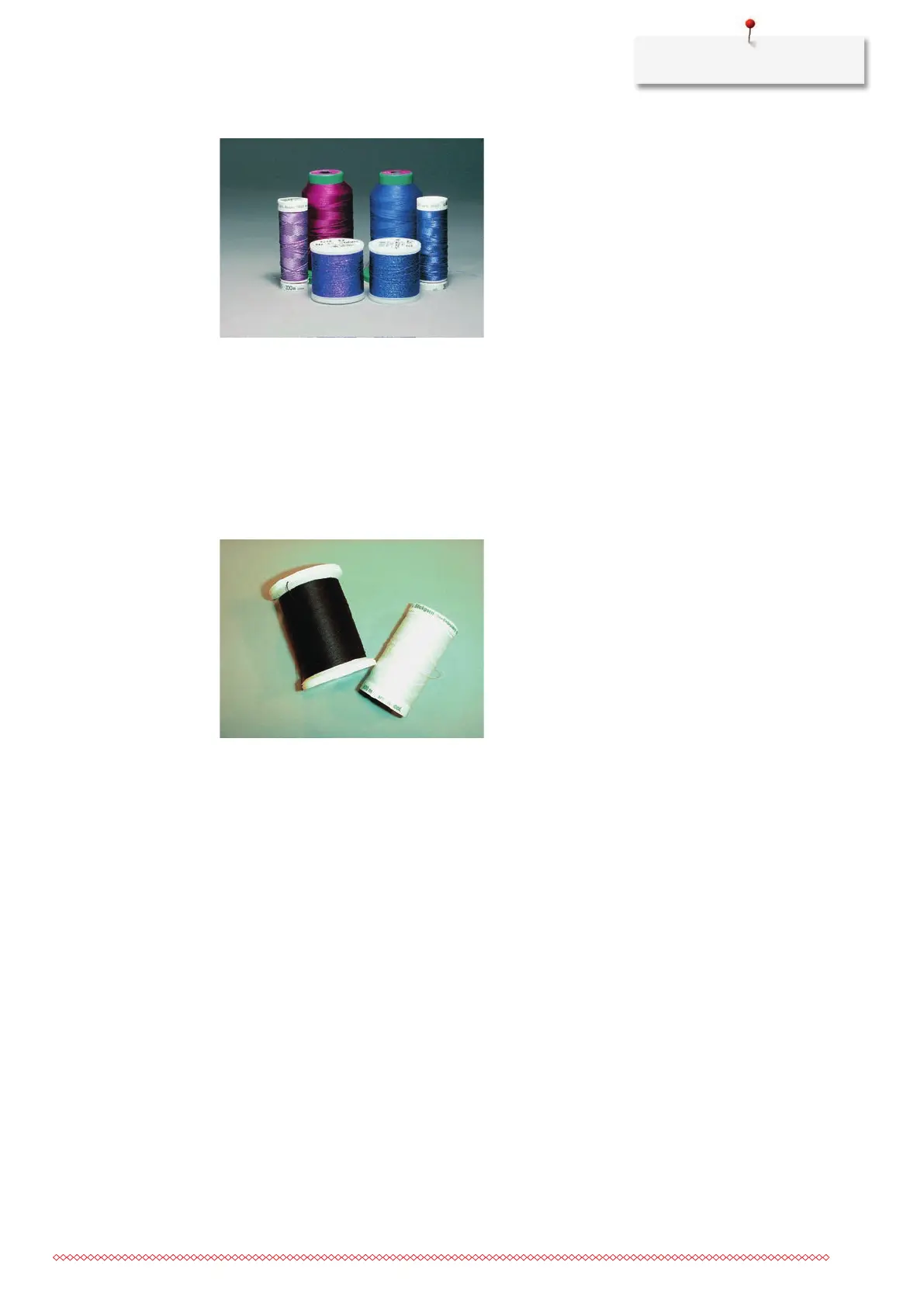
• When using metallic threads, the speed and the upper thread tension should be reduced.
Bobbin Thread
In most cases black or white bobbin thread is used for embroidering. When both sides should have the same
look, it is recommended to use the same color for bobbin and upper thread.
• Bobbin Fill is an especially soft and light polyster thread which is suited to be used as bobbin thread. This
special bobbin thread ensures a steady thread tension and an optimal intertwining of the upper and
bobbin thread.
• Darning and embroidery threads are fine mercerized cotton threads which are suitable for embroidery on
cotton.
Selecting the Embroidery File Format
In order that embroidery designs can be read by the BERNINA embroidery machine, they have to be created
by the BERNINA Embroidery Software and exported as EXP file. In addition to the actual embroidery file, a
BMP file and an INF file are also generated. The BMP file allows a preview of the embroidery design and the
INF file provides the information on the thread colors. Note: If the INF file is missing, the embroidery design
cannot be displayed in the real color but only in standard colors. In this case, the colors can be entered
manually in the color overview of the motif on the machine.
Additionally, following embroidery formats can be read by the machine: PES, PEC, XXX, PCS, JEF and DST.
BERNINA International AG doesn't warrant that embroidery designs which have not been created or
converted by the BERNINA Embroidery Software can be correctly read and embroidered.
Embroidery Test
For the embroidery test, always use the original material reinforced with the same stabilizer as will be used
later. For the embroidery test it is recommended to use the same colors, threads and needles which are
planned to be used for the embroidery project.
The Size of the Embroidery Design
Embroidery designs can be enlarged or downsized on the embroidery machine or on the PC using the
BERNINA Embroidery software (optional accessory). Scaling up/downsizing in a range of +/- 20 % provides
the best results.



 To Next Page