Setup Program
53
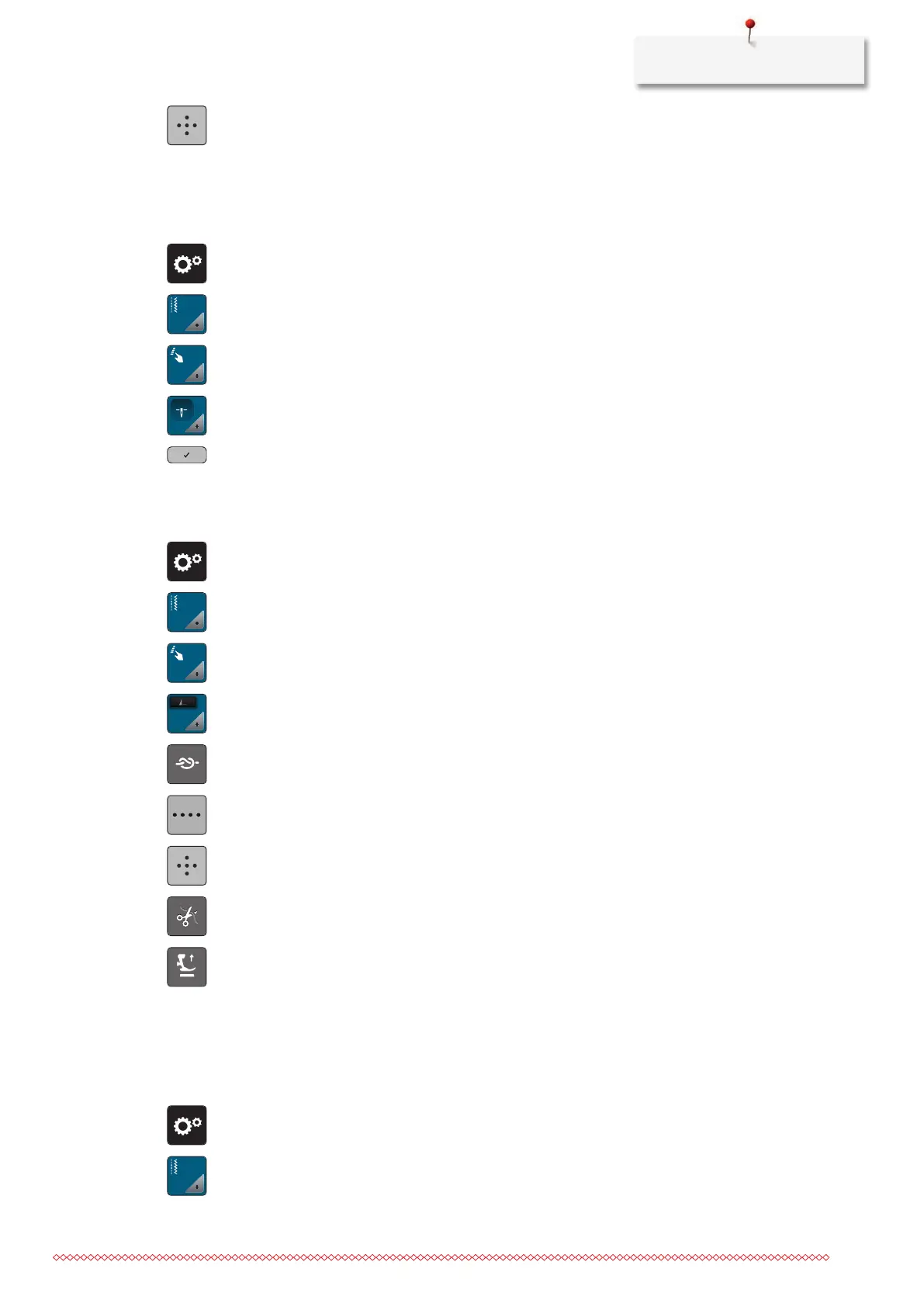
> To program 4 securing stitches in place, tap «Securing Stitches in Place».
Adjusting the Presser Foot Position with Needle Stop Down
With lowered needle, 3 different presser foot position can be selected: the presser foot lowered, the presser
foot is raised to hovering position and the presser foot is raised to its maximum height.
> Tap «Setup Program».
> Tap «Sewing Settings».
> Tap «Programming Buttons and Icons».
> Tap «Pressure Foot Position with Needle Stop Down».
> Select the desired presser foot position.
Programming the Button «Pattern End»
The presser foot can be positioned, the thread cut and the automatic securing can be programmed.
> Tap «Setup Program».
> Tap «Sewing Settings».
> Tap «Programming Buttons and Icons».
> Tap «Programming the Button Pattern End».
> To activate the automatic securing, tap «Securing Stitches».
> To deactivate automatic securing, tap «Securing Stitches» again.
> To program subsequent securing stitches, tap «Securing Stitches in Close Succession».
> To program the number of subsequent securing stitches, tap «Plus» or «Minus».
> To program 4 securing stitches in place, tap «Securing Stitches in Place».
> To deactivate the automatic thread cut after securing, tap «Automatic Thread Cutter».
> To activate the automatic thread cut after securing, tap «Automatic Thread Cutter» again.
> To keep the presser foot in lowered position, tap «Raise the Presser Foot».
> To raise the presser foot after securing, tap «Raise the Presser Foot» again.
Programming the Foot Control
If «Needle Up/Down» is activated, the needle is raised or lowered with the back-kick on the foot control.
Alternatively, the presser foot can be positioned, the thread can be cut and the automatic securing can be
programmed.
> Tap «Setup Program».
> Tap «Sewing Settings».



 To Next Page