Setup Program
52
Programming the Button «Thread Cutter»
The automatic securing can be programed before the thread cut takes place.
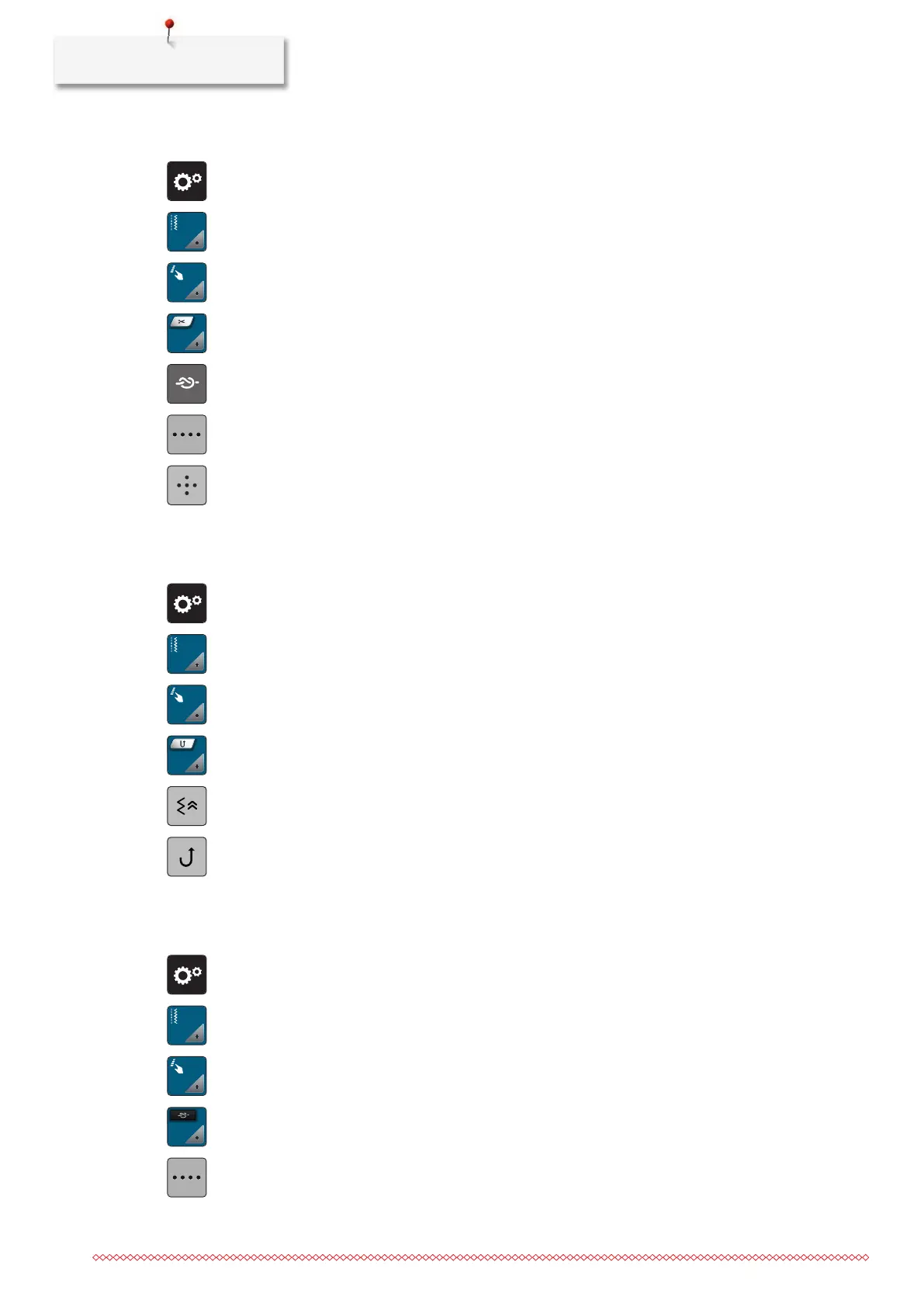
> Tap «Setup Program».
> Tap «Sewing Settings».
> Tap «Programming Buttons and Icons».
> Tap «Programming the Button Thread Cutter».
> To activate the automatic securing, tap «Securing Stitches».
> To deactivate automatic securing, tap «Securing Stitches» again.
> To program subsequent securing stitches, tap «Securing Stitches in Close Succession».
> To program the number of securing stitches, tap «Minus» or «Plus».
> To program 4 securing stitches in place, tap «Securing Stitches in Place».
Programming the Button «Quick Reverse»
It can be either chosen «Reverse Sewing» or «Backstepping».
> Tap «Setup Program».
> Tap «Sewing Settings».
> Tap «Programming Buttons and Icons».
> Tap «Programming the Button Quick Reverse».
> To set the stitch-precise reverse sewing, tap «Back Stepping».
> To set the reverse sewing, tap «Permanent Reverse Sewing».
Programming the Button «Securing»
The number and type of securing stitches can be programmed.
> Tap «Setup Program».
> Tap «Sewing Settings».
> Tap «Programming Buttons and Icons».
> Tap «Programming the Button Securing».
> To program subsequent securing stitches, tap «Securing Stitches in Close Succession».
> To program the number of securing stitches, tap «Minus» or «Plus».



 To Next Page