Creative Embroidering
168
15.10 Embroidering the Embroidery Design
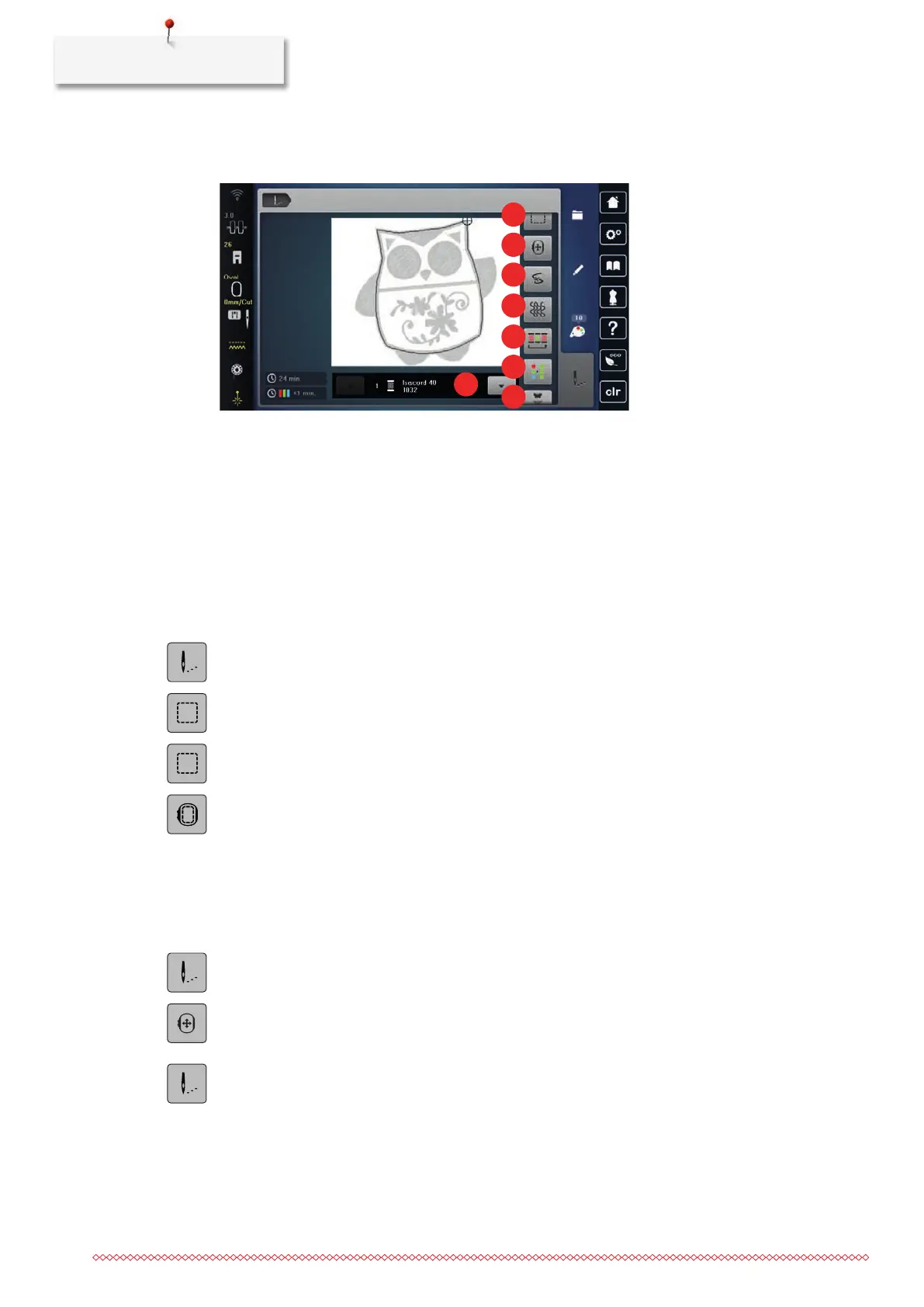
Overview Selection Menu Embroidering
1 «Basting» 5 «Reduce Color Changes»
2 «Move the Hoop» 6 «Multi-colored Embroidery Design On/Off»
3 «Embroidery Sequence Control» 7 «Endless Embroidery»
4 «Quilt Settings» 8 «Color Indication»
Adding Basting Stitches
The basting stitches can be embroidered along the embroidery design. This provides a stronger connection
between the fabric and the stabilizer.
> Select the embroidery design.
> Tap «Embroidery».
> To embroider the basting stitches along an embroidery design, tap «Basting».
> To embroider the basting stitches along an embroidery design, tap «Baste along the Embroidery Design».
> To deactivate the basting stitches, tap «Base along the Hoop».
Moving the Hoop
If the embroidery design is so big that repeated rehooping is necessary, the embroidered design can be
moved again.
> Select the embroidery design.
> Tap «Embroidery».
> Tap «Move the Hoop».
> Turn the «Upper Multi-function Knob» to move the embroidery design horizontally.
> Turn the «Lower Multi-function Knob» to move the embroidery design vertically.
> To accept the settings, tap «Embroidery» in the Process Navigation.
Embroidery Sequence Control When Thread Breaks
If the thread breaks, the needle can be repositioned in the embroidery design using the function Embroidery
Sequence Control.
> Select the embroidery design.



 To Next Page