Creative Embroidering
160
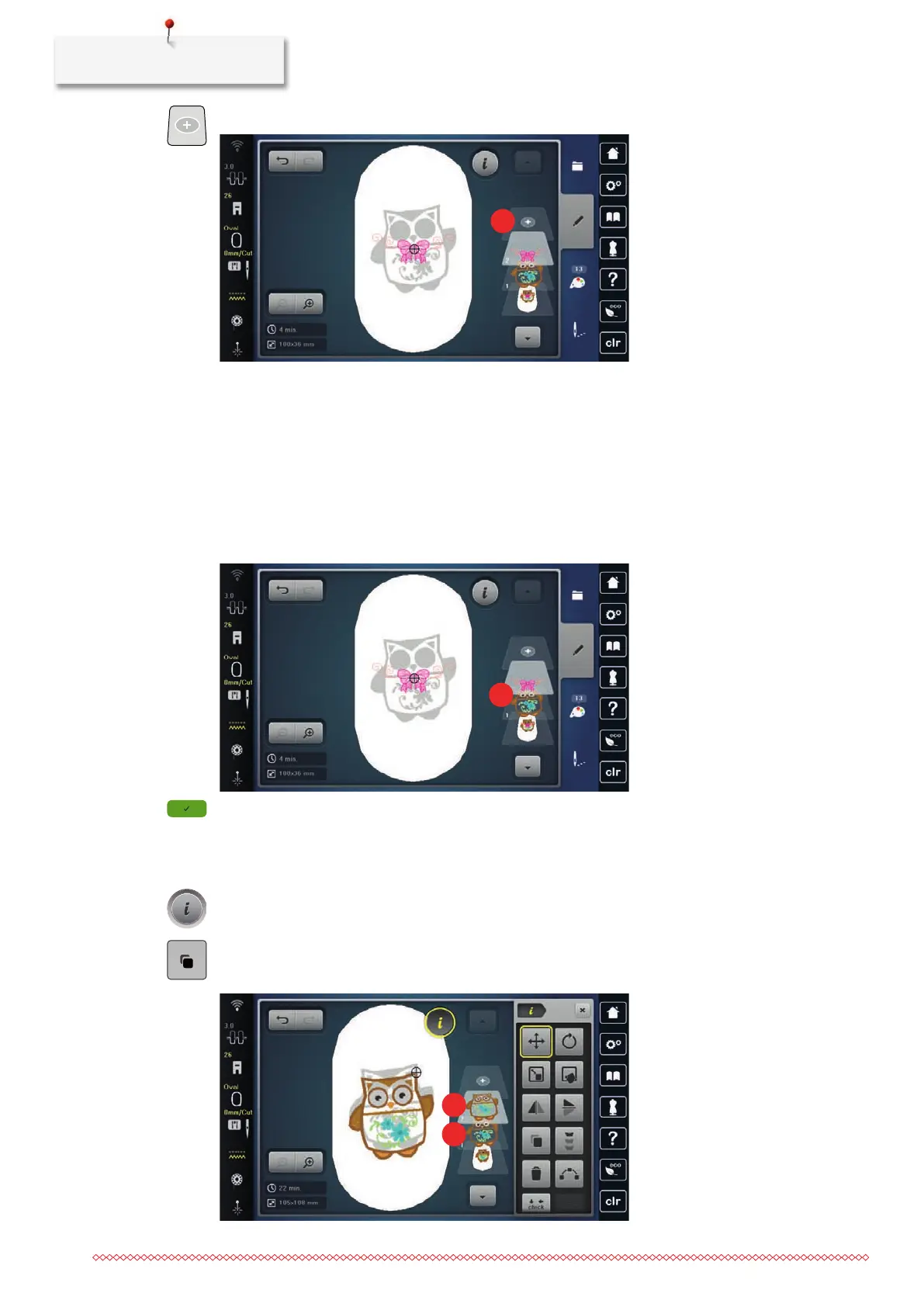
> Tap «Adding an Embroidery Design».
> Select another embroidery design.
Deleting a Single Embroidery Design
• A combination of embroidery designs has been created.
> Tap the desired embroidery design in the area of the embroidery design level(1), keep it touched and
drag it outwards.
– A new window opens.
> To delete the selected embroidery design, tap «Confirm».
Duplicating the Embroidery Design
> Select an embroidery motif.
> Tap «i-Dialog».
> Tap «Duplicate».
– The embroidery motif (1) is duplicated (2).



 To Next Page