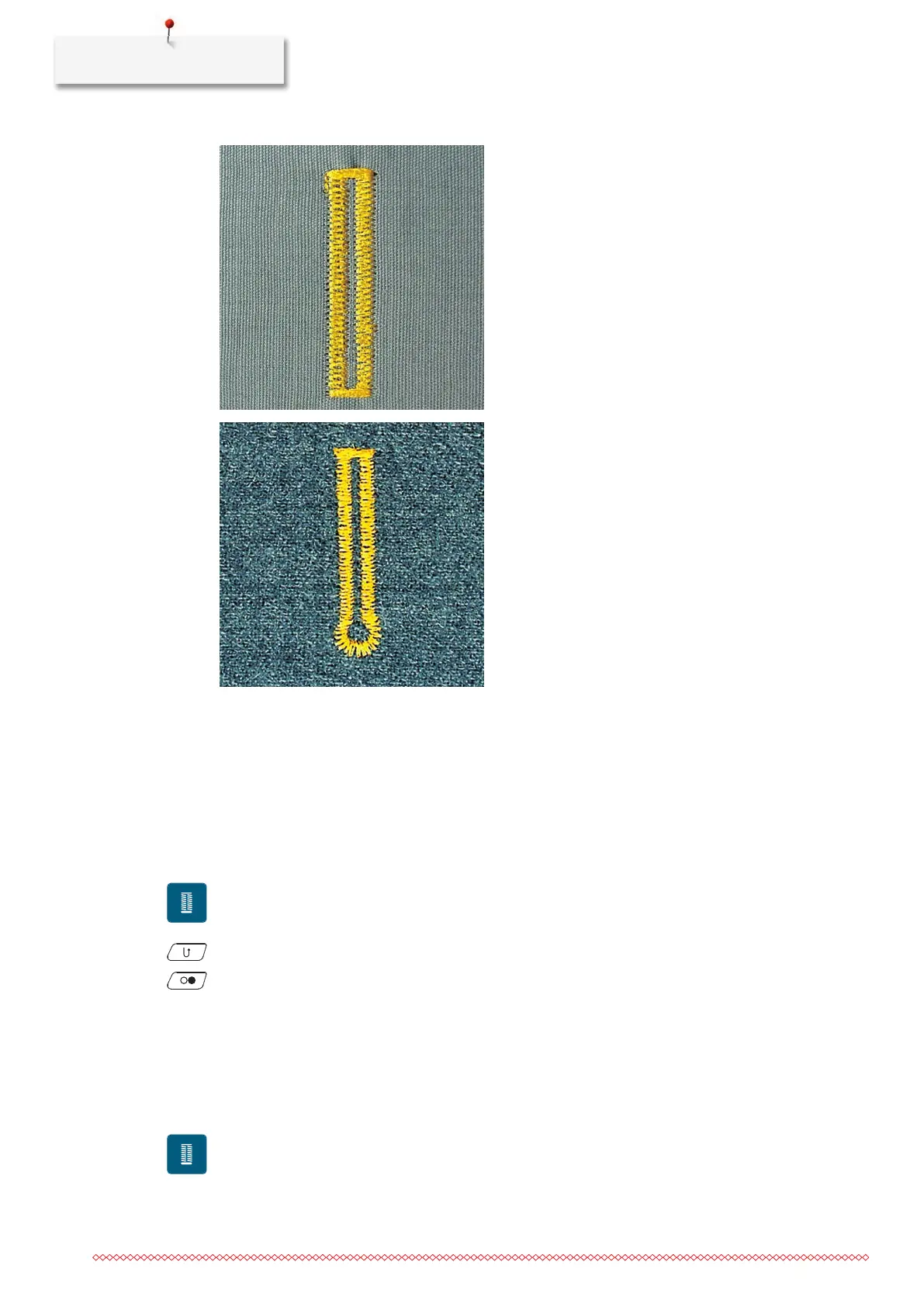
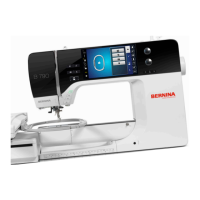
Buttonholes
118
9.10 Sewing a Buttonhole Automatically
When the Buttonhole Foot with Slide#3A is used, the length of the buttonhole is measured automatically by
the lens on the presser foot. The buttonhole will be exactly duplicated and the machine switches to the next
step automatically when the maximum length is reached. The Buttonhole Foot with Slide#3A is suitable for
buttonholes at a length of 4–31mm, depending on the buttonhole type. The Buttonhole Foot with
Slide#3A must lie perfectly flat on the fabric so that the length can be measured accurately. Programmed
buttonholes are all at the same length and of the same nice look.
• The Buttonhole Foot with Slide#3A is fitted.
> Tap «Buttonholes».
> Select the Buttonhole No. 51 –53 or 54 –58 or No. 66, 68 or 69.
> Sew the desired length of the buttonhole.
> To program the length, push the button «Quick Reverse».
> Push the button «Start/Stop» or press the foot control.
– The machine finishes the buttonhole automatically. All subsequent buttonholes are sewn at the same
length.
9.11 Programming the Heirloom Buttonhole
• The Buttonhole Foot with Slide#3A is fitted.
> Tap «Buttonholes».
> Select Heirloom Buttonhole63.
> Sew the desired length of the buttonhole.


 To Next Page