Setup Program
59
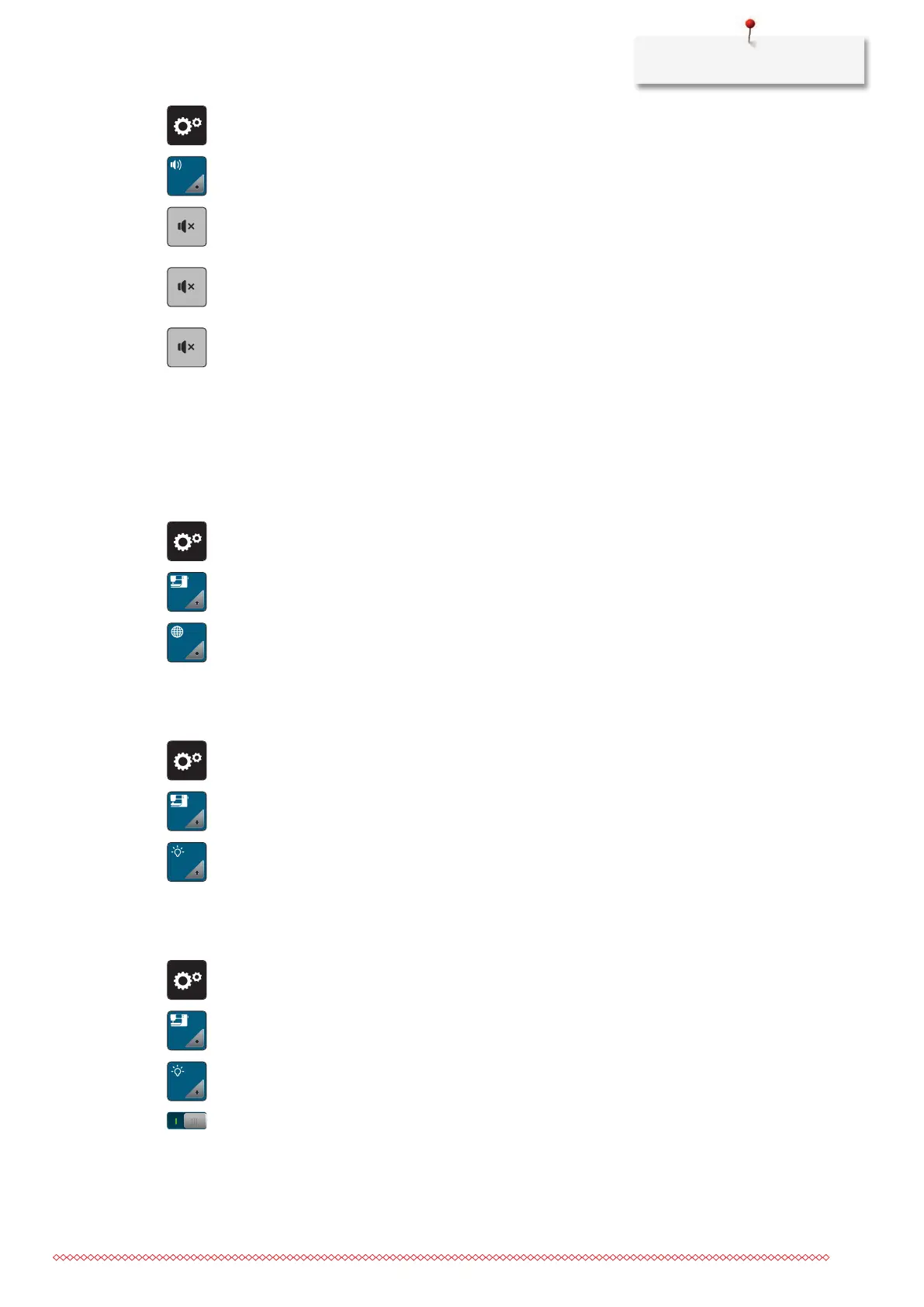
> Tap «Setup Program».
> Tap «Setting Sound».
> To switch all audio signals on or off, tap (1).
> To switch off the sound when selecting a stitch pattern, tap the corresponding «Switching Sounds On/
Off» in area (2).
> To switch on the sound when selecting a stitch pattern, tap the corresponding in area_(2) «1–4».
> To switch off the sound for selecting functions, tap the corresponding «Switching Sounds On/Off» in
area (3).
> To switch on the sound for selecting functions, tap the corresponding in area _(3) «1–4».
> To deactivate the sound of the beeper when using the BSR Modes, tap «Switching Sounds On/Off» in
the sector (4).
3.6 Machine Settings
Selecting a Language
The User Interface can be programmed in different languages according to the customer's wish because
BERNINA provides a wide range of international languages for the customers. Via firmware updates
additional languages for the User Interface can be provided.
> Tap «Setup Program».
> Tap «Machine Settings».
> Tap «Language Selection».
> Select a language.
Adjusting the Brightness of the Display
The brightness of the display can be set to meet your individual needs.
> Tap «Setup Program».
> Tap «Machine Settings».
> Tap «Display Settings».
> Adjust the brightness of the display in the upper section of the screen.
Adjusting the Sewing Light
The brightness of the sewing light can be adjusted corresponding to the personal preferences.
> Tap «Setup Program».
> Tap «Machine Settings».
> Tap «Display Settings».
> Adjust the brightness of the sewing light in the lower section of the screen.
> Tap the switch to switch the sewing light off.
> Tap the switch again to switch the sewing light on.



 To Next Page