Setup Program
60
Calibrating the Display
You will find more information on this topic in the chapter “Troubleshooting”. (182)
> Tap «Setup Program».
> Tap «Machine Settings».
> Tap «Calibrating the Screen».
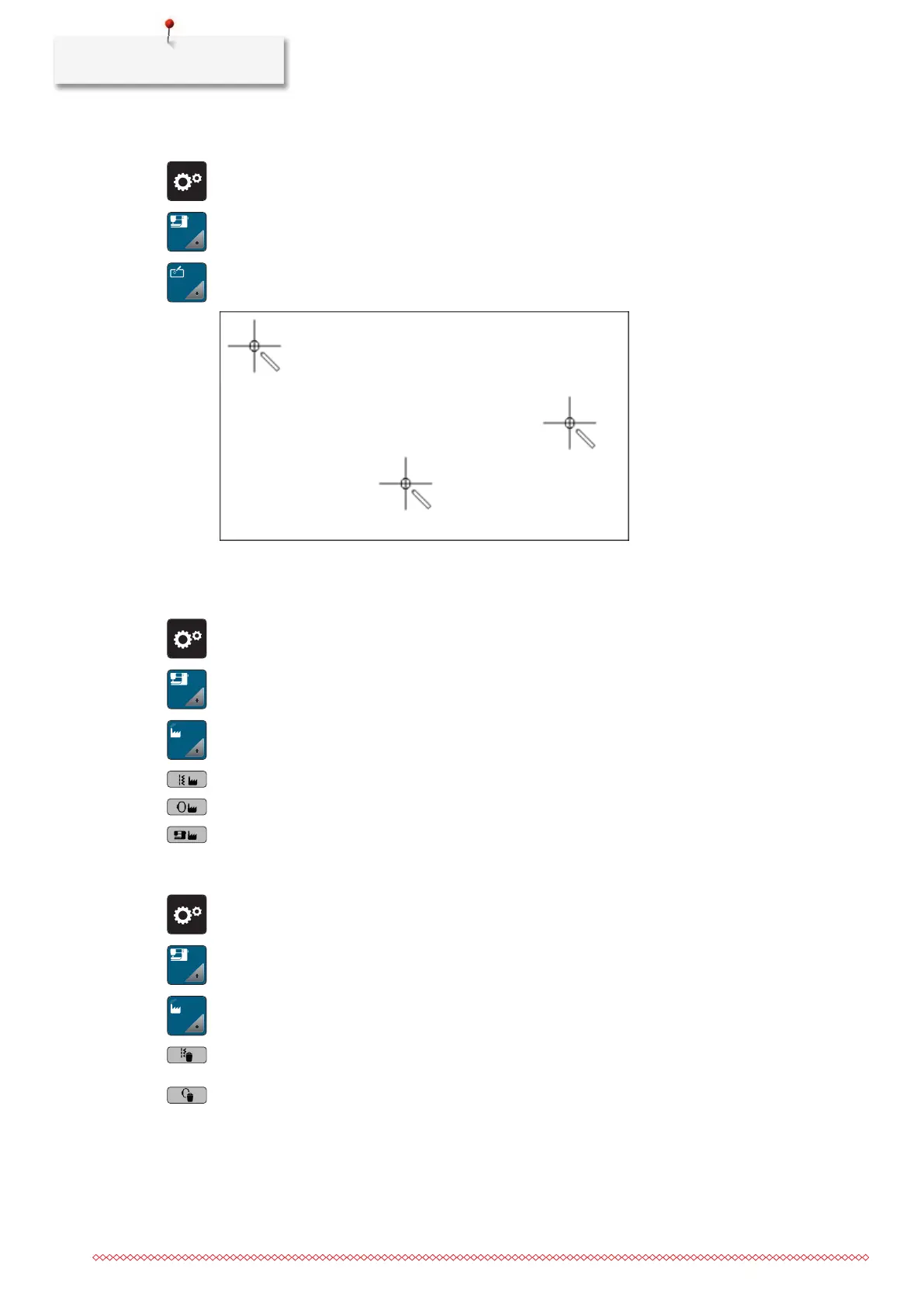
> Touch the crosses in sequence using the touchscreen pen.
Back to Basic Setting
ATTENTION: Using this function will delete all individually made settings.
> Tap «Setup Program».
> Tap «Machine Settings».
> Tap «Factory Setting».
> To restore all default settings for sewing, tap «Default Setting Sewing» and confirm.
> To restore all default settings for embroidering, tap «Default Setting Embroidering» and confirm.
> To restore all default settings, tap «Default Setting Machine», confirm and restart the machine.
Deleting User Data
> Tap «Setup Program».
> Tap «Machine Settings».
> Tap «Factory Setting».
> To delete all data from the Personal Memory, tap «Delete Data from Own Storage Medium» and
confirm.
> To delete all embroidery motifs from the Personal Memory, tap «Delete Personal Embroidery Designs»
and confirm.



 To Next Page