Embroidery
176
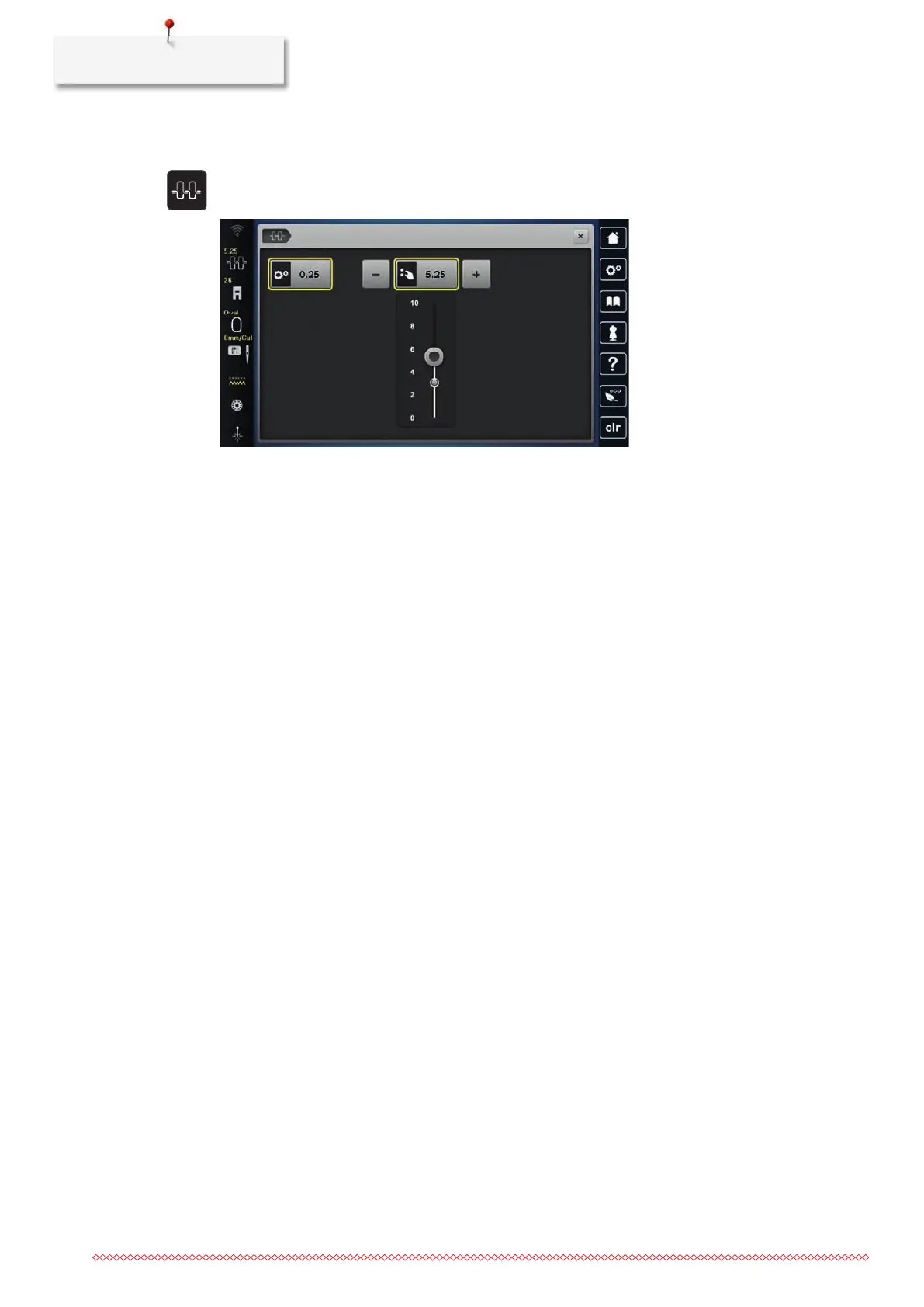
Alteration of the upper thread tension affect the currently selected stitch pattern and all embroidery motifs.
Permanent alterations of the upper thread tension for the Sewing Mode (51) and for the Embroidering
Mode (54) can be made in the Setup Program.
> Tap «Upper Thread Tension».
> Adjust the upper thread tension.
> Tap the yellow-outlined icon on the right side to reset the alterations to the default setting.
> Tap the yellow-outlined icon on the left side to reset the alteration to default setting in the Setup
Program.
16.4 Embroidering via the Foot Control
Embroidering with the foot control is recommended if small sequences are to be embroidered, e.g. for
stumpwork.
> To start embroidering, press and keep the foot control pressed.



 To Next Page