Creative Sewing
74
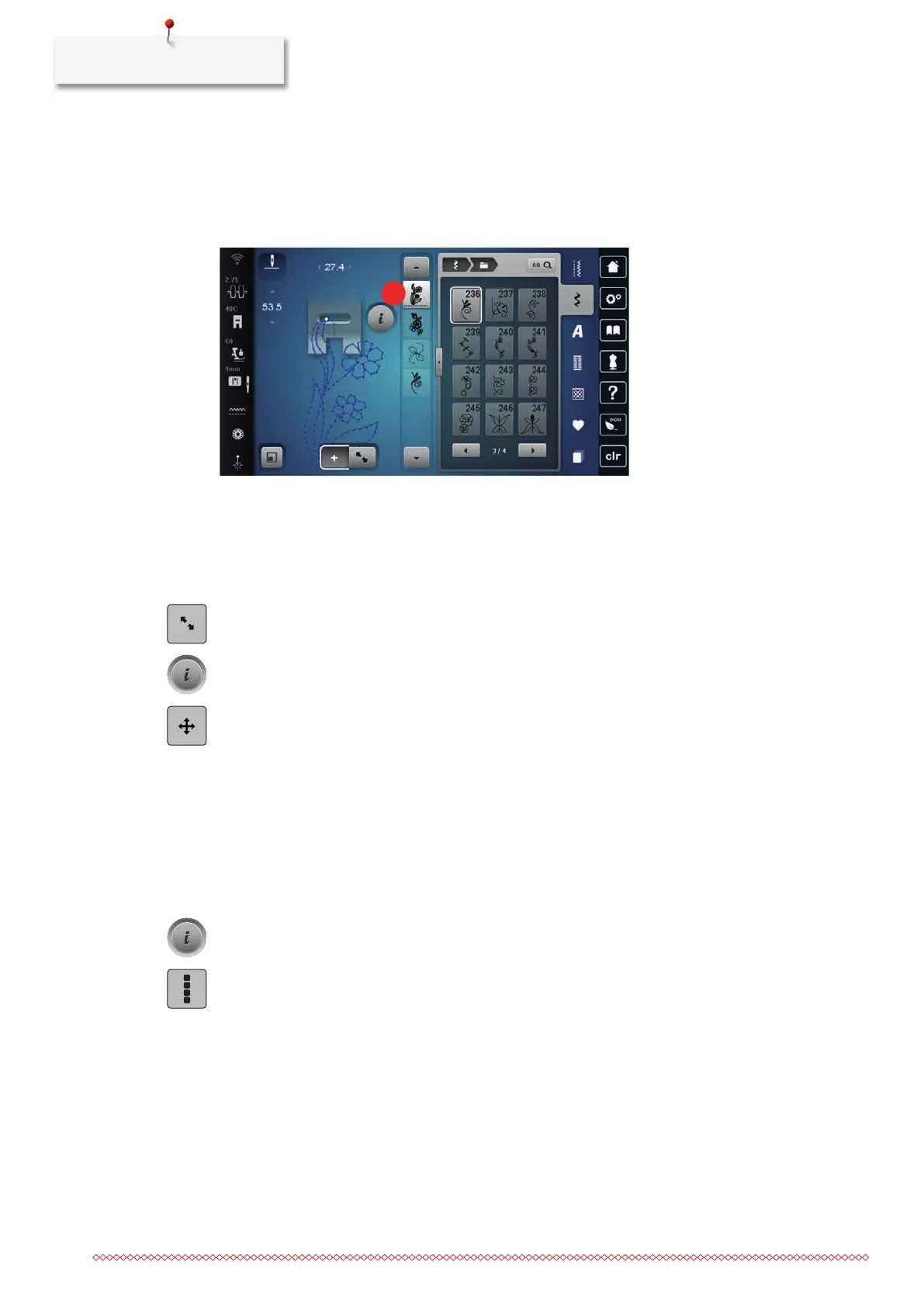
Adding a Single Stitch Pattern
The new stitch pattern is always inserted after the selected stitch pattern.
• A stitch pattern combination has been created.
> To select a single stitch pattern, tap the desired position(1) within the stitch pattern combination.
> Select a new stitch pattern.
Relocating a Single Stitch Pattern
• A stitch pattern combination has been created.
> Tap «Edit Mode/Extended Edit Mode».
> Tap the desired stitch pattern within the stitch pattern combination.
> Tap «i-Dialog».
> Tap «Relocating a Stitch Pattern».
> Relocate the stitch pattern.
– The connecting stitches between the stitch patterns are added automatically.
Adapting the Stitch Pattern Length and Stitch Pattern Width
The length and width of the individual stitch patterns in a stitch pattern combination can be adapted to the
longest and widest stitch patterns in the combination.
• A stitch pattern combination has been created.
> Tap «i-Dialog».
> Tap «Edit Entire Combination».



 To Next Page