Care and Maintenance
181
> Close the hook race cover and the fastening bracket until the release bracket engages.
> As a check, turn the handwheel.
> Insert the bobbin case.
> Sew or embroider on a test fabric.
Cleaning the Thread Catcher
> Tap «Setup Program».
> Tap «Machine Settings».
> Tap «Maintenance/update».
> Tap «Cleaning the Thread Clamp/Thread Catcher».
> Tap «Cleaning the Thread Catcher».
> Clean the thread catcher according to the instructions on the display.
Clean the Needle Threader
Depending on the sewing thread, the machine may become soiled by thread residue. Thread residues on the
automatic needle threader can impair the threading process and should be removed.
> Remove the needle.
> Tap «Setup Program».
> Tap «Machine Settings».
> Tap «Maintenance/update».
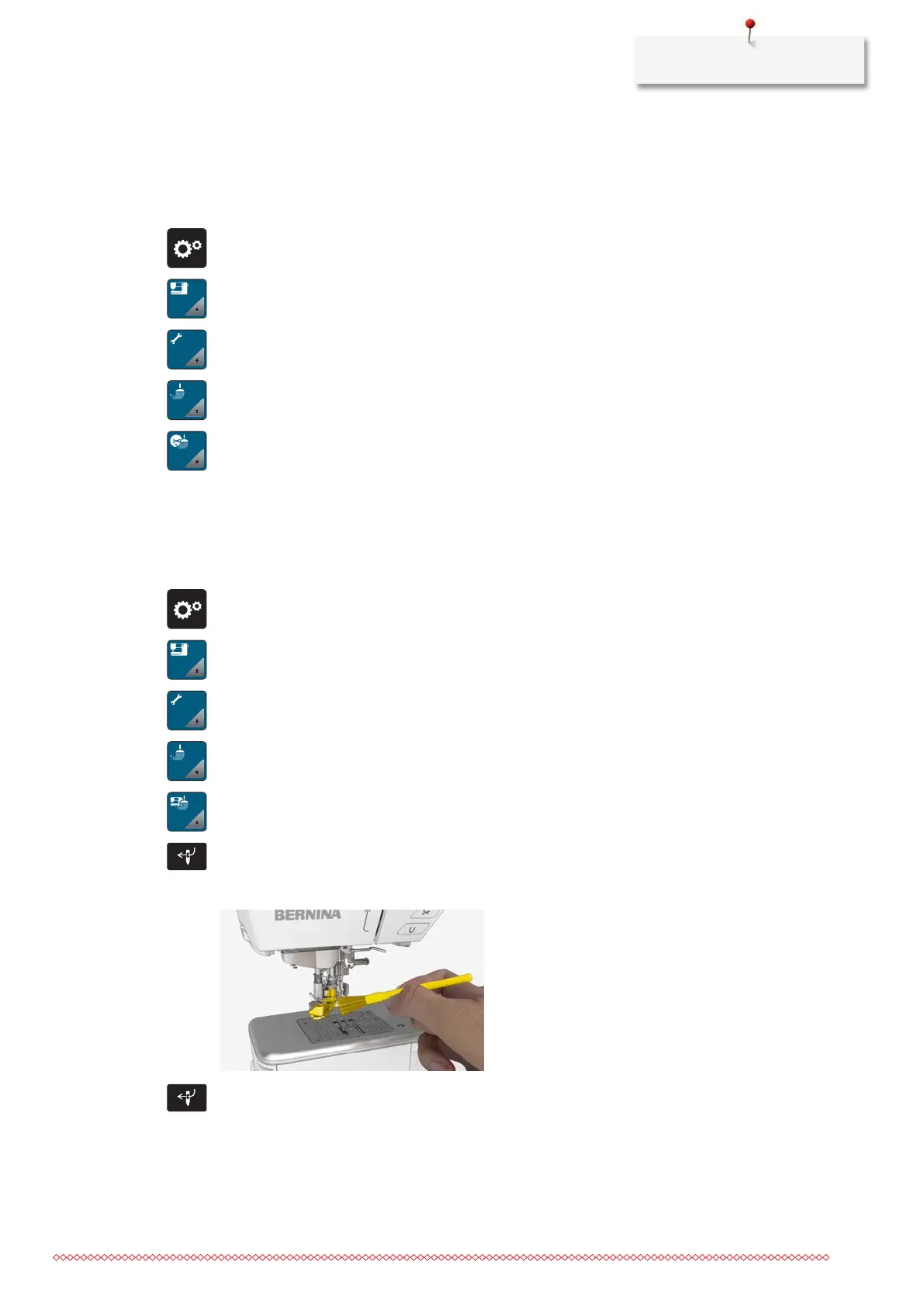
> Tap «Cleaning the Needle Threader/Thread Catcher».
> Tap «Clean the Needle Threader».
> Push the button «Automatic Needle Threader».
> Carefully remove thread residues in the thread clamp and on the threader hook with a brush and
tweezers.
> Push the button «Automatic Needle Threader» again.



 To Next Page