Creative Embroidering
173
Importing Stitch Patterns
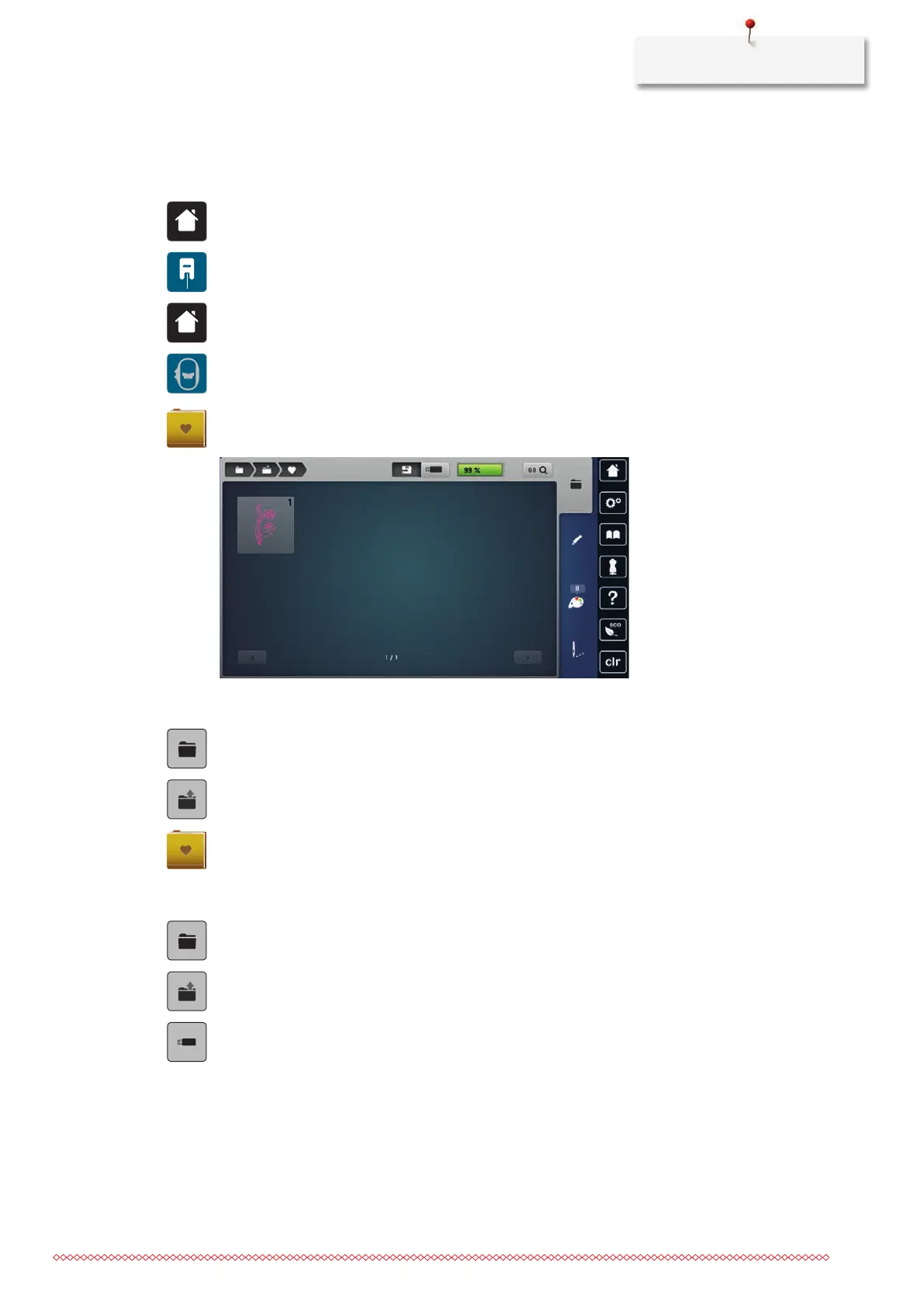
Stitch patterns or stitch pattern combinations can be imported from sewing mode into embroidery mode and
edited like embroidery designs. For example, border designs can be quickly and easily created and saved as
embroidery designs in the folder «Personal embroidery designs».
> Tap «Home».
> Tap «Sewing Mode».
> Select the stitch pattern.
> Tap «Home».
> Tap «Embroidery Mode».
– The stitch pattern is automatically stored in the folder «Personal Embroidery Design».
> Select «Personal Embroidery Design».
> Select the stitch pattern.
Loading an Embroidery Design from the Personal Memory
> Tap «Selection».
> Tap «Loading the Embroidery Design».
> Select «Personal Embroidery Design».
> Select the embroidery design.
Loading an Embroidery Design from the BERNINA USB Stick
> Tap «Selection».
> Insert the BERNINA USB stick into the USB port of the machine.
> Tap «Loading the Embroidery Design».
> Tap «USB Stick».
> Select a personal embroidery design.



 To Next Page