Creative Sewing
82
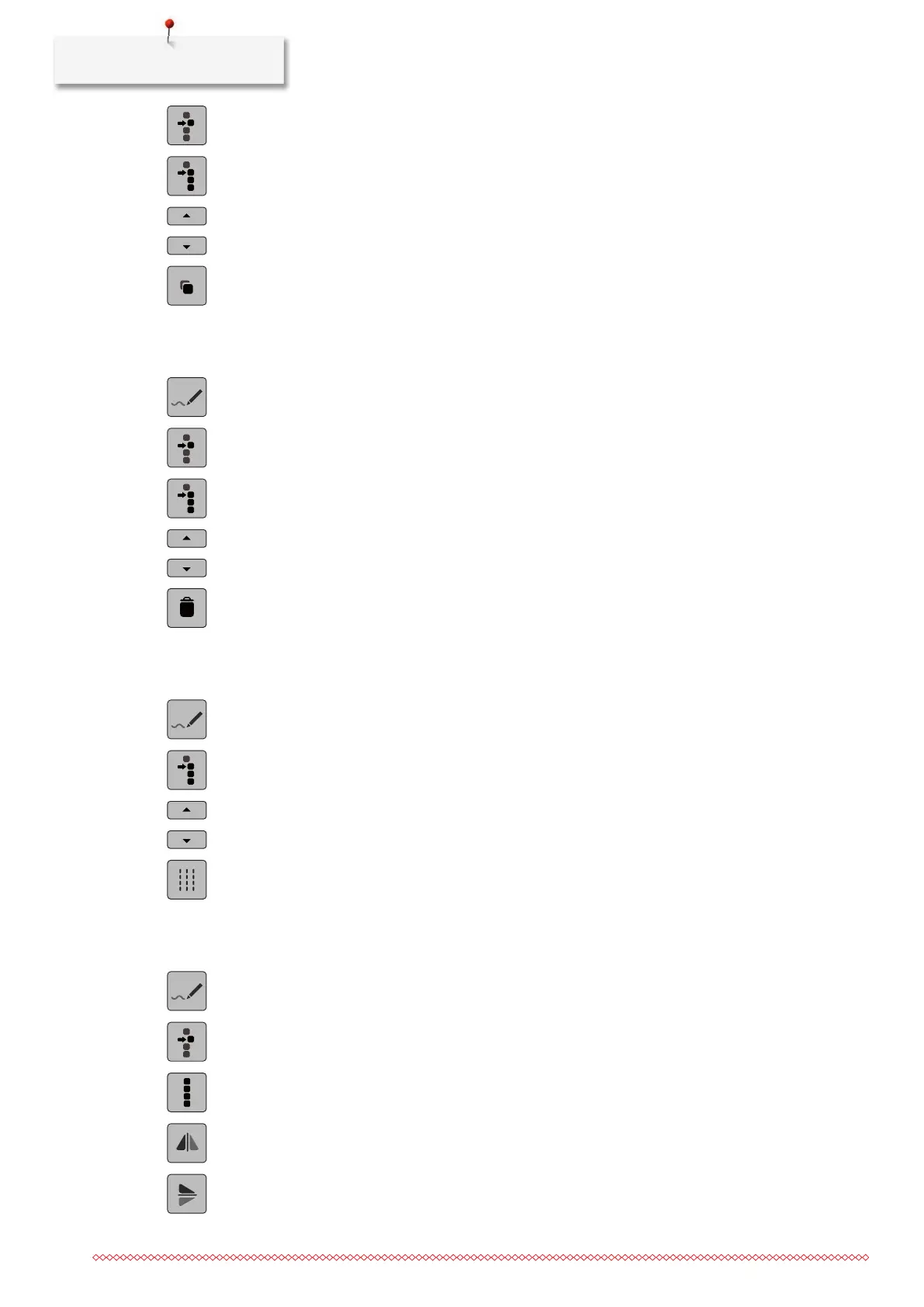
> Tap «Select a Single Point».
> Tap «Select from a Particular Point».
> To add the previous point to the selection, tap «Scroll Up».
> To add the following point to the selection, tap «Scroll Down».
> Tap «Duplicate».
Deleting Points
> Select a stitch pattern, alphabet or buttonhole.
> Tap «Stitch Designer».
> Tap «Select a Single Point».
> Tap «Select from a Particular Point».
> To add the previous point to the selection, tap «Scroll Up».
> To add the following point to the selection, tap «Scroll Down».
> To delete all selected points of the stitch pattern, tap «Deleting».
Activating the Triple Stitch
> Select a stitch pattern, alphabet or buttonhole.
> Tap «Stitch Designer».
> Tap «Select from a Particular Point».
> To select the previous point, tap «Scroll Up».
> To select the following point, tap «Scroll Down».
> To set the triple stitch for the marked points, tap «Triple Stitch».
Mirror Image of Stitch Patterns
> Select a stitch pattern, alphabet or buttonhole.
> Tap «Stitch Designer».
> Tap «Select a Single Point».
> Tap «Select all Points».
> To mirror all points in the transverse direction, tap «Mirror Image Left/Right».
> To mirror all points in the longitudinal direction, tap «Mirror Image Up/Down».



 To Next Page