Creative Sewing
79
> Tap «Deleting».
> Select the file where the stitch pattern has been saved.
> Select the stitch pattern.
> To delete the stitch pattern, tap «Confirm».
Saving Stitch Patterns on the BERNINA USB Stick
On the BERNINA USB stick stitch patterns, also those which have been individually edited, can be saved.
> Select a stitch pattern or alphabet.
> Editing stitch patterns.
> Tap «Personal Memory».
> Tap «Save Stitch Pattern».
> Insert the BERNINA USB stick into the USB port of the machine.
> Tap «USB Stick».
> Tap «Confirm».
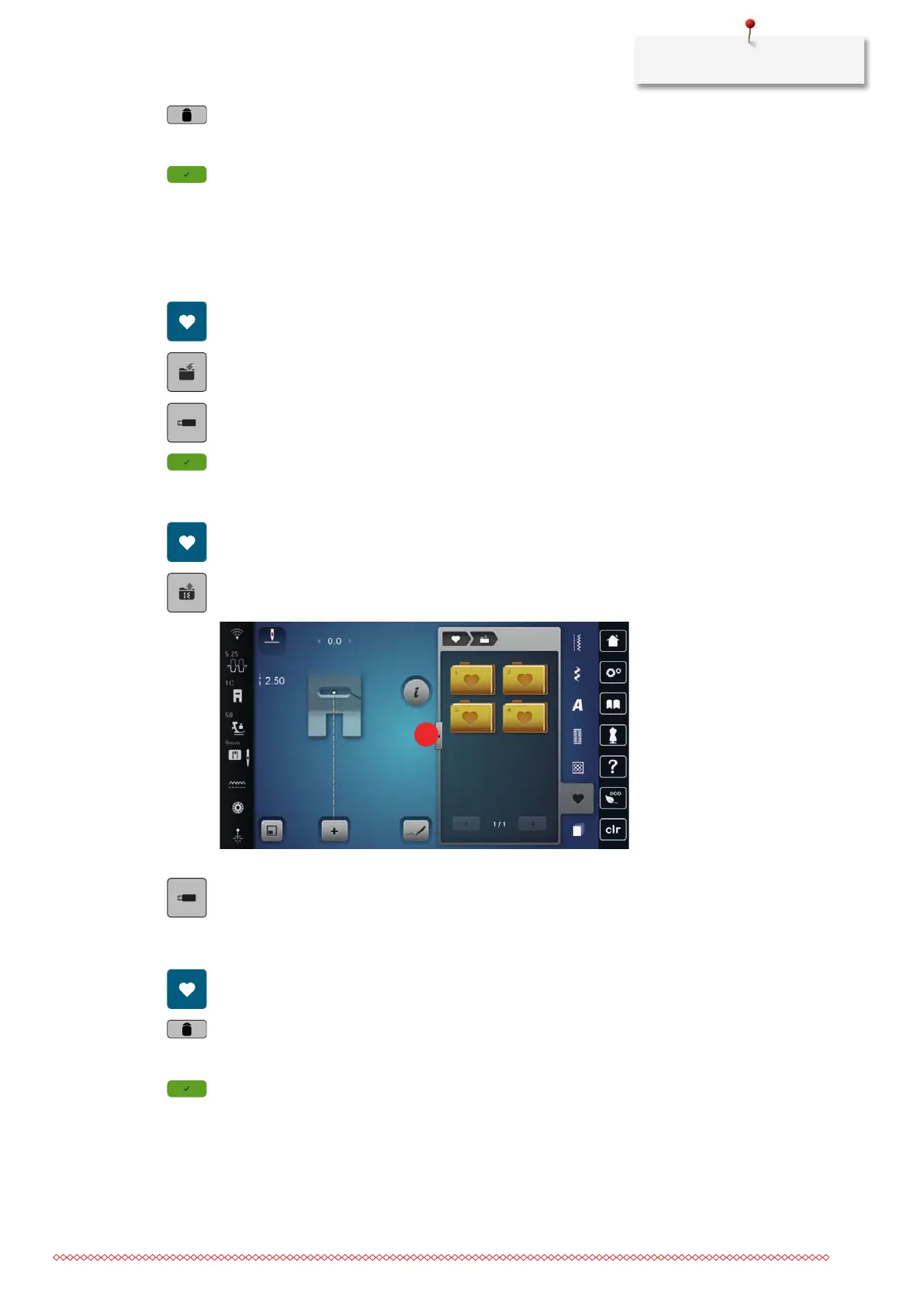
Uploading a Stitch Pattern from the BERNINA USB Stick
> Tap «Personal Memory».
> Tap «Load Embroidery Design».
> Tap «Increasing/Decreasing the Display Size»(1).
> Insert the BERNINA USB stick into the USB port of the machine.
> Tap «USB Stick».
> Select the desired stitch pattern.
Deleting Stitch Patterns from the BERNINA USB Stick
> Tap «Personal Memory».
> Tap «Deleting».
> Insert the BERNINA USB stick into the USB port of the machine.
> Select the stitch pattern which is to be deleted.
> Tap «Confirm».



 To Next Page