Embroidery Preparation
140
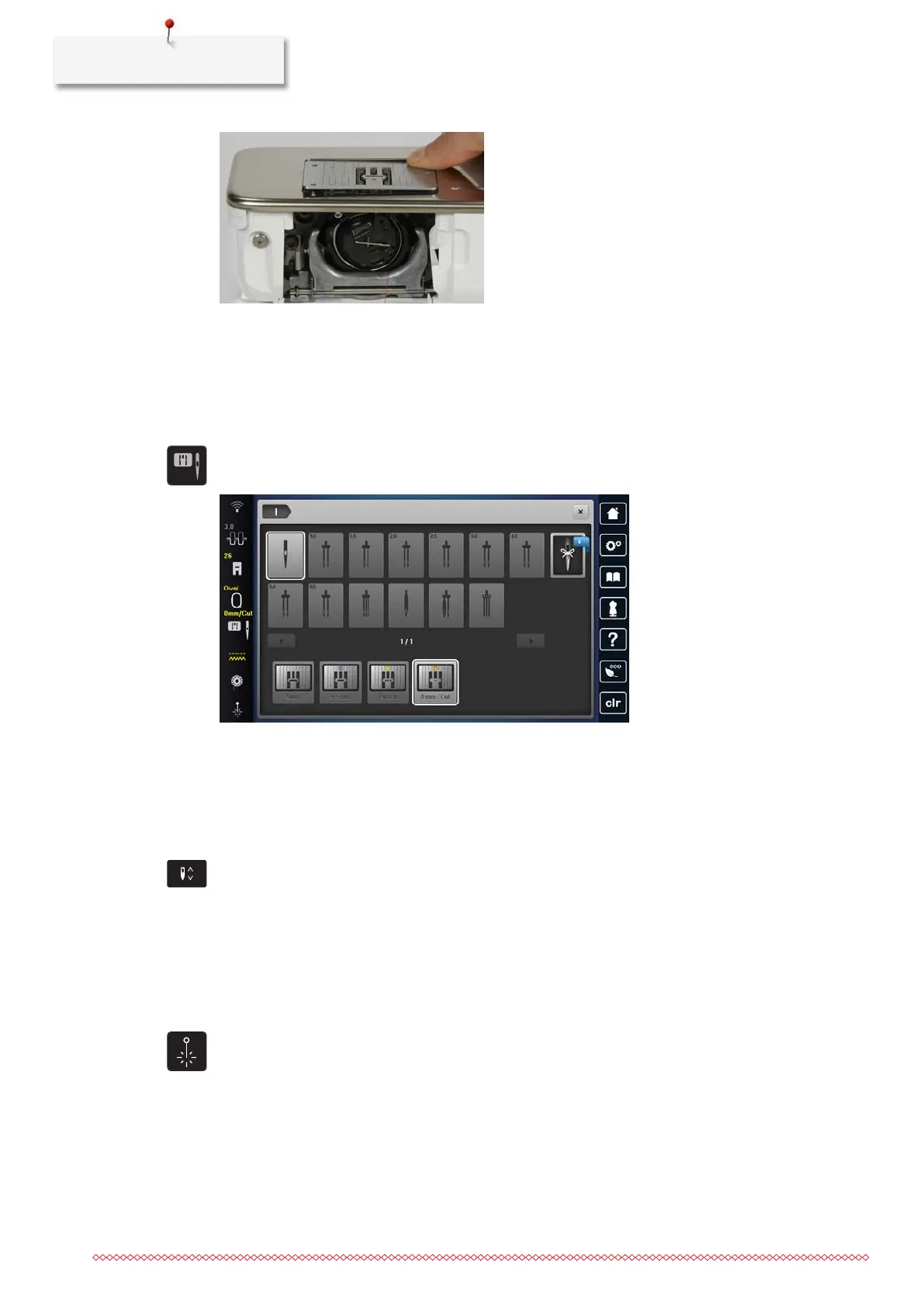
> Press the stitch plate down at the marking at the back on the right until it tilts.
> Remove the stitch plate.
> Place the opening of the stitch plate (Straight and CutWork Stitch Plate) above the corresponding guide
pins and press it down until it clicks into place.
Selecting the Stitch Plate in the User Interface
After changing the stitch plate, you can check whether it can be used with the selected needle.
> Tap «Stitch Plate Selection».
> Select Straight and CutWork Stitch Plate.
Thread-up Command
The machine must be ready for embroidery to bring up the bobbin thread. The bobbin thread can be
brought up in one step for a manual knotting. If no securing stitches are wanted, it is recommended to
deactivate the securing stitches in the Setup.
> Hold the upper thread.
> Push the button«Needle position Up/Down».
– The bobbin thread is brought up automatically.
Switching the Laser On/Off
The laser can be used to indicate the exact needle entry point.
• The needle is raised.
> To activate the laser, tap «Laser».
– The entry point is displayed. Depending on the presser foot and needle position, the entry point may
be concealed by the presser foot.
> To avoid the deflection of the laser with transparent presser feet, lower the presser foot before the
sewing start, e.g. with the knee lifter.
> To switch off the laser, tap the field highlighted in yellow «Laser».



 To Next Page