Buttonholes
121
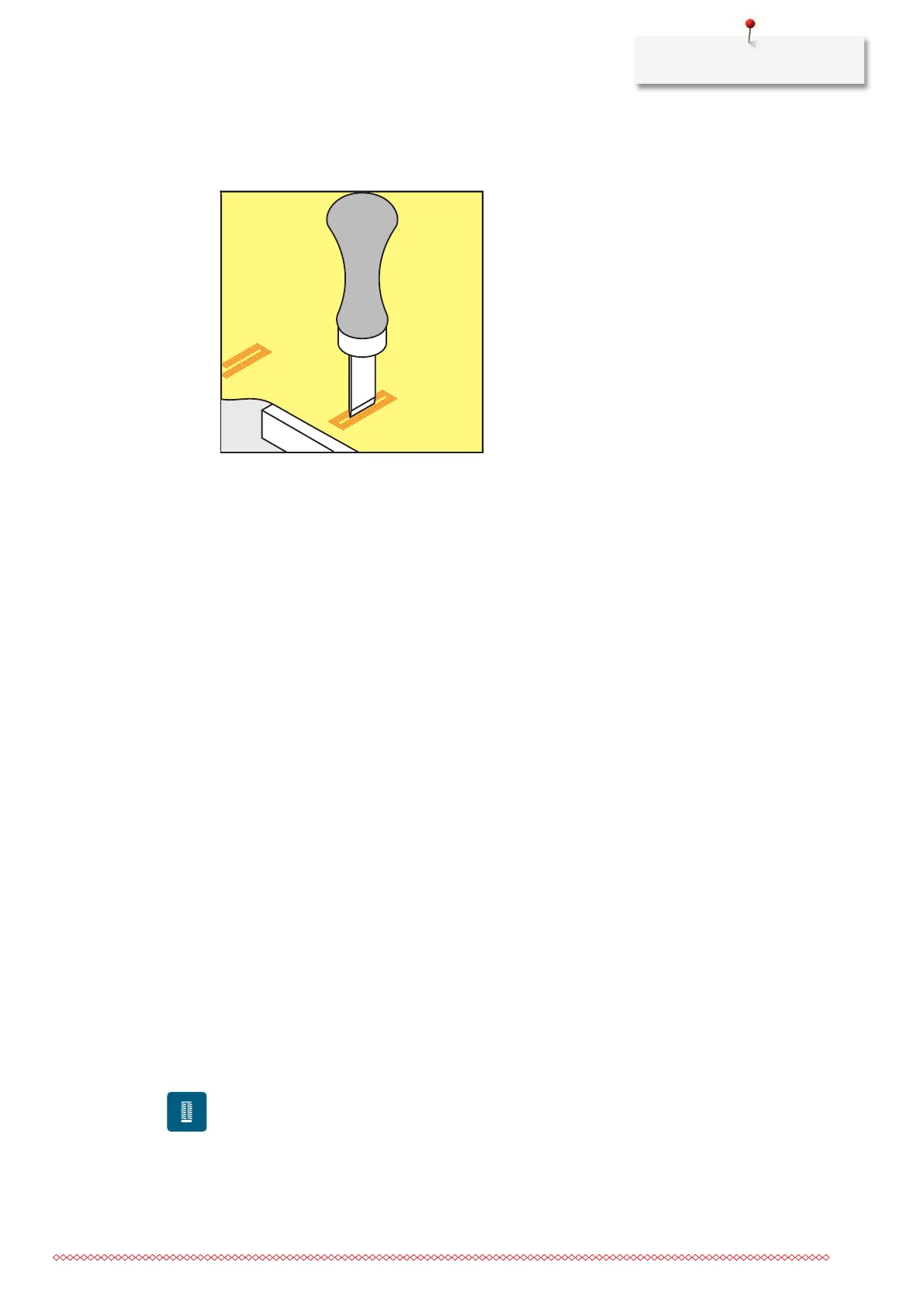
9.15 Cutting Open Buttonholes with the Buttonhole Cutter (Optional
Accessory)
> Place the fabric on an appropriate wood.
> Position the cutter in the center of the buttonhole.
> Press down on the cutter with your hand.
9.16 Sewing on a Button
The Button sew-on Program can be used to sew on buttons with two or four holes, press studs or snap
fasteners.
Recommended sewing
program:
Button Sew-on Program60
Recommended presser foot : Button Sew-On Foot#18
Alternative presser feet: • Reverse Pattern Foot#1/1C
• Darning Foot#9
• Reverse Pattern Foot with Clear Sole#34/34C
Adjusting the Thread Shank
For buttons on thicker fabrics, increase the thread shank = the distance between the button and the fabric.
Buttons sewn on thin fabrics or buttons for decorative purposes only are stitched without a «thread shank».
The adjustment of the thread shank is only possible when using the Button Sew-On Foot#18.
> Loosen the screw on the back of the presser foot.
> Push the bar upwards according to the thickness of the fabric.
> Tighten the screw.
Sewing on a Button
• The shank length is adjusted according the fabric thickness.
• The Button Sew-On Foot#18 or an alternative presser foot is fitted.
• The fitted presser foot has been selected in the user interface.
• The feed dog is lowered.
> Tap «Buttonholes».
> Select Button Sew-on Program60.
> Turn the handwheel until the bobbin thread comes up.
> The Button sew-on program always starts above the left hole of the button.
Position the button on the fabric. Place the button and the fabric beneath the needle so that the needle
stitches into the left hole.
For buttons with 4 holes, sew the first front pair of holes first.



 To Next Page