Creative Embroidering
151
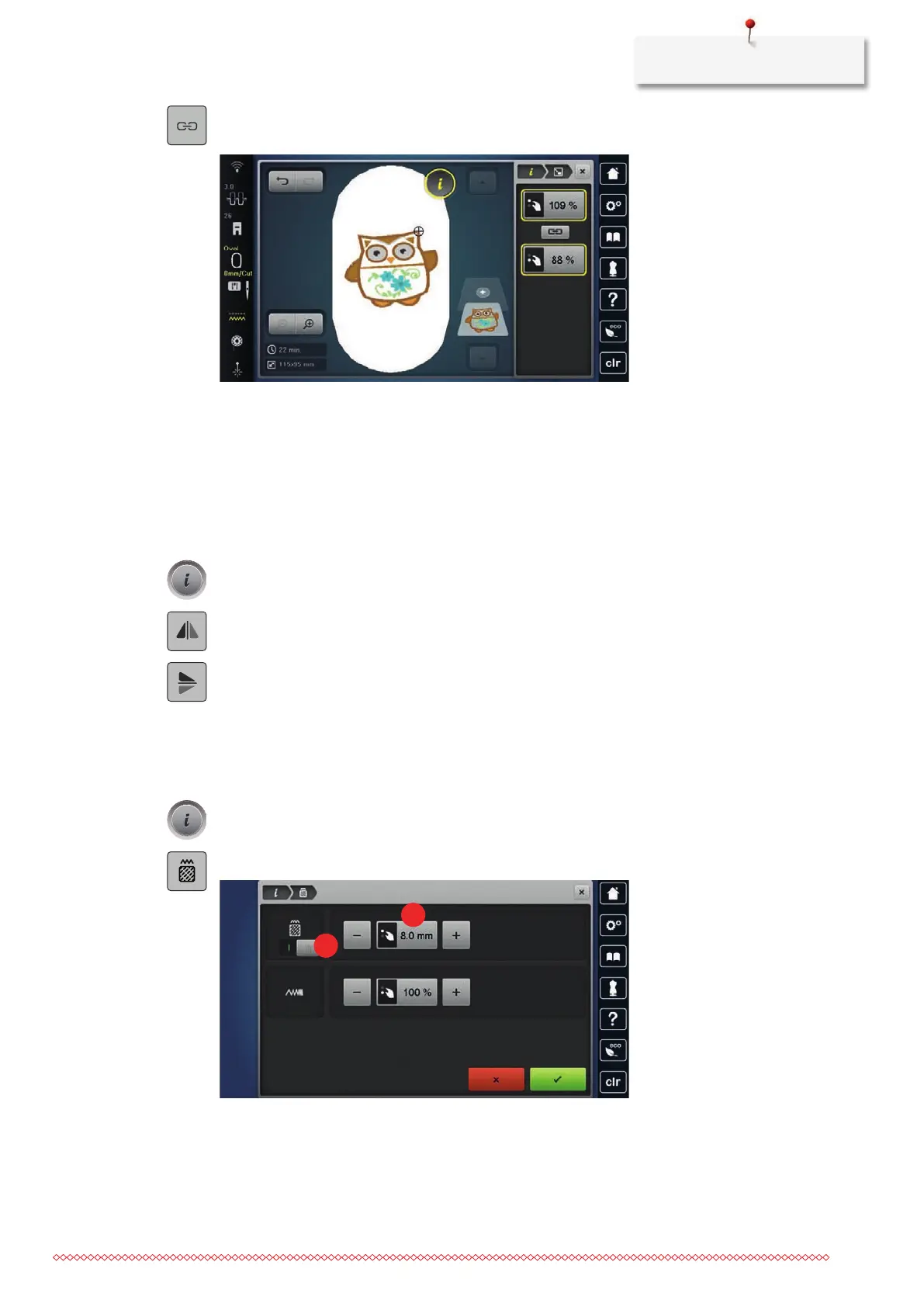
> If «Retain Proportions» is outlined in white, tap «Retain Proportions».
– «Retain Proportions» is not outlined in white.
> To make the embroidery design wider, turn the «Upper Multi-function Knob» clockwise.
> To make the embroidery design narrower, turn the «Upper Multi-function Knob» anti-clockwise.
> To make the embroidery design longer, turn the «Lower Multi-function Knob» clockwise.
> To make the embroidery design shorter, turn the «Lower Multi-function Knob» anti-clockwise.
Mirroring Embroidery Designs
Embroidery designs can be mirror-imaged both vertically and horizontally.
> Select the embroidery design.
> Tap «i-Dialog».
> To mirror the embroidery design horizontally, tap «Mirror Image Left/Right».
> To mirror the embroidery design vertically, tap «Mirror Image Up/Down».
Changing the Stitch Type
If the satin stitches are too long, they can be changed to step stitches.
> Select the Embroidery Design.
> Tap «i-Dialog».
> Tap «Alter Stitch Type/Stitch Density».
> Touch the switch in the upper section of the display (1) to change the satin stitch to the step stitch.
> Set and confirm the stitch length2.



 To Next Page