Setup Program
58
> Tap the Switch again.
– The embroidery design is centered to the Embroidery Hoop.
3.3 Selecting Personal Settings
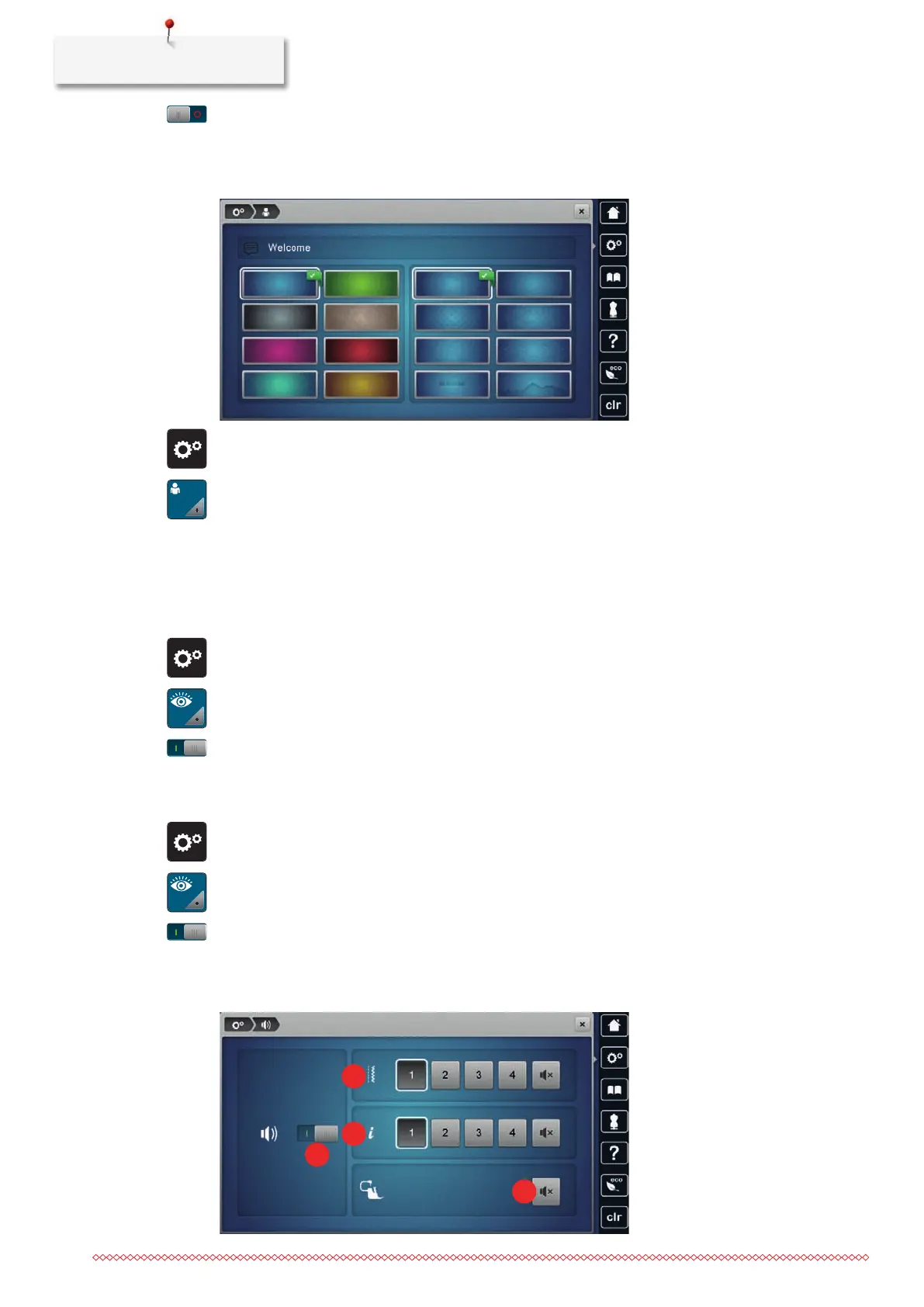
> Tap «Setup Program».
> Tap «Personal Settings».
> Select the required display color and background.
> Tap the text box above the color settings.
> Enter and confirm the welcome text.
3.4 Monitoring Functions
Activating the Upper Thread Indicator
> Tap «Setup Program».
> Tap «Monitoring Functions».
> Tap the switch in the upper section of the display to deactivate the upper thread indicator.
> Tap the switch again to activate the upper thread indicator.
Activating the Bobbin Thread Indicator
> Tap «Setup Program».
> Tap «Monitoring Functions».
> Tap the switch in the lower section of the display to deactivate the bobbin thread indicator.
> Tap the switch again to activate the bobbin thread indicator.
3.5 Activating the Audio Signals



 To Next Page