Errors and Faults
186
Message on the Display Cause Solution
It is time for the regular
maintenance. Please contact your
authorized BERNINA dealer to
make an appointment.
The machine needs maintenance.
The message appears after the
programmed service interval has
expired.
Important Information: Having
your machine cleaned and
serviced properly at the
appropriate times ensures its
proper functioning and a long
service life. In case of non-
compliance, the service life may
be negatively affected and the
warranty service may possibly
become limited. The cost
allocation for maintenance work
is regulated nationally. Consult
your authorized BERNINA dealer
or your service center for more
details.
> Contact your authorized BERNINA dealer.
> Delete the message temporarily by touching the icon
«ESC».
After the third deletion, the message is not displayed until
the next service interval is reached.
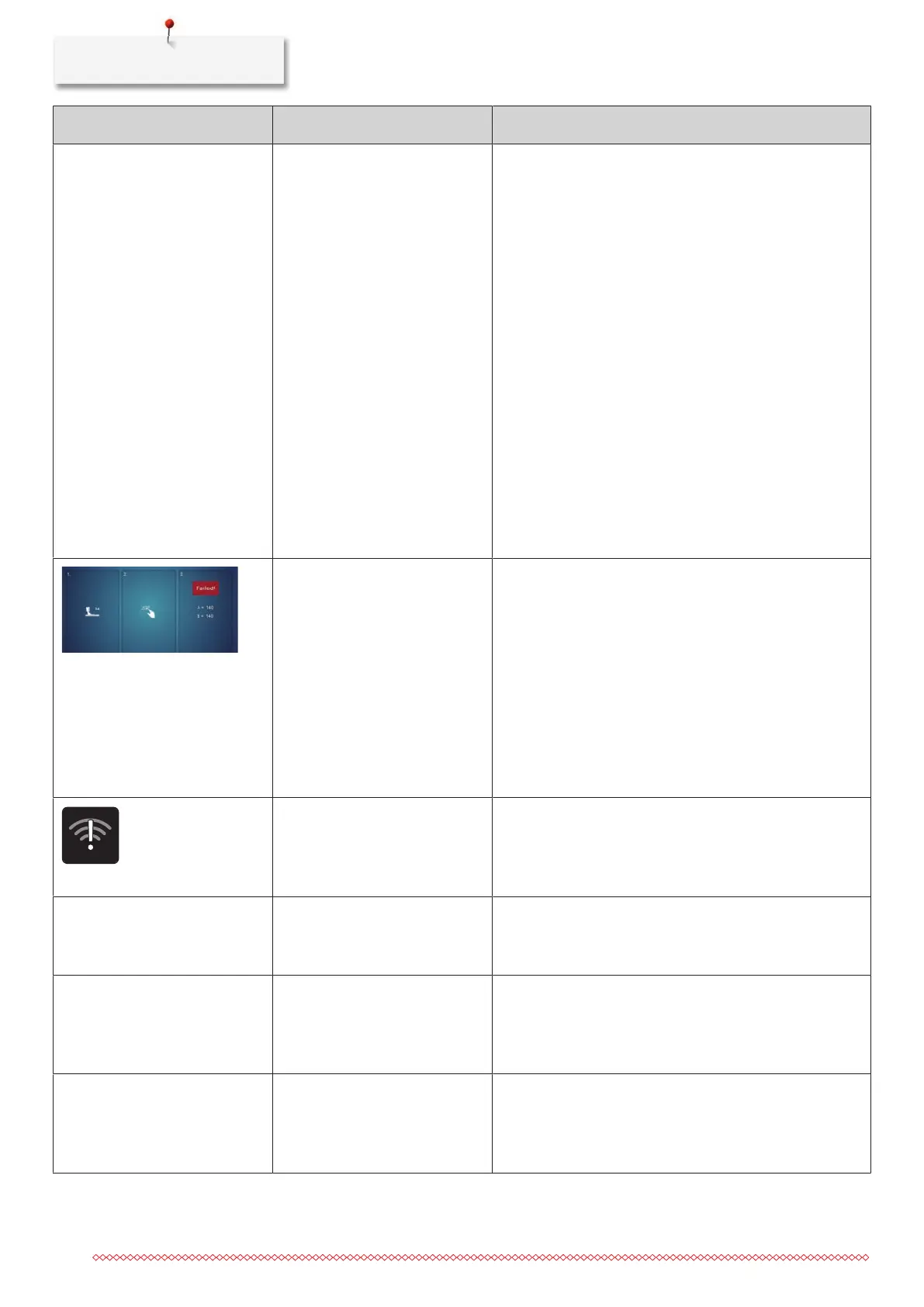
The calibration of the Buttonhole
Foot with Slide#3A has failed.
> Check the presser foot for ease of movement. If
necessary, remove lint, dust and fabric remnants.
> Clean the reflector with a soft, slightly damp microfiber
cloth.
> Check the position of the reflector. If necessary, correct
the position of the reflector or replace the presser foot.
> Check the plastic on the underside of the presser foot
for signs of wear. If necessary, replace the presser foot.
> Clean the feed dog.
> If the error still occurs, contact your authorized BERNINA
dealer.
The Internet connection is
interrupted. Receiving messages
is not possible.
> Check the connection from the router to the Internet.
> Turn the WiFi on the machine off and on again.
> If the error still occurs, contact your authorized BERNINA
dealer.
«Connection Failed» The connection to the WiFi
network could not be
established.
> Select the WiFi network again and enter the network
name (SSID) or password correctly.
> Check the router, such as that it is switched on.
«#1000» The needle threader is jammed. > Turn the handwheel counterclockwise until the needle
threader is in its starting position. Restart the machine.
> If the error still occurs, contact your authorized BERNINA
dealer.
«#1001» The button «Thread Cutter» is
stuck or defective.
> Make sure that the button can be operated without
restriction.
> If the error still occurs, contact your authorized BERNINA
dealer.


 To Next Page