MAX Operation & Service Manual 165MAX Operation & Service Manual Section7:Troubleshooting165
Drive
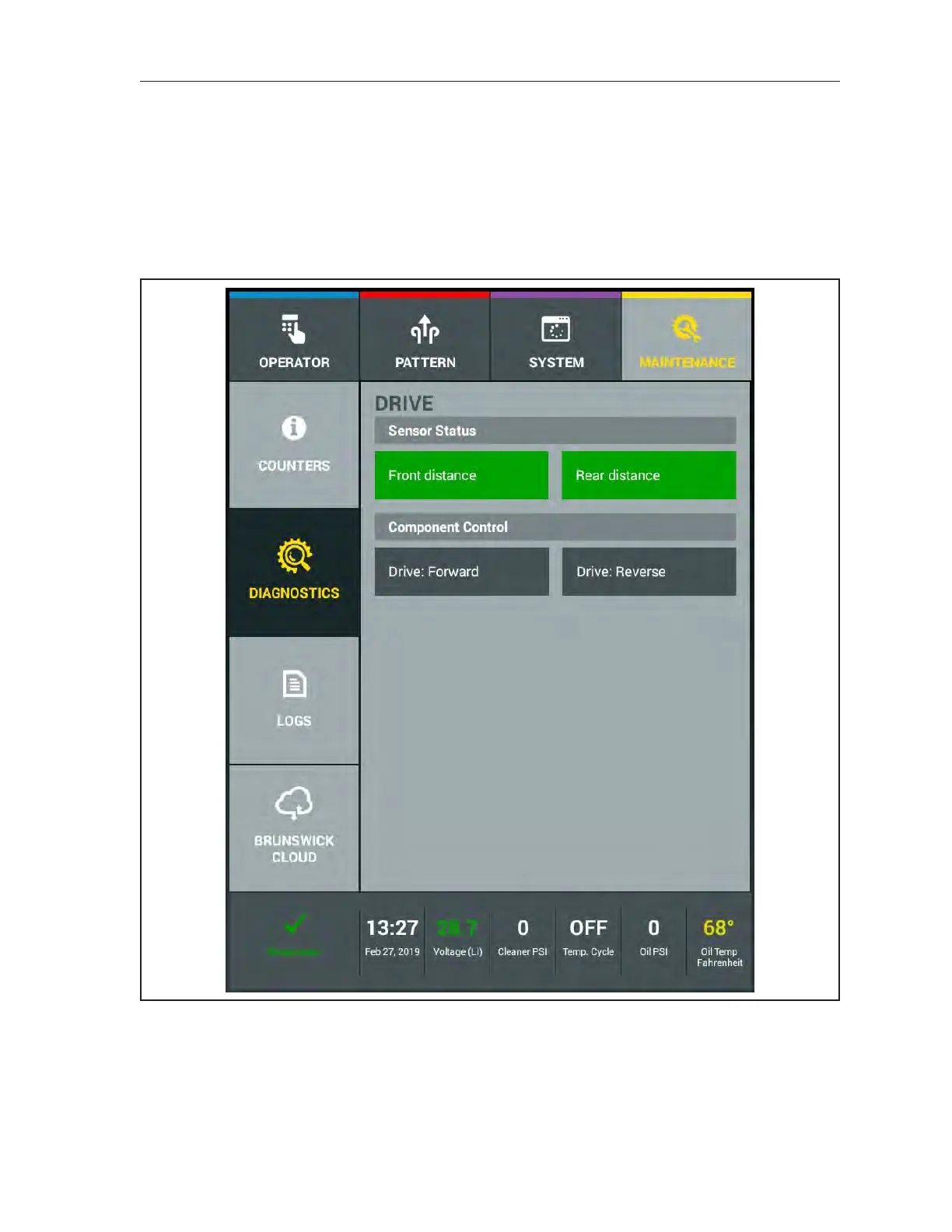
The “Drive” diagnostics screen is used to test the traction drive motor. The test can be performed on
the lane surface or on the approach. The machine will travel, if on lane, at a slower speed for up to 20
seconds. While it is traveling on the lane, you will notice the front and rear distance encoder sensor
button highlighting (on) each time a tooth from the encoder wheel passes the encoder sensor. If you are
testing the traction drive motor on the approach, the rear distance encoder sensor will not transition
between on and off unless the rear shaft is rotated by hand. The front distance sensor will ash as stated
above. Refer to Figure7-12.
Figure7-12.Diagnostics-Drive
1. Select “Drive” by pressing the button.
2. Select the “Drive: Forward” or “Drive: Reverse by pressing the button and the motor will run
for 20 seconds. Any timed function can be turned off in less than the remaining 20 seconds by
pressing the button again.



 To Next Page