206 MAX Operation & Service Manual206 Section8:LaneMaintenanceandPatternDesignTheory MAX Operation & Service Manual
Exporting Patterns To Your Private Cloud Account
The machine should be in operating position with power ON. Verify that the WI-FI is ON and has a
good connection.
1. Go to your Pattern menu and select “Library” to access your patterns. Refer toFigure8-5.
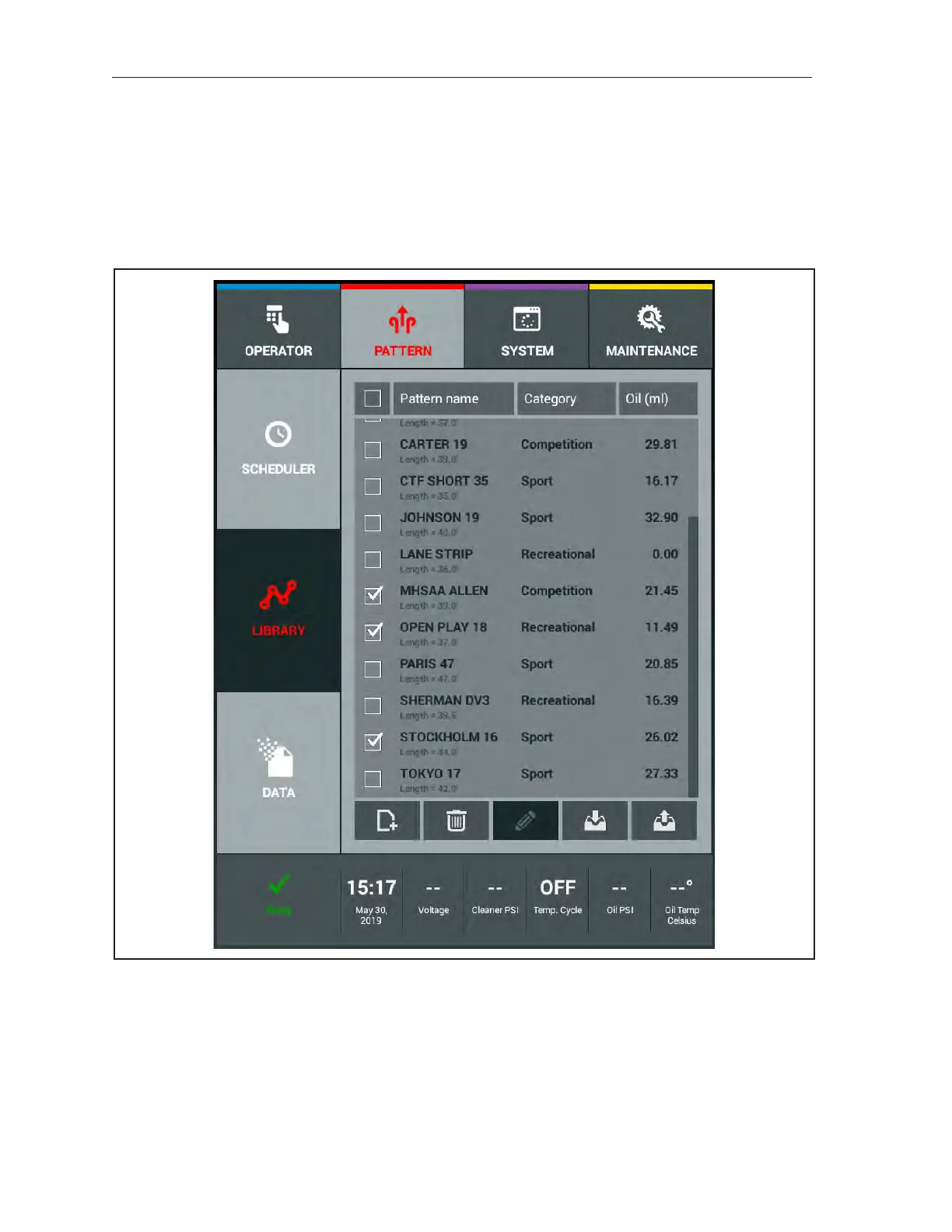
2. Select the patterns you wish to export to your Private cloud account by checking the boxes to
the left of the pattern name. Refer to Figure8-9.
Figure8-9.SelectingPatternsForCloudExport



 To Next Page