184 MAX Operation & Service Manual184 Section7:Troubleshooting MAX Operation & Service Manual
MAINTENANCE MESSAGES
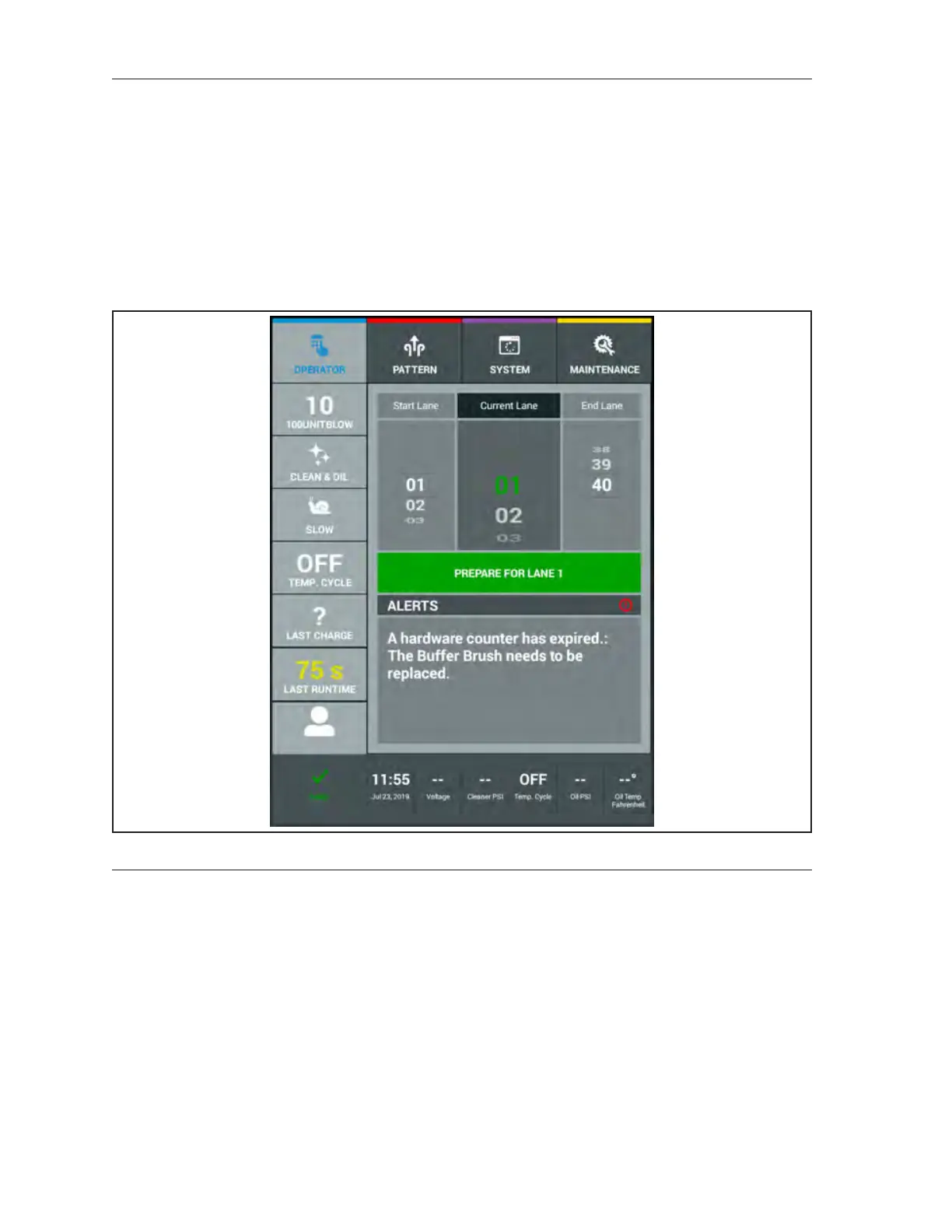
Maintenance messages, as detailed in Table 7-15 and also addressed in section 4, tell you when a
consumable part has reached its usage limit. We recommend you perform the necessary maintenance
as soon as the message occurs. You can, however, override the message if necessary. For example: until
you have completed all lanes. All maintenance messages will be displayed as Alerts.
To override a maintenance message, press the handle button. The message continues to display each
time the machine is prepared for operation, until the maintenance is completed and the counter is reset.
Once you have checked or replaced the part, reset the counter in the “Counters” screen of the
Maintenance menu. Navigate to the expired counter reset and press “Reset.” Refer to
Figure7-20.
Figure7-20.MaintenanceMessages
Quick-list of Maintenance Counters
Buffer Lanes 29,200 lanes
Squeegee Lanes Replace 14,600 lanes
Duster Lanes 1,000 lanes
Oil Filter Lanes 14,600 lanes
Cleaner Filter Lanes 1,200 lanes
Spin-On Filter Lanes 29,200 lanes
Absorbent Wiper Lanes Replace 5,000 lanes
Drive Motor Hours 5,000 hours
Vacuum Motor Hours 500 hours
Lithium Battery 1,600 cycles (approximately 4 years in a 40 lane center
Lane Length and Runtime As Needed
Lanes Per Stop As Needed



 To Next Page