MAX Operation & Service Manual 181MAX Operation & Service Manual Section7:Troubleshooting181
WARNING AND ALERT MESSAGES
Warning messages appear when certain parameters are incorrect for proper operation. Maintenance
messages are warning messages generated by counters that track when wearable parts have reached
their usage limits covered in section 6.
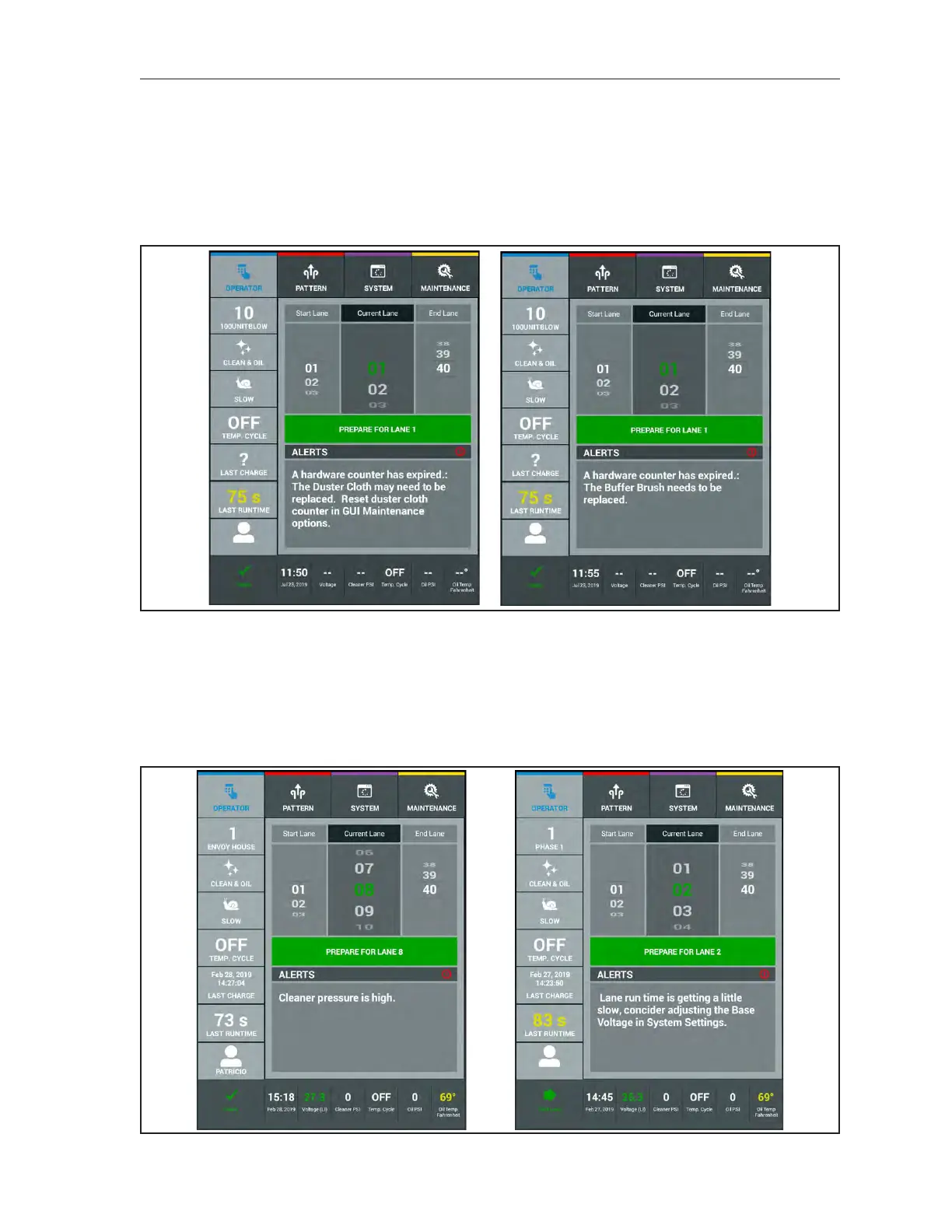
The images in Figure 7-17 are examples of maintenance messages the Tablet may display when a
hardware counter has expire.
Figure7-17.TabletMaintenanceMessages
Alert messages appear during operation and inform you when a function is slightly out of the parameter
range. These messages are used to keep you informed of changes so you can make an adjustment to
a function before it becomes a larger issue, If Alerts are neglected they can become an error that can
affect your conditioner pattern or stop operation of the lane machine. It is recommended to address
alerts to maintain proper operation of the lane machine. Refer to Figure 7-18.
Figure7-18.AlertMessages



 To Next Page