208 MAX Operation & Service Manual208 Section8:LaneMaintenanceandPatternDesignTheory MAX Operation & Service Manual
Importing Patterns From Your Private Cloud Account
Patterns can be imported from your cloud account in the event it is deleted on the tablet or if it is a
replacement tablet.
1. Go to your Pattern menu and select “Library” to access your patterns. Refer toFigure8-5.
2. Select the Import button on the tablet screen and select “Private” when the message appears.
Refer to Figure8-3.
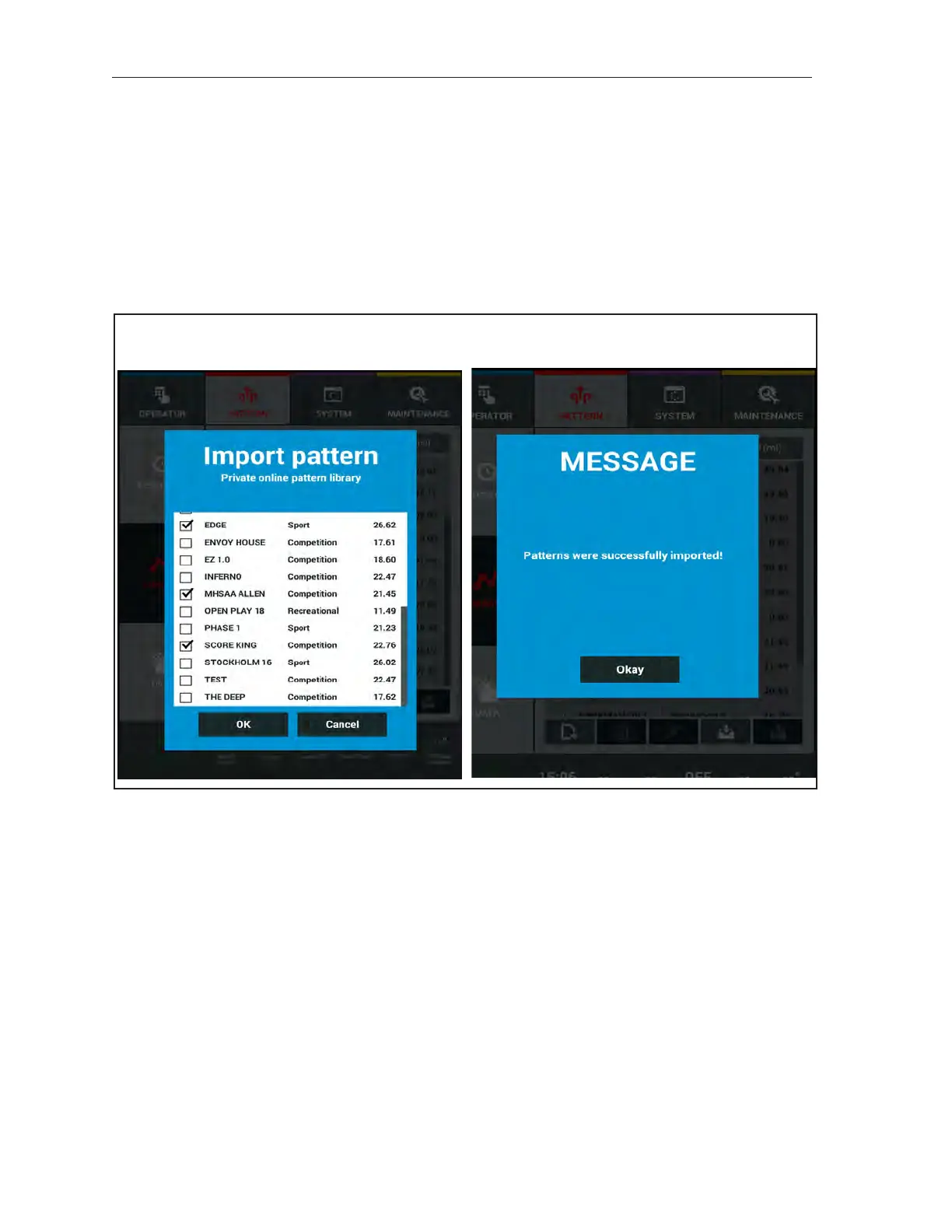
3. Select the pattern(s) you wish to import by checking the box to the left of the pattern name.
When all patterns are selected, press OK. Refer to Figure 8-11.
Figure8-11.ImportFromPrivateLibrary



 To Next Page