MAX Operation & Service Manual 57MAX Operation & Service Manual Section4:UnderstandingTheTabletInterface57
System Security
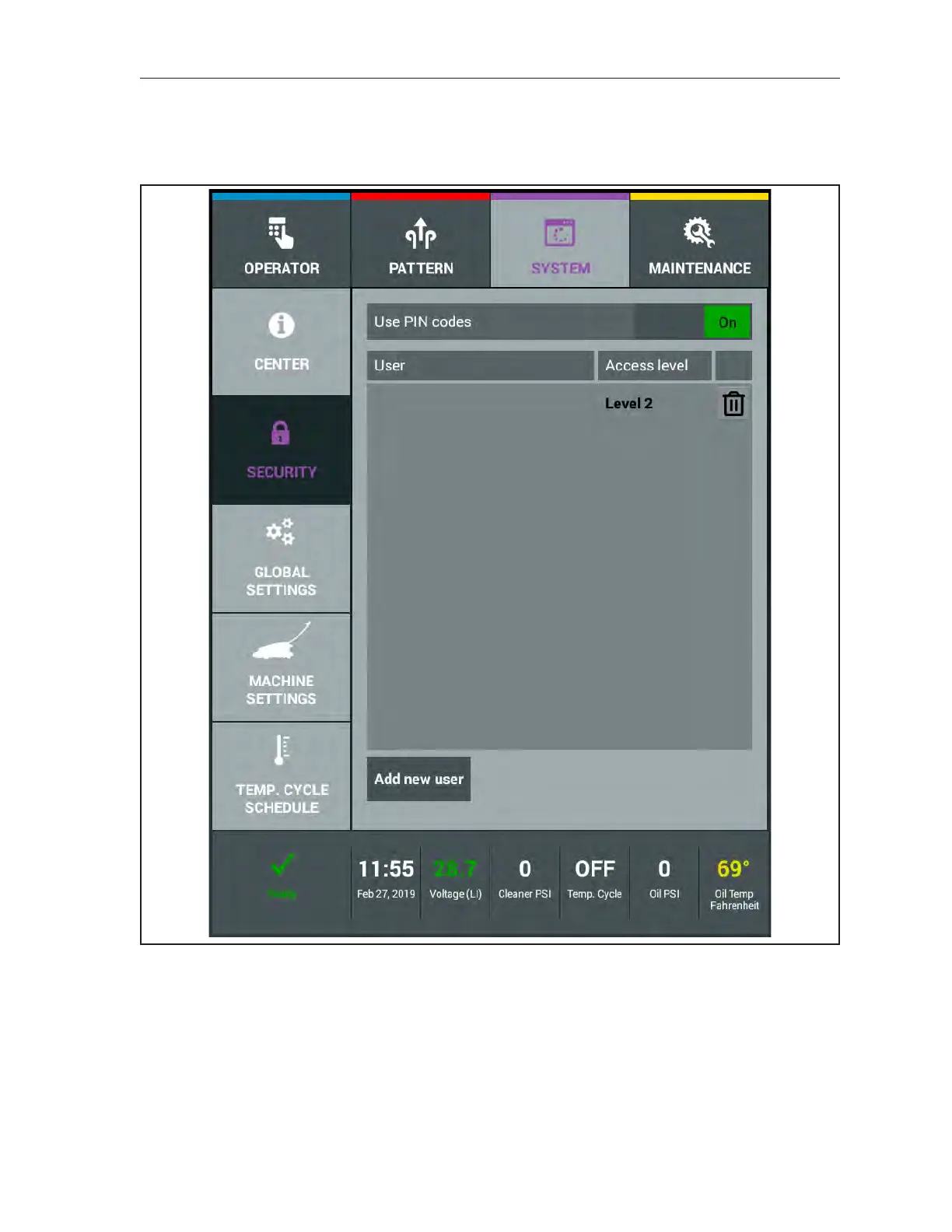
The security screen allows you to protect information and settings in the machine from unwanted
changes. There are three levels of access to choose from that limit which operators have access to what
information. Refer to Figure4-27.
Figure4-27.SystemSecurity
Operator level allows those users to only operate the machine and does not allow them into the Pattern,
System, and Maintenance menus. An Operator level user cannot override any functions in the Operator
menu.
Level 1 user has access to override patterns and certain parameters in the operator screen. This
level user can also access the Maintenance menu for troubleshooting purposes.
Level 2 users have full access to every menu and every screen. This person is typically the
mechanic or center manager.



 To Next Page