MAX Operation & Service Manual 53MAX Operation & Service Manual Section4:UnderstandingTheTabletInterface53
Managing Machine Data
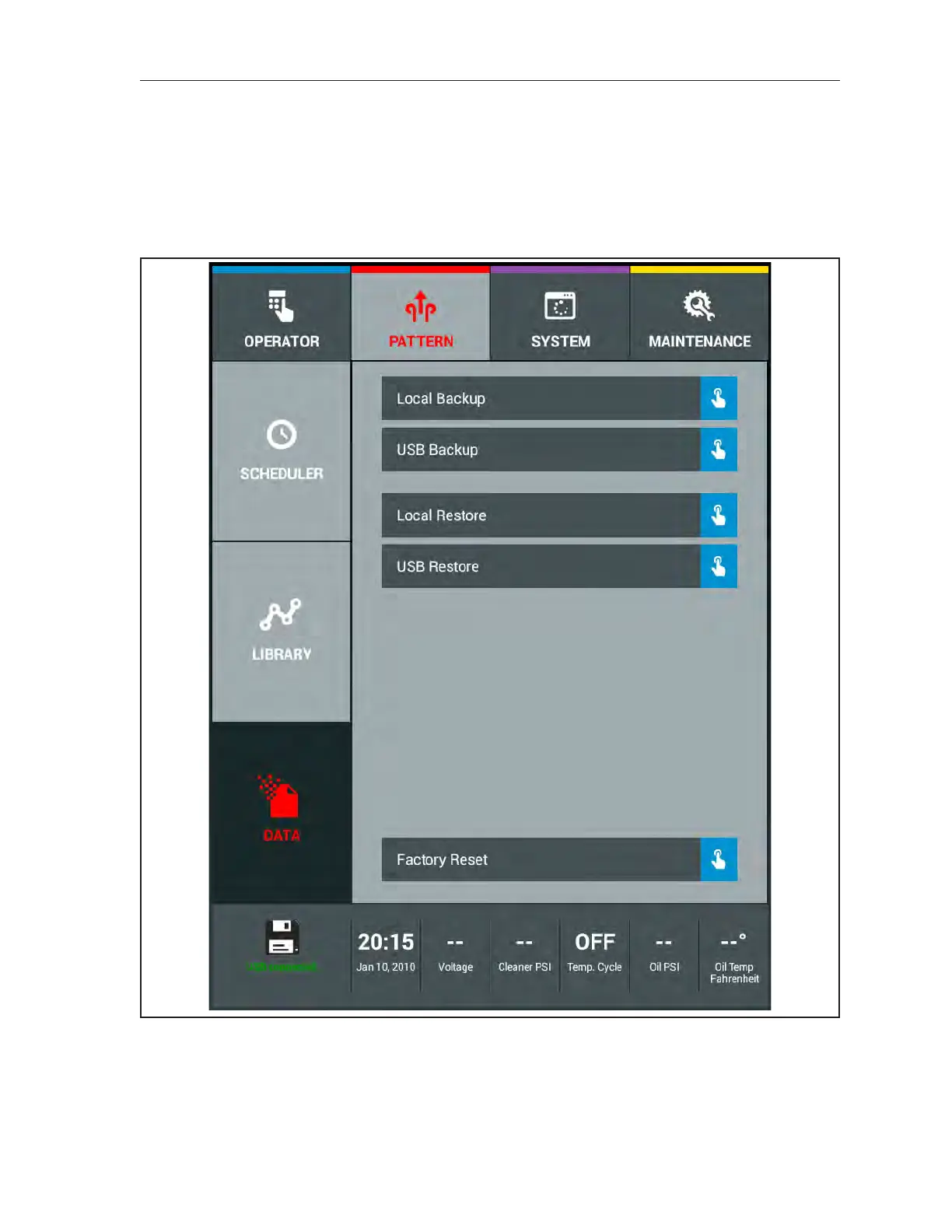
There are multiple ways to maintain the lane machine data. Lane machine data consists of machine
settings such as System Center Information, Security, Global and Machine settings, and Conditioner
selection. A backup will also contain the machine’s Log Files. You can create a “Local Backup” to the
tablet or a “USB Backup” to store on a computer. You may also restore the data as a “Local Restore” or
a “USB Restore. A “Factory Reset” can be performed if you want all your settings back to the factory
default values. Refer to Figure4-25.
Figure4-25.BackupandRestoreMachineData



 To Next Page