58 MAX Operation & Service Manual58 Section4:UnderstandingTheTabletInterface MAX Operation & Service Manual
To Set Up Security
1. Navigate to the System menu and select the Security option
2. Turn the Security ON by tapping next to or sliding the green switch to the ON position.
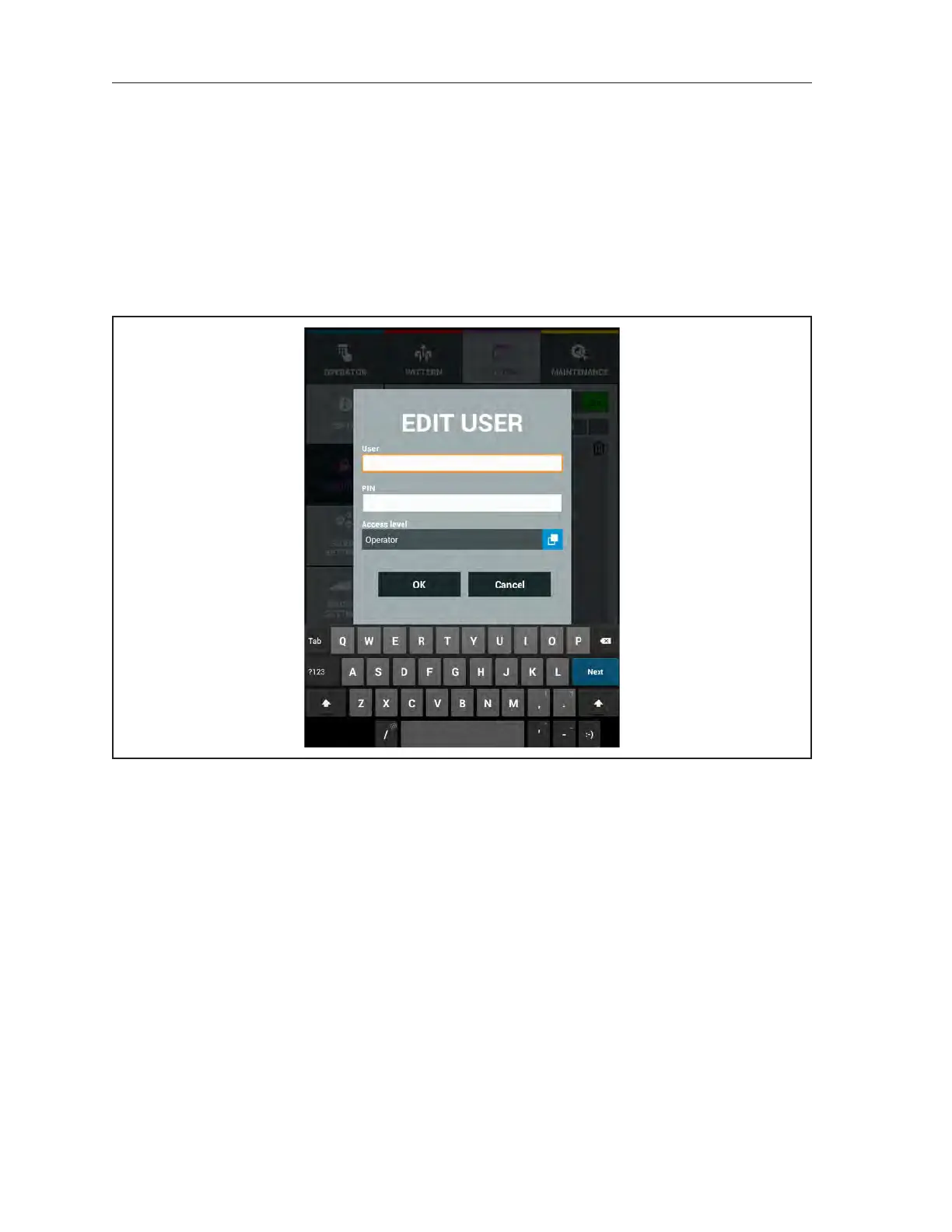
3. Select “Add User” at the bottom of the screen. Refer to Figure4-28.
4. Select the “User Name” and allow the user to enter in his or her name.
5. Select the “PIN” eld for the user to enter in their Personal Identication Number.
6. Select the level of access for that user then press OK.
Figure4-28.SecurityAdd/EditUser



 To Next Page