168 MAX Operation & Service Manual168 Section7:Troubleshooting MAX Operation & Service Manual
PREDICTIVE ANALYTICS
The MAX software utilizes Predictive Analytics that monitors operations of the lane machine. The
monitoring of systems and functions allow the machine to notify you if something is changing. Alerts
messages are low level warnings informing you what to look for and what adjustments you can make.
The alerts appear in the Operator screen while you are maintaining lanes. Predictive analytics will
inform you that the machine is traveling a little slower than expected, or that the cleaner pressure is
slightly out of range. This information allows you to be proactive at resolving potentially larger issues
and affecting the performance of the machine. See Warning and Alert Messages later in this section.
ERROR MESSAGES
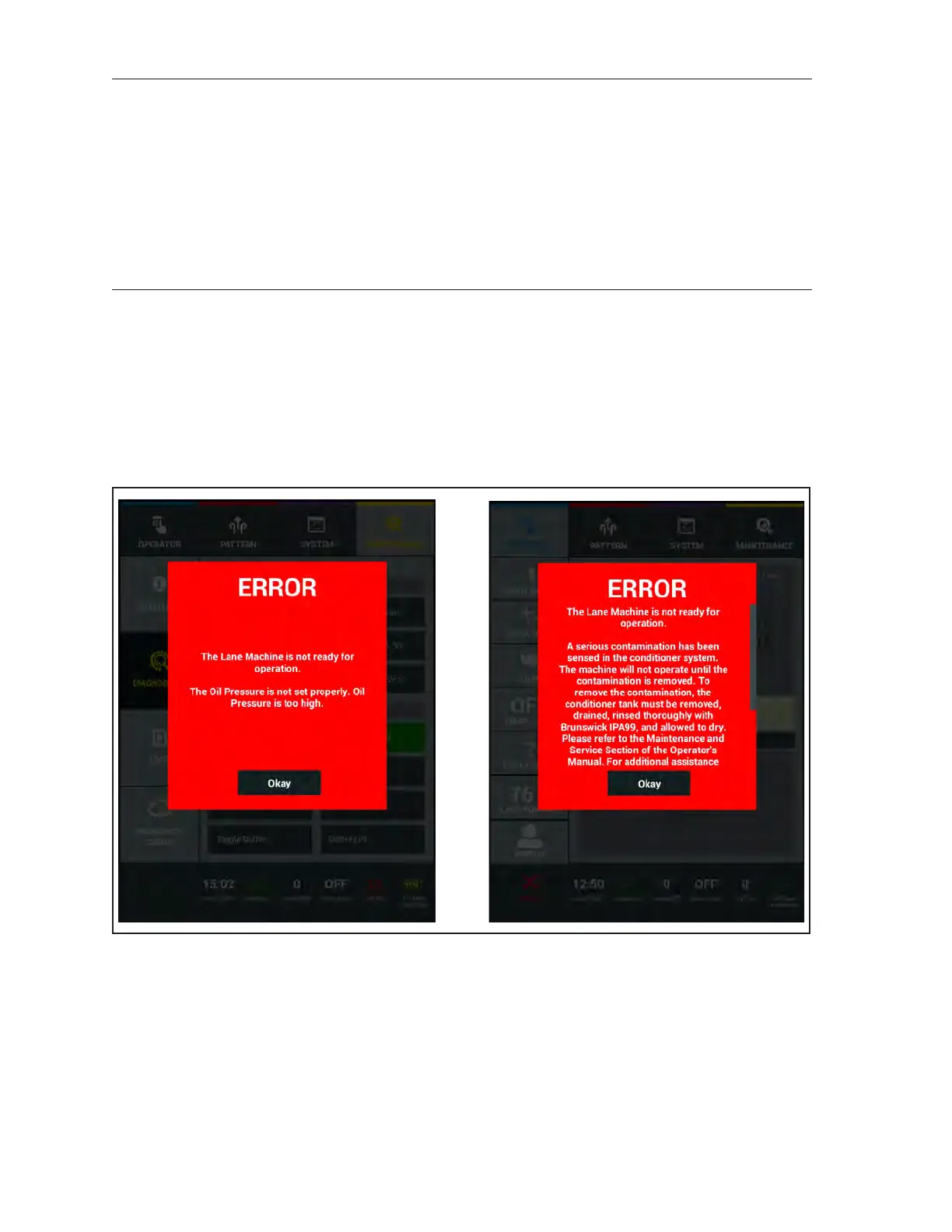
Error messages appear on the Tablet if the lane machine fails during preparation or operation. Some
errors allow you to continue operation. Some require immediate attention, especially those that affect
the consistency and performance of a conditioner pattern. In such cases, you may need to recondition a
lane after correcting the error.
The images in Figure 7-15 are examples of possible error messages the Tablet may display during
preparation.
Figure7-15.ErrorMessages-Preparation



 To Next Page