60 MAX Operation & Service Manual60 Section4:UnderstandingTheTabletInterface MAX Operation & Service Manual
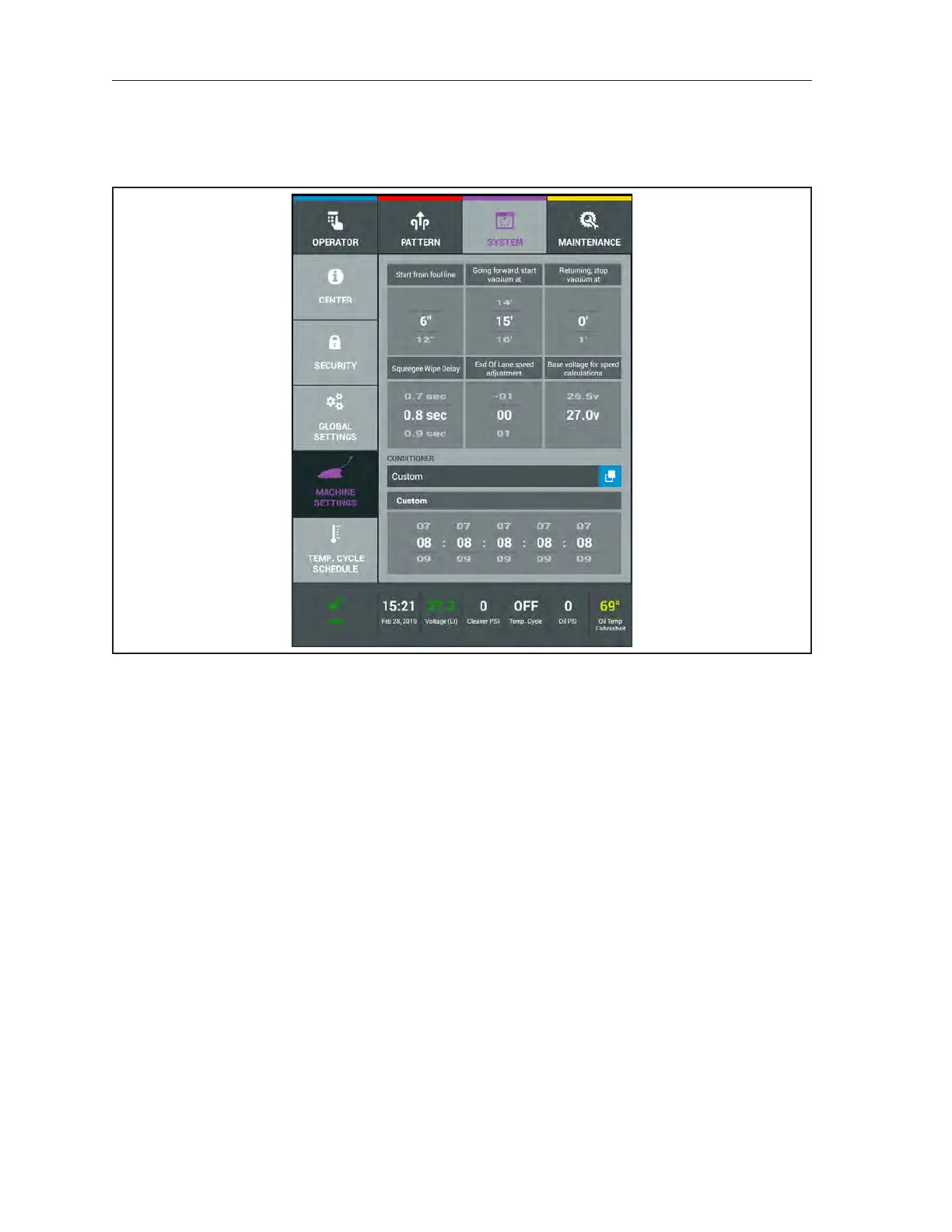
System Machine Settings
The Machine Settings allow the user to ne tune machine parameters like how the vacuum is used
and where functions begin in relationship to the foul line. The user can also adjust how the squeegee is
raised at the end of the lane and selecting the type of Conditioner being used. RefertoFigure4-30.
Figure4-30.SystemMachineSettings
Changing the Start From Foul Line
1. Go to the System menu and select Machine Settings.
2. Swipe the scroll wheel either up or down to select the default starting distance from the foul
line that the oil pattern will begin. Distances are in 6 inch increments with 6 inches being the
minimum (12, 18, 24 are additional options).
3. Exit to another menu to save changes.



 To Next Page