32 MAX Operation & Service Manual32 Section4:UnderstandingTheTabletInterface MAX Operation & Service Manual
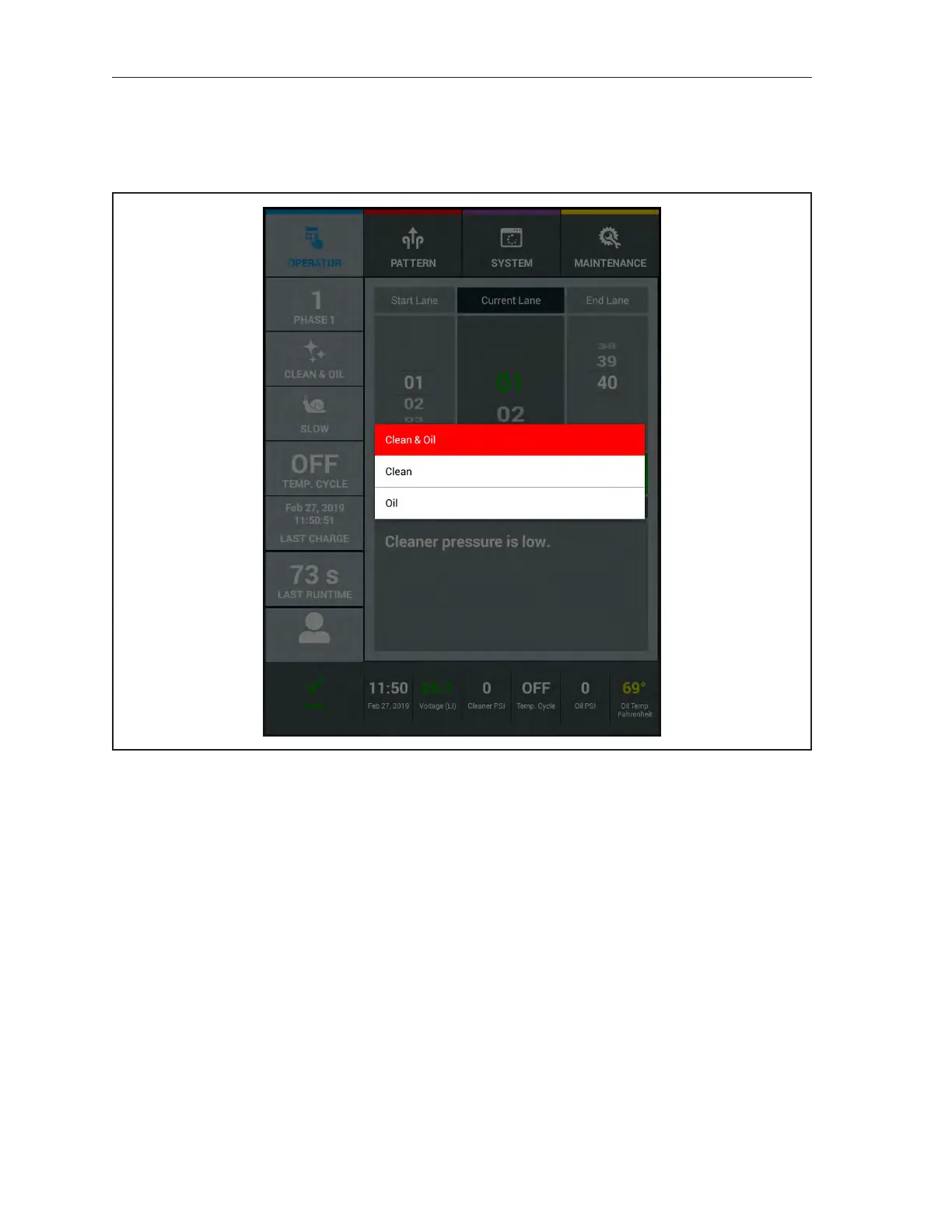
Mode Override
Allows you to see the mode in which the machine is operating. There are three modes to select from.
Clean&Oil,Clean(only),andOil(only). To override the “default” mode for this session select the
Mode Option. Refer to Figure4-5.
Figure4-5.ModeOverride



 To Next Page