46 MAX Operation & Service Manual46 Section4:UnderstandingTheTabletInterface MAX Operation & Service Manual
Managing Patterns
It is important to dene the different ways to manage the conditioner pattern data. There are 2 ways to
transfer patterns. The “USB” drive and the “Brunswick Cloud”.
Using a USB to Import and Export Patterns
Patterns can be transferred using a USB memory stick or thumb drive for the purposes of saving them
to the Pattern Manager PC software or to share them with others. The USB can also be used to add
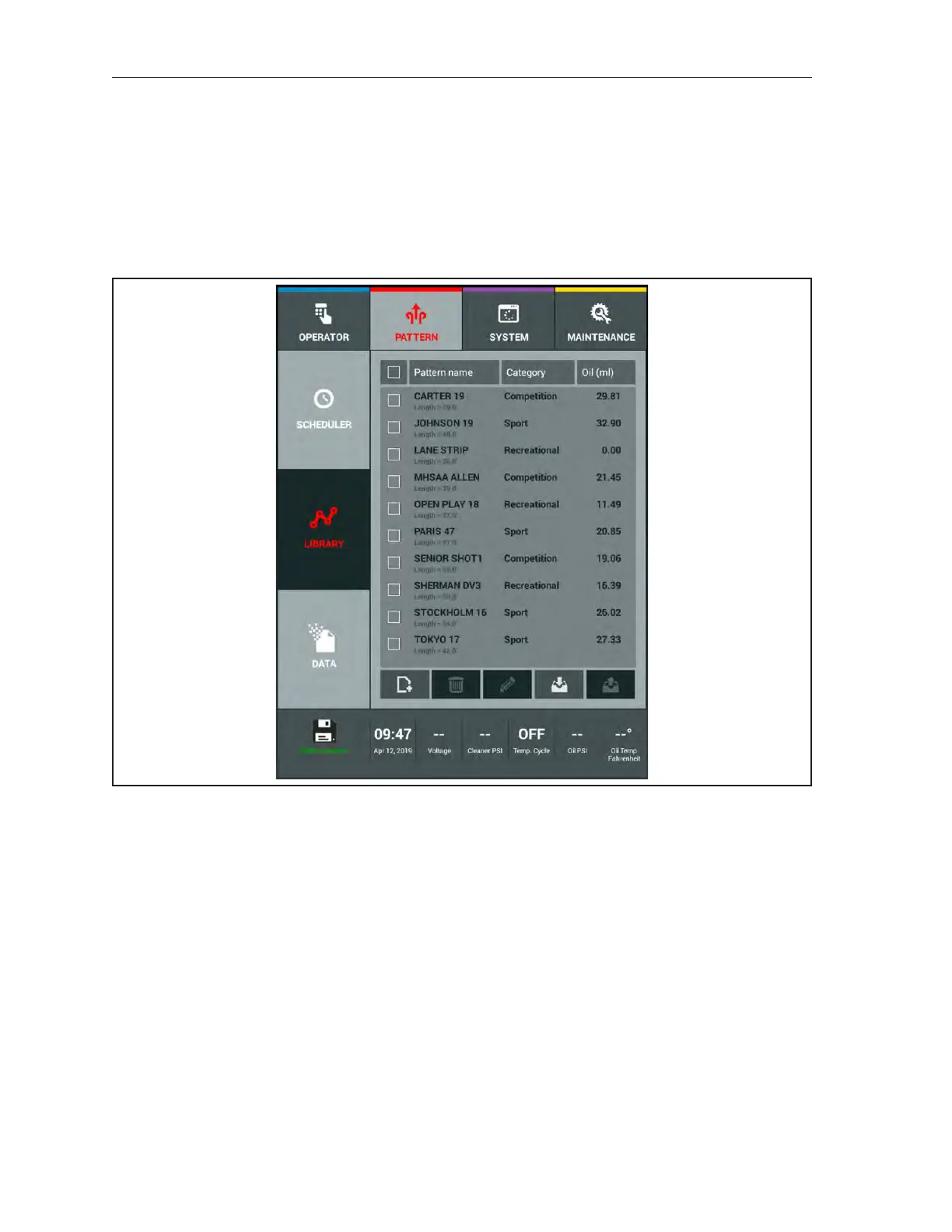
patterns to your tablet’s Pattern Library. Refer to Figure 4-15
Figure4-15.USBConnected



 To Next Page