MAX Operation & Service Manual 47MAX Operation & Service Manual Section4:UnderstandingTheTabletInterface47
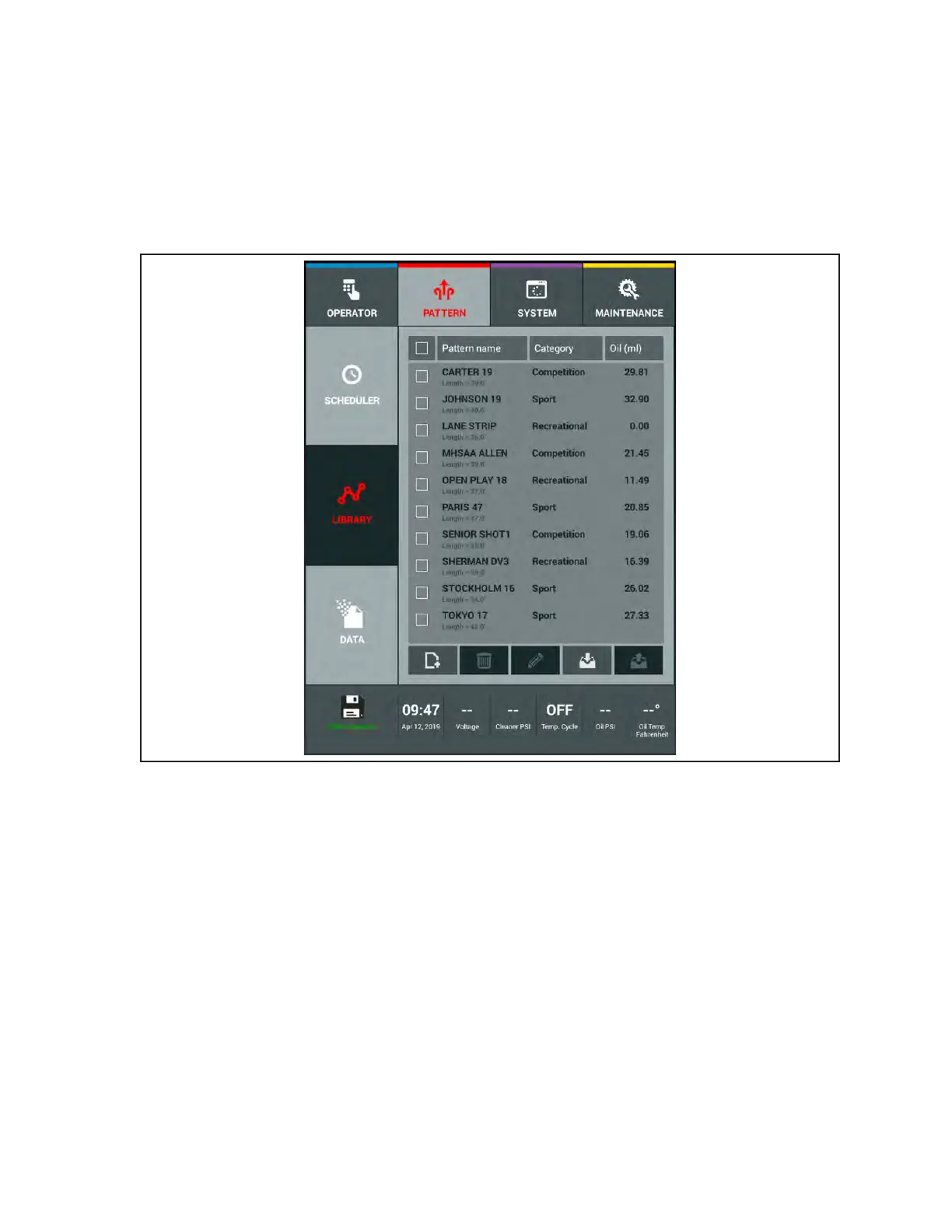
Importing Patterns from a USB Drive
1. Insert the USB into the USB port towards the top right corner of the tablet.
a. The bottom left corner “lane machine status” icon will change when the USB connects to
the tablet.
2. Touch the lighted “Import” button on the tablet.
3. A directory of le folders on the USB will open. Refer to Figure4-16.
Figure4-16.USBDirectory



 To Next Page