MAX Operation & Service Manual 27MAX Operation & Service Manual Section4:UnderstandingTheTabletInterface27
How to Navigate
Simply touch a button on the Menu Bar or Menu Options column on the left side of the screen. Upon
touching the screen, you will be taken into that Menu or Option. To exit an Option, press anywhere on
the tablet screen. To exit a Menu, select another Menu. You may also press “OK”, “Cancel” or “Exit”
when prompted.
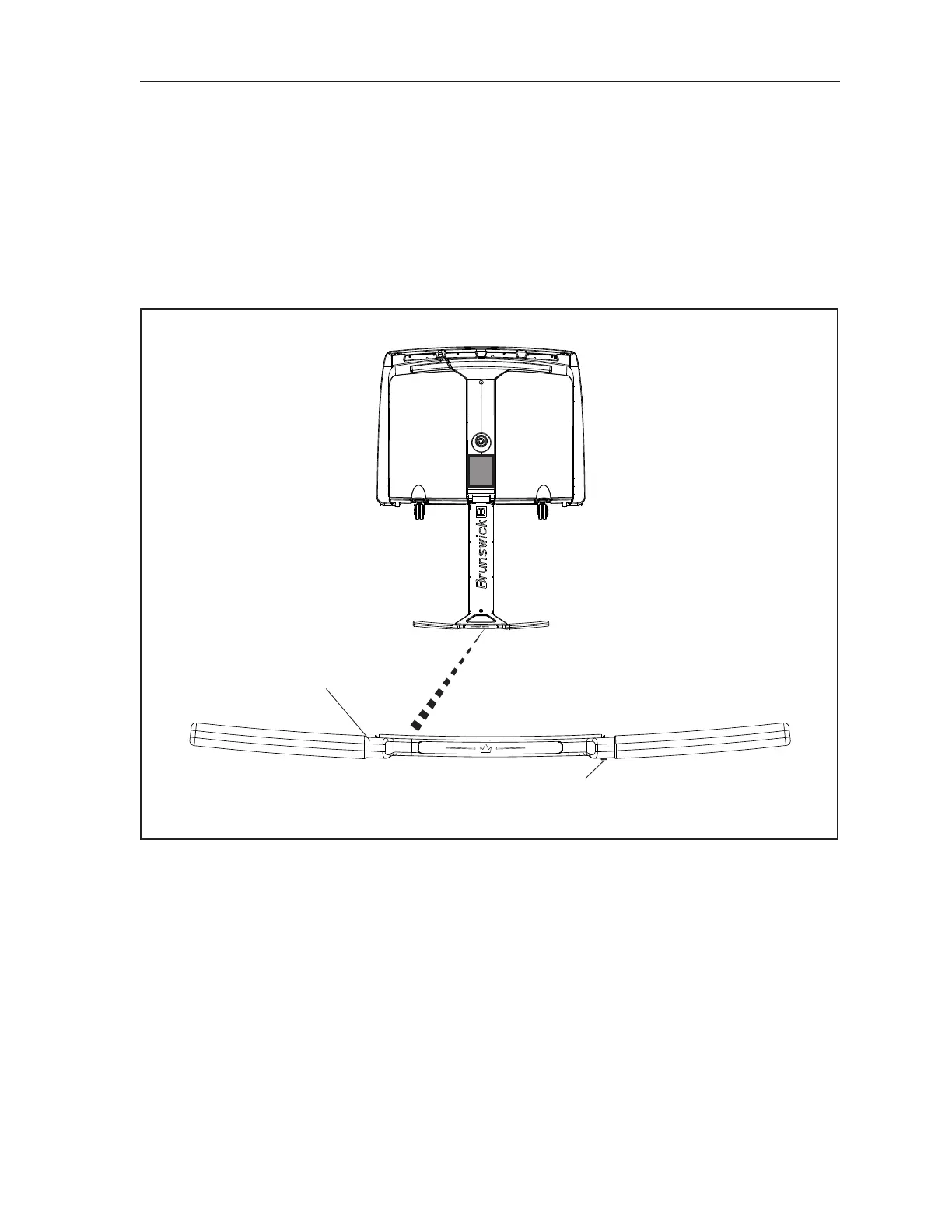
Handle Controls
A “GO” or “OK” button is located on the right side of the handle. It is used to prepare and run the lane
machine. In some instances, it can be used to conrm error messages. Refer to Figure4-2.
(1)
(2)
Figure4-2.HandleControls
(1) OPERATOR HANDLE
(2) OK BUTTON



 To Next Page