MAX Operation & Service Manual 33MAX Operation & Service Manual Section4:UnderstandingTheTabletInterface33
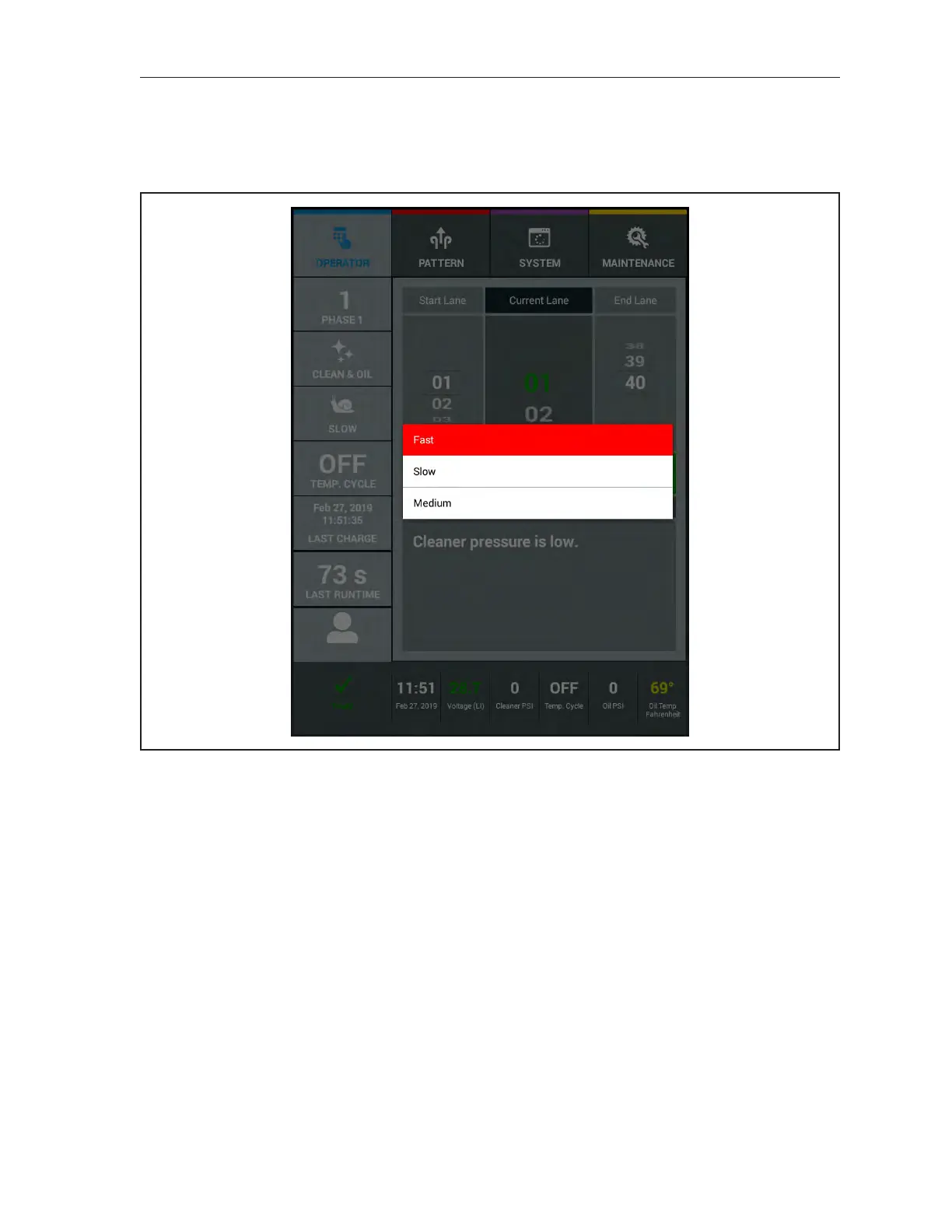
Forward Travel Speed Override
Allows you to see the “default” forward travel speed of the current conditioner pattern. There are three
speeds to choose from. Fast,Medium,andSlow. To override the default speed, touch the Speed Option
and select the travel speed for this session. Refer to Figure4-6.
Figure4-6.SpeedOverride



 To Next Page