MAX Operation & Service Manual 19MAX Operation & Service Manual Section 2: Getting to Know the MAX 19
MAX Tablet Interface
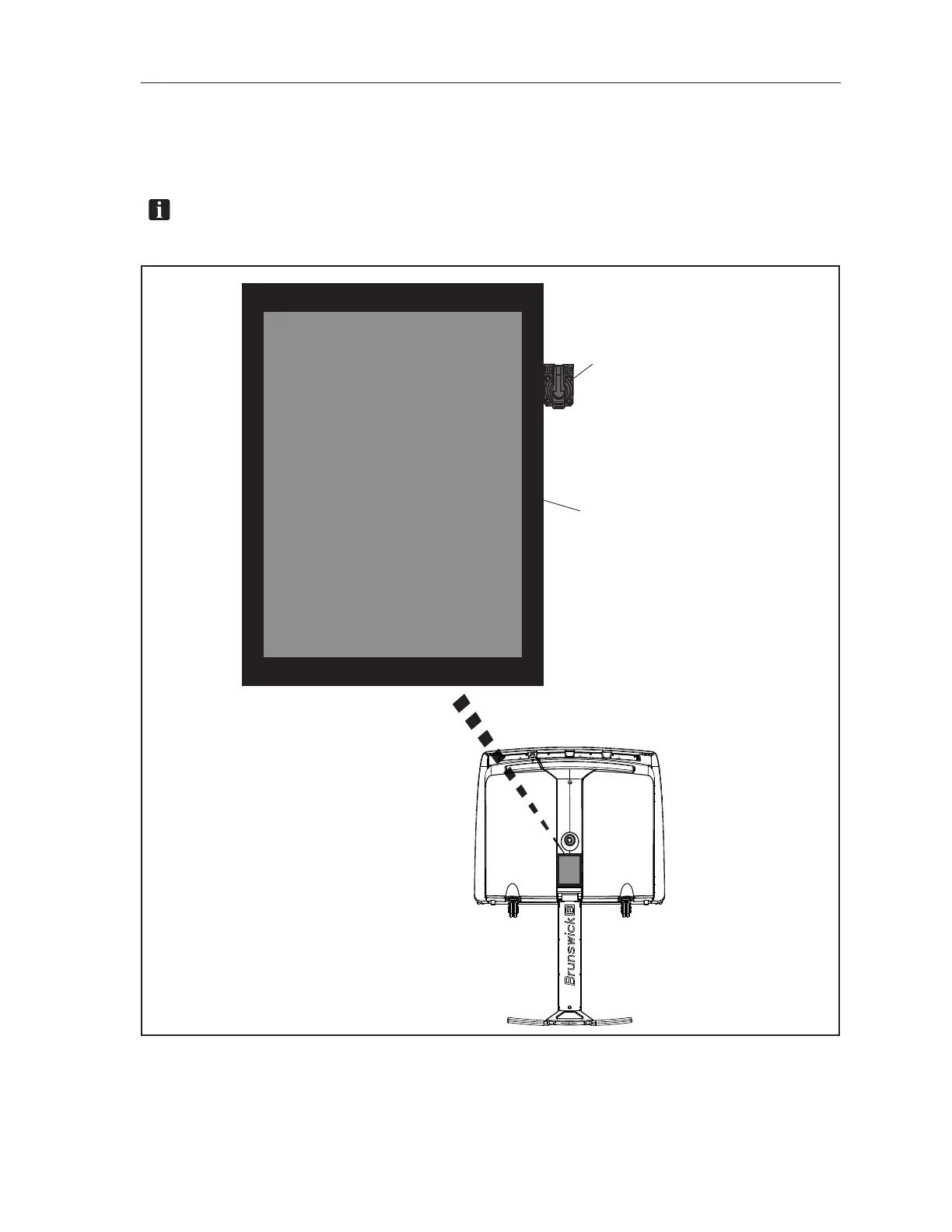
The Tablet lets you monitor the machine’s operation while you use it. It also alerts you to maintenance
needs, tells you about past service records, gives access to conditioning programs, and much more.
Refer to Figure 2-5.
NOTE:FordetailedinformationonusingtheTablet,seeSection4:“Understanding the Tablet
Interface”.
Figure2-5.TabletInterface
(1) TABLET INTERFACE
(2) USB CONNECTION



 To Next Page