MAX Operation & Service Manual 63MAX Operation & Service Manual Section4:UnderstandingTheTabletInterface63
System Temperature Cycle Scheduler
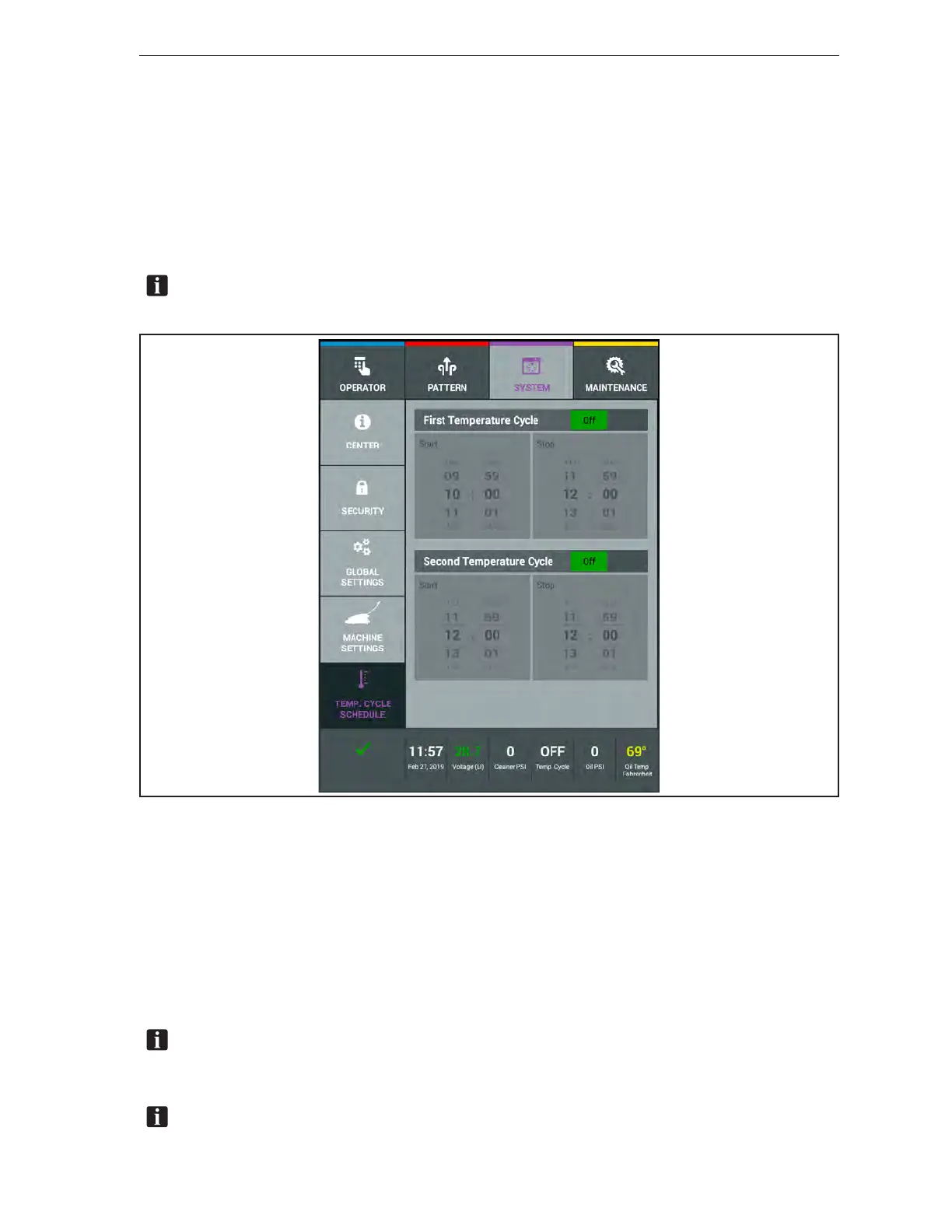
The scheduler for the temperature cycle will allow you to automatically turn the conditioner heat
cycle ON and OFF at specic times each day of the week. This will allow for the conditioner to be
at a consistent temperature when applied to the lane surface. Since this feature adds to the power
consumption of the machine, IT IS RECOMMENDED THAT YOU SCHEDULE THESE CYCLE
TIMES TO BE ON PRIOR TO CONDITIONING THE LANES – while the battery charger is still
connected. This will use the batter charger power to heat the conditioner. During the conditioning cycle
on the lanes, the running of the conditioner pump is sufcient to maintain the conditioner temperature
without using the heater feature. Refer to Figure4-31.
NOTE:AcautionwillappearontheTabletneartheTemperatureCycleBoxifyoucontinueto
leavetheTemperatureCycleONwhileconditioningthelanes.
Figure4-31.SystemTemperatureCycleScheduler
Setting the Temperature Cycle
1. Go to the System menu and select the Temperature Cycle selection.
2. Turn ON the First Temperature Cycle.
3. Swipe the scroll wheel up or down to set the Start time.
4. Swipe the scroll wheel up or down to set the Stop time.
5. Repeat steps 2-4 if you wish to also use the Second Temperature Cycle option.
NOTE:TheconditionerTemperatureCyclecanberunwhiletheMAXisinthetransport
position.Thisfeaturewasaddedtoallowtheconditionerheatcycletobeusedwhilethebattery
chargerisstillconnectedtothemachine.
NOTE:TheconditionerTemperatureCyclecanalsobemanuallychangedbetweenONand
OFFfromtheOperatorsScreen.



 To Next Page