44 MAX Operation & Service Manual44 Section4:UnderstandingTheTabletInterface MAX Operation & Service Manual
Modifying the Oil Levels of a Zone
1. Navigate to the board you want to change by touching that board with your nger or by using
the left and right arrows at the bottom of the screen.
2. Use the up and down arrow to increase or decrease the level of oil on that particular board.
3. To select multiple boards, move to the rst board in the set you would like to modify.
a. Press the “Lock” button and use the left or right arrow to move the second arrow to the end
of the board range you wish to change.
b. Use the up and down arrows to increase or decrease the level of oil on those specic
boards.
c. Press the “Lock” button if you wish to make more modications to additional boards.
4. Press OK when you have completed your changes and you will return to the Zone
Conguration screen.
NOTE: AsyouchangetheOilLevelsinazone,thecrosswiseratioandvolumewilllikely
change.
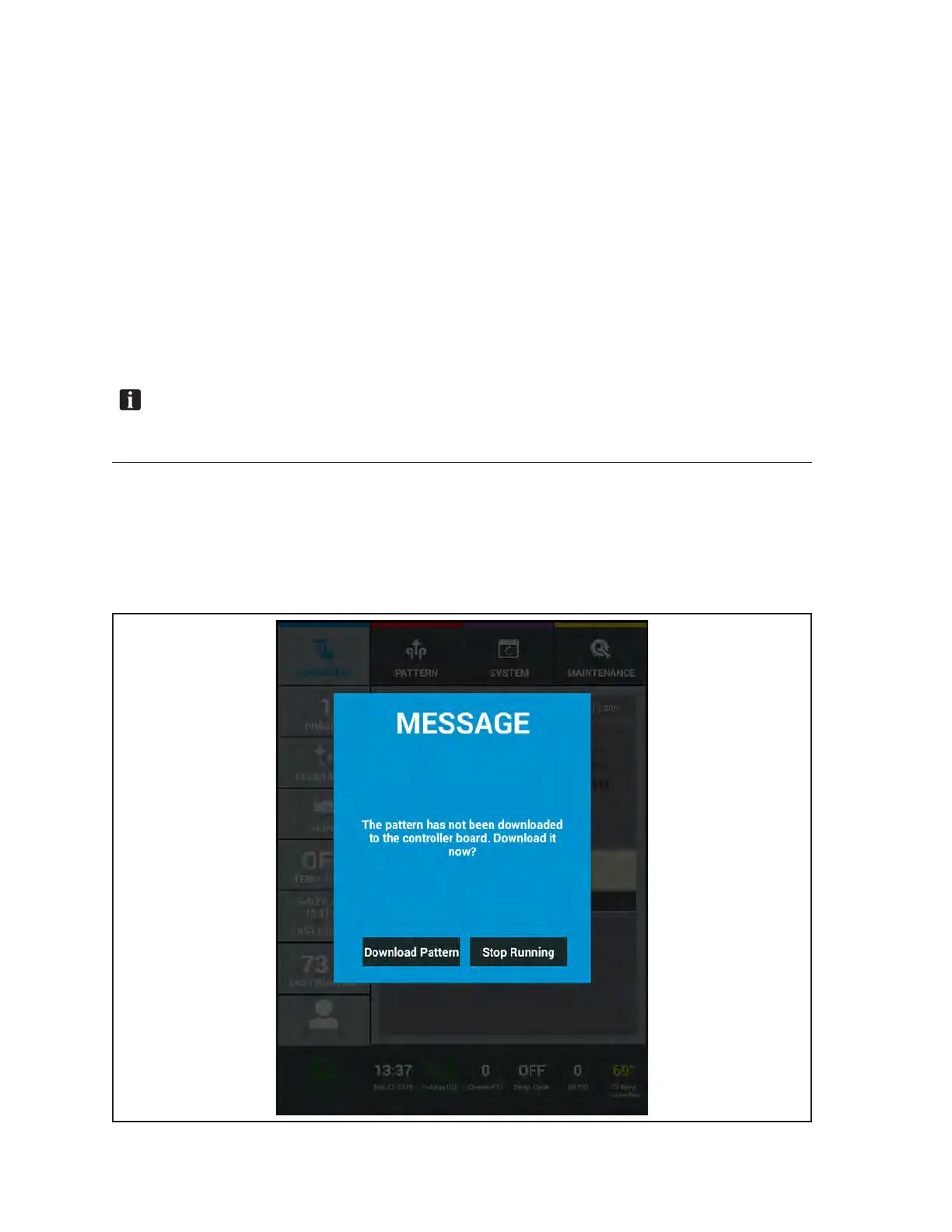
Pattern Download
Each time a conditioner pattern is modied, the Tablet is required to “download” the pattern data to the
machine control board inside the electronic enclosure before that conditioner pattern can be run on any
lane. The download message will appear when you “Exit” the “Zone Conguration” screen or if you are
in the operator screen and a pattern has not been downloaded since it was last modied. Refer to Figure
4-13.
Figure4-13.PatternDownloadMessage



 To Next Page